
Meetlead
Automations
Turn repetitive tasks into rules that respond to customer behavior.
Add bookings, AI knowledge and tools for your team. Connect the channels your customers use. Choose what fits your everyday work.
Explore apps
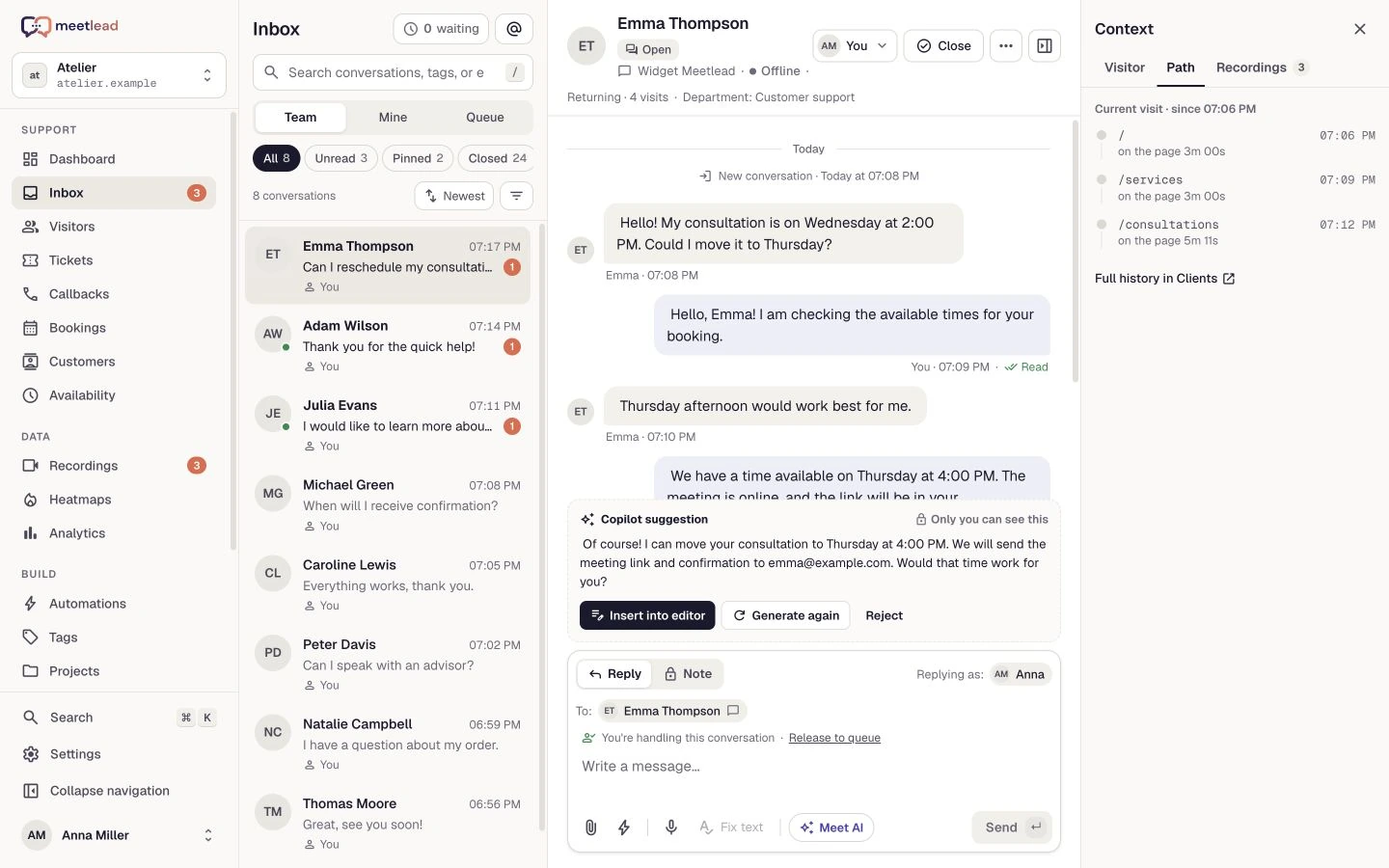
Meetlead apps and connections to external channels. See how they work and what you need to set them up.
Apps: 10 / 10
Turn repetitive tasks into rules that respond to customer behavior.
Bring your offerings, available times and bookings directly to your website.
Collect callback requests and assign them to the right person on your team.
 Integration
Reply to Facebook messages from your team’s shared inbox.
See where customers click and how far they scroll on your website.
 Integration
Bring messages from your professional account into your support workflow.
Support your team with Copilot or enable AI service grounded in your knowledge.
Turn conversations and session recordings into tasks, a backlog and sprints.
Talk to customers through their browser, without leaving the widget.
 Integration
Pair your website with a code and manage the widget from Meetlead.
Try another name or show all categories.
Availability depends on your plan, permissions and website configuration. The catalog in your panel shows which apps you can enable. Administrators manage installation and settings.
Compare plansEnable apps for a specific website. They stay close to conversations, knowledge and customer history.
Book a demoFree Starter plan. No credit card required.Explore the product in a demo tailored to your business.
Go to Apps in the panel. Check availability and the requirements for enabling your chosen module.
An administrator installs an available app and configures how it works. Modules with individual access require contacting the Meetlead team.
Check the form, conversation or rule on your own website. Enable the capabilities your team actually needs.