
Customer profile
Name, email, phone, company and custom attributes. Search, channel filters and export help you work with the right contacts.
Customers and team
Connect customer history with your team’s work. Contacts, departments, availability and multiple websites form the foundation of Meetlead.
Free Starter plan. No credit card required.Explore the product in a demo tailored to your business.

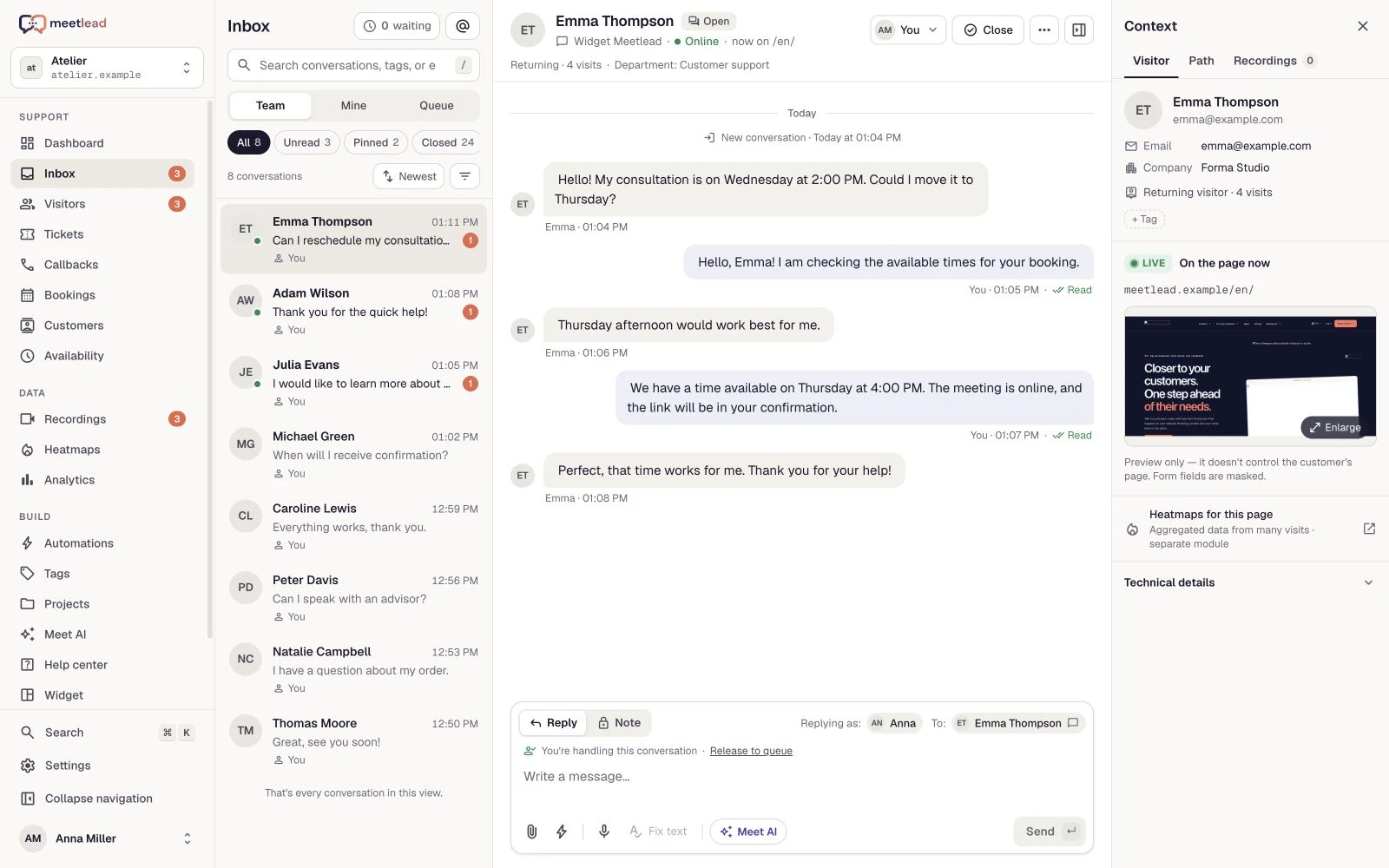
Customers should not have to start from the beginning.
Move from the customer profile to visits, conversations and tickets. See where they came from and what they explored before asking for help.
Name, email, phone, company and custom attributes. Search, channel filters and export help you work with the right contacts.
Visits, traffic sources, pages, events and links to recordings, conversations, callbacks or tickets on one timeline.
Signed identification connects a signed-in user’s visits within the website. Signing out ends access to that history.
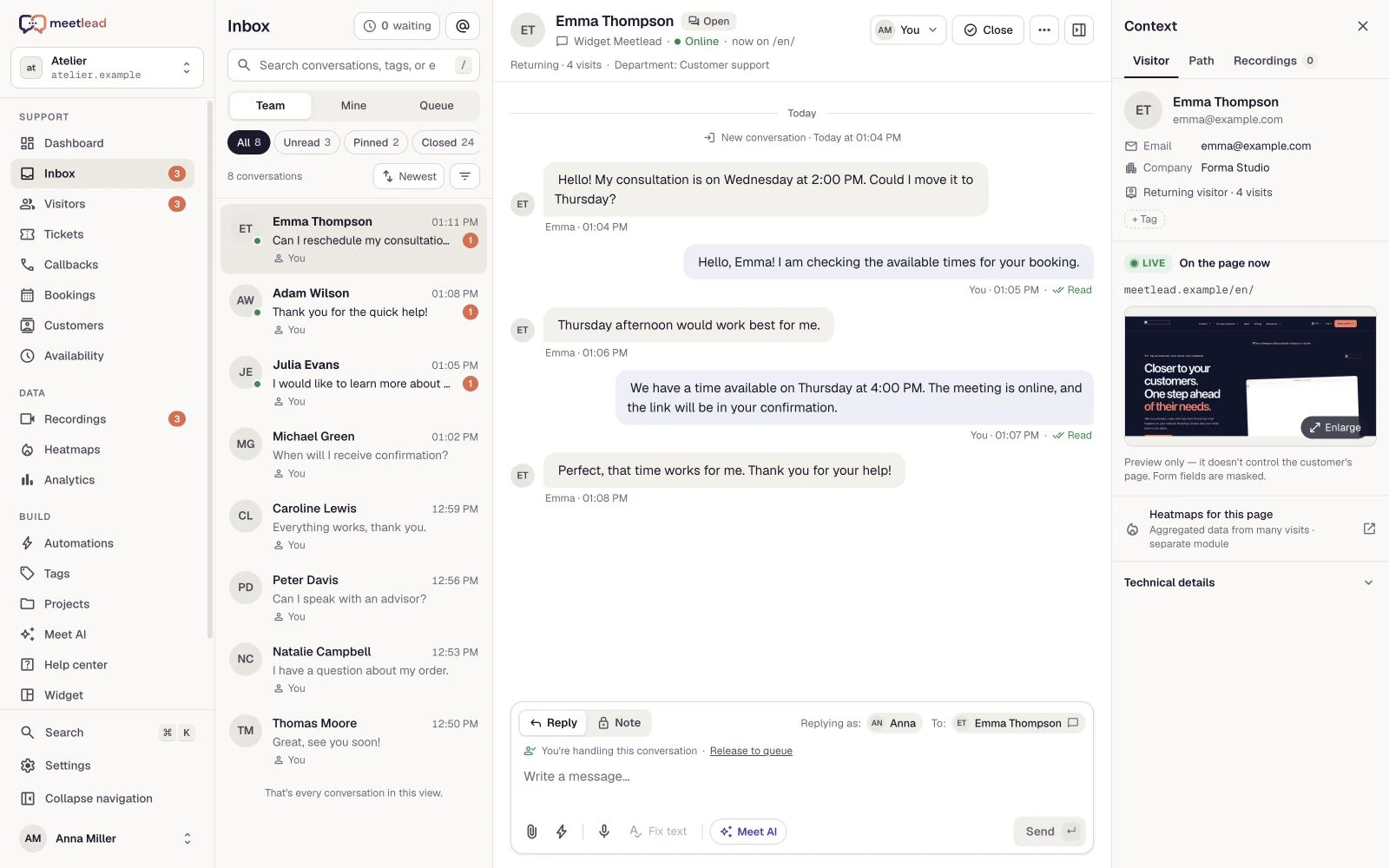
The customer list is an entry point to contact history. Use it to revisit a request, review questions from a particular channel or prepare a list for work outside Meetlead.
Search by name, email, phone, company or identifier. Contact details and custom attributes enrich the profile you return to for future requests.
Filter by Widget, Facebook Messenger or Instagram. A contact present across channels does not need duplicate entries in results; online status refers to the widget.
CSV export uses the same visible-contact scope as the list. Take the data into your agreed analysis or service workflow.
Invite teammates, define access and organize departments. Manual assignment and automatic routing fit into everyday inbox work.
Owners, admins, agents and analysts receive the appropriate access. Invitations define the workspace, role and permitted websites.
Distribute conversations in rotation or by workload. The inbox shows the department and operator, and teammates can update assignments manually.
Schedules, online status, internal notes, tags and saved views. Everyone knows who owns the issue and what happens next.
Availability, assignment and status describe different parts of the work. Use them together so the next teammate knows who is waiting, what was agreed and who takes over.
Set schedules and your own status. Department routing distributes conversations by the selected strategy, while manual assignment handles exceptions.
Add a note, tag the topic and transfer the conversation. Ticket status distinguishes ongoing work from resolved requests.
Team reports show workload, first response and resolution times. Read them alongside schedules and the kinds of requests the team handles.
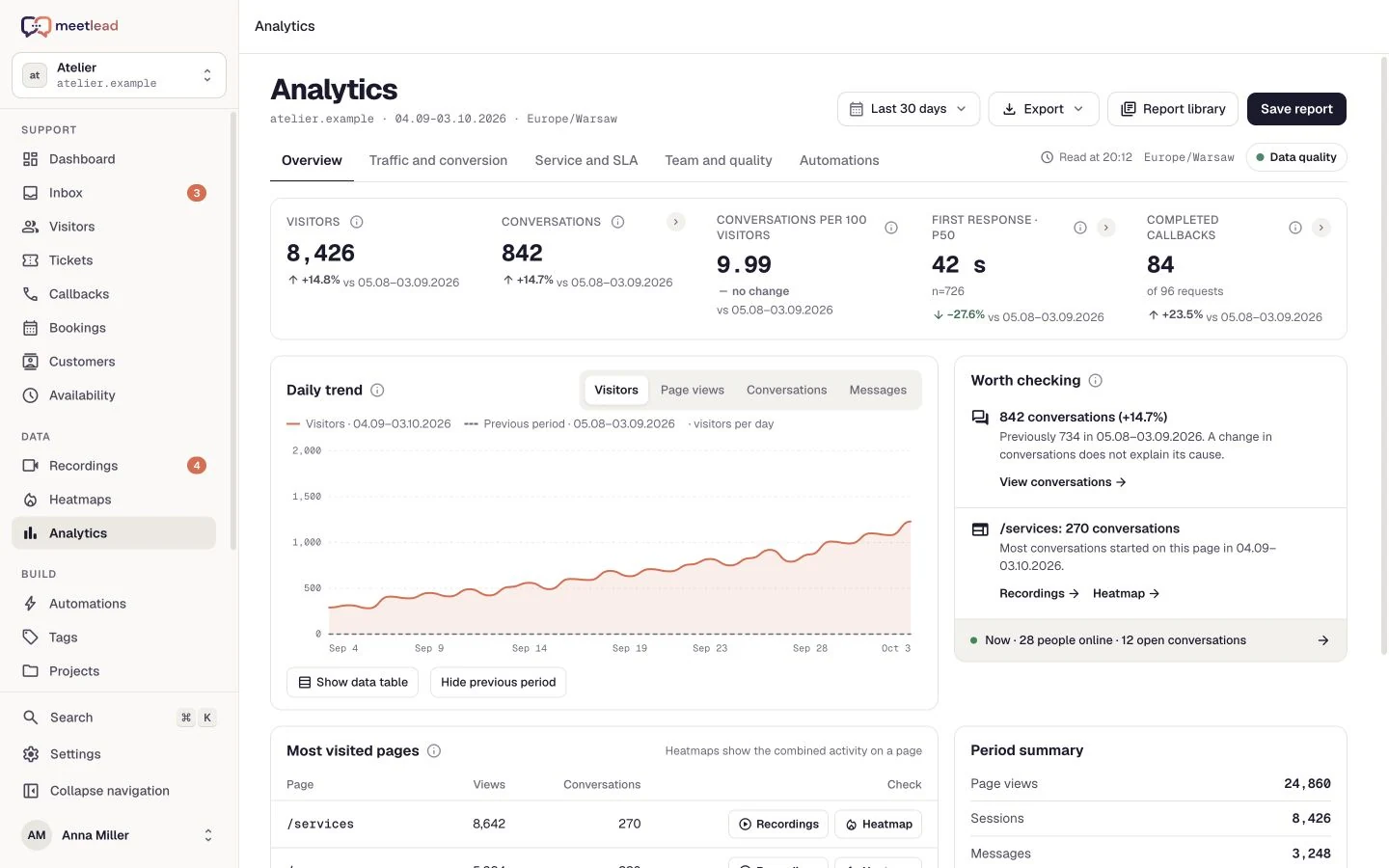
Each website has its own widget, customers, conversations and analytics. Your team and plan belong to the workspace, so you can grow without mixing data.
Switch websites deliberately. A contact’s history belongs to a specific website; profiles are not merged across brands.
Manage members, website access and plan usage within one workspace.
Add domains and your widget.
Set roles, access and departments.
Choose availability and conversation assignment.
No. The customer profile and history stay within a specific website, even when the user identifier is the same.
Yes. Departments support rotation or workload-based assignment, and you can reassign manually in the inbox.
Yes. The analyst role provides read-only access within its permitted scope, separate from operator work.
No. Linking a signed-in user’s history requires a correctly signed identifier from your website. The scope remains limited to one website.
Yes. An invitation defines the workspace, role and permitted websites. Match agent or analyst access to the work they need to do.
Create an account, add the widget to your website and start talking to customers. Add more capabilities as your team grows.Tell us about your team. We will show you the product and help you choose capabilities for the way you work.
Free Starter plan. No credit card required.Explore the product in a demo tailored to your business.