Customer support
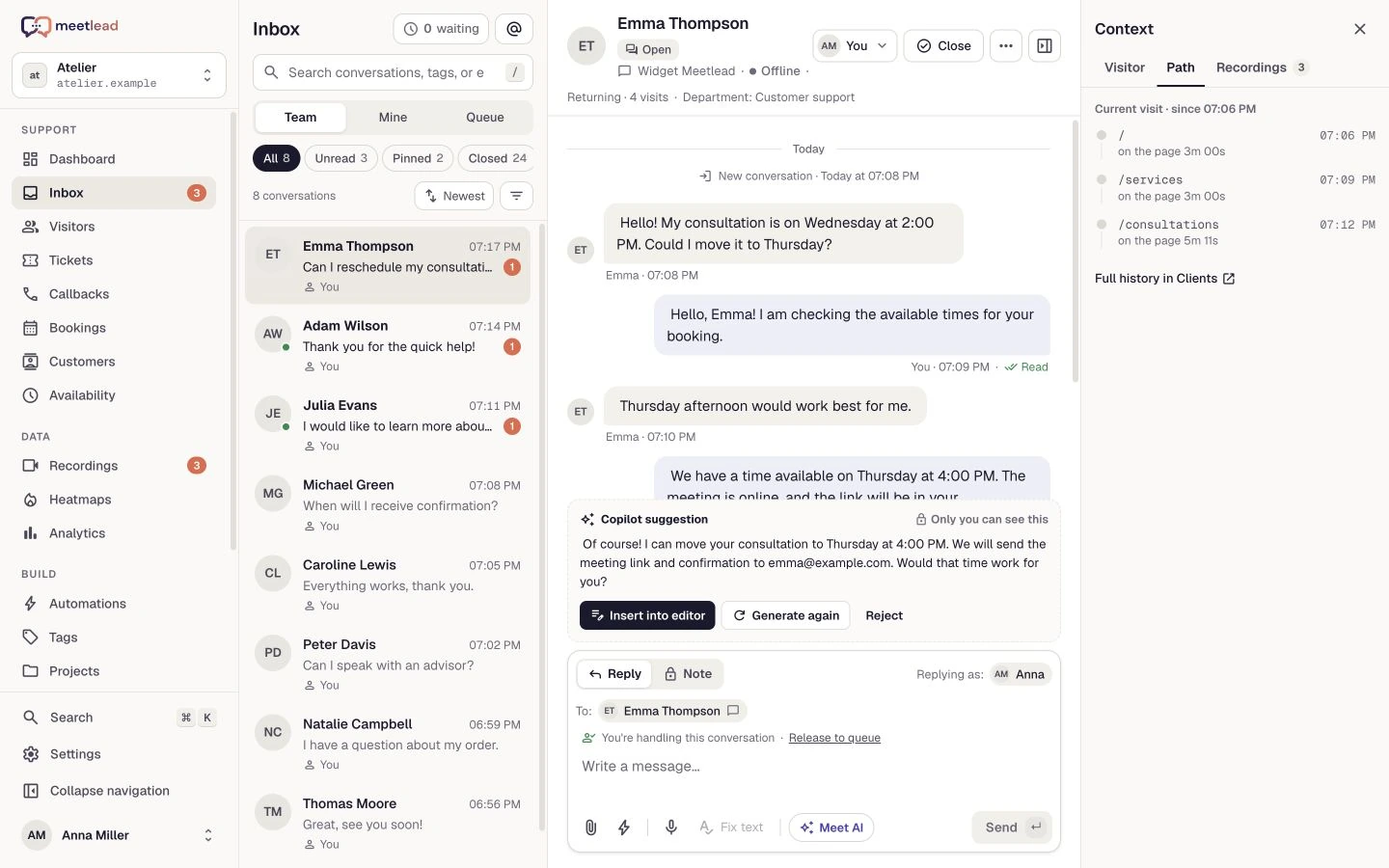
Manage customer conversations and requests with a shared history and clear ownership across your team.
- Live chat, Messenger and Instagram
- Tickets, notes, files and quick replies
- Assignment, departments, callbacks and customer help
The conversation, the visit and your team’s next step. Choose the capabilities you need and bring them into one way of working.
Free Starter plan. No credit card required.Explore the product in a demo tailored to your business.
Explore the areas below or search for a specific feature.
Feature areas: 10 / 10
Change your search or clear the filter.
From answering a question to improving your product. These are capability families within one platform; availability depends on your plan and configuration.
Manage customer conversations and requests with a shared history and clear ownership across your team.
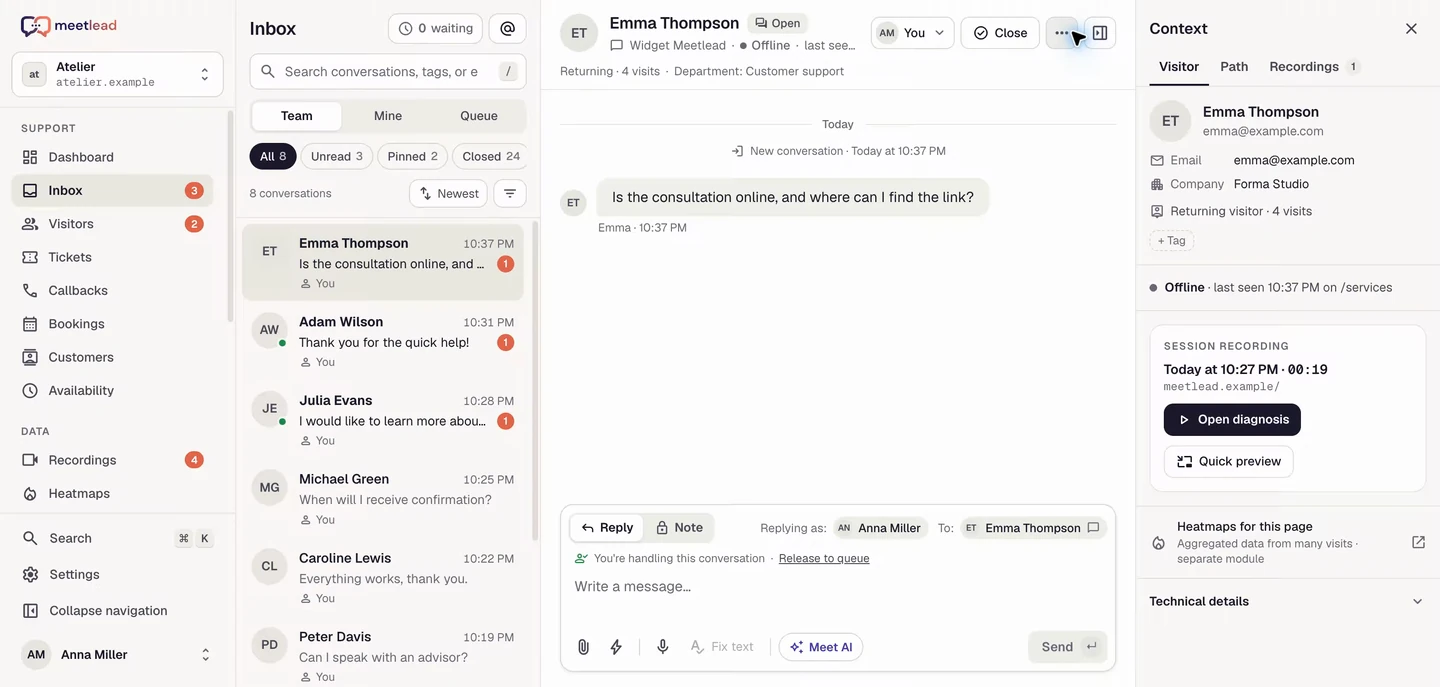
Help an operator prepare a reply, or enable clearly disclosed AI support in the widget using your knowledge sources.
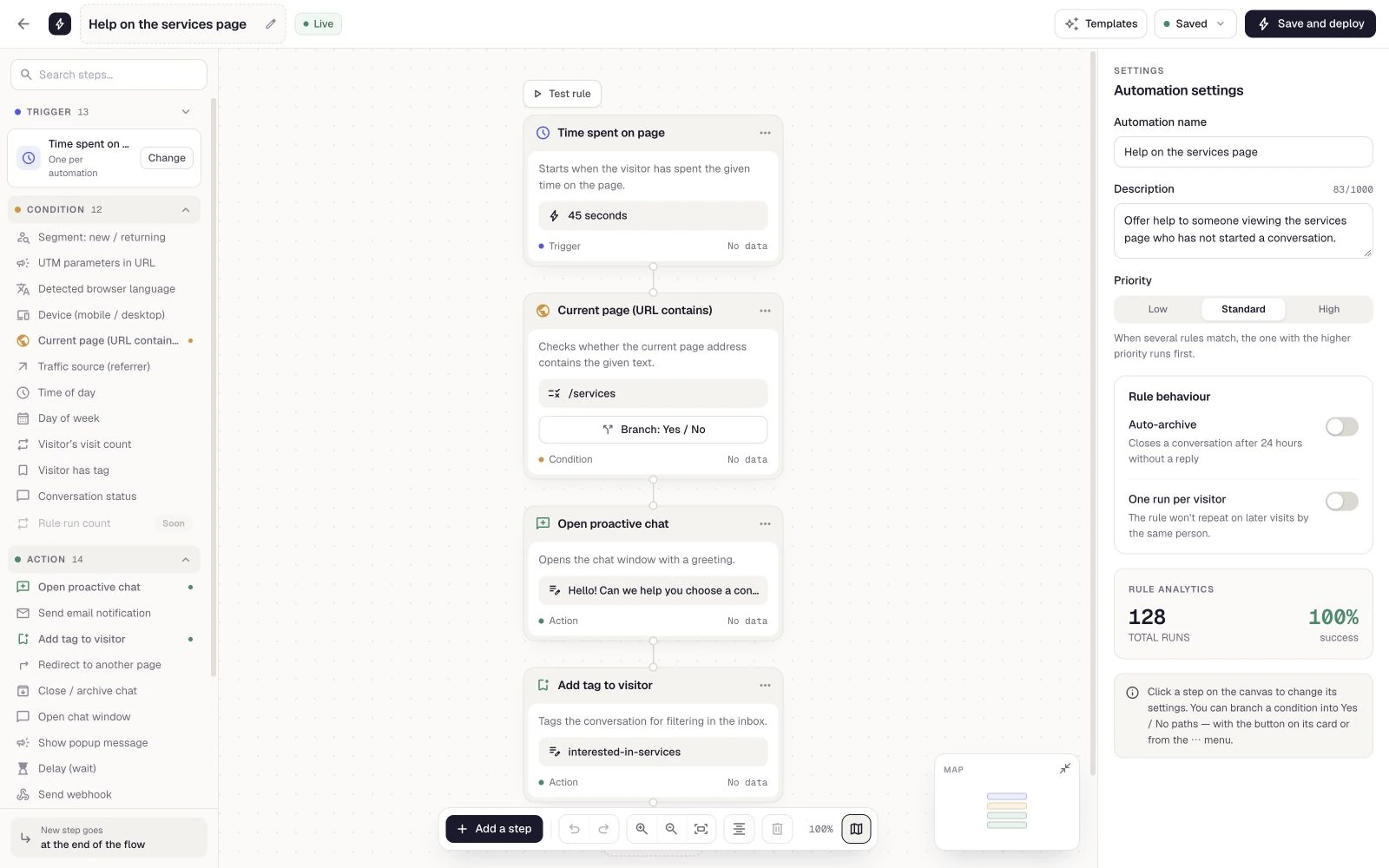
Respond to events and customer behaviour with conditions and an ordered sequence of actions.
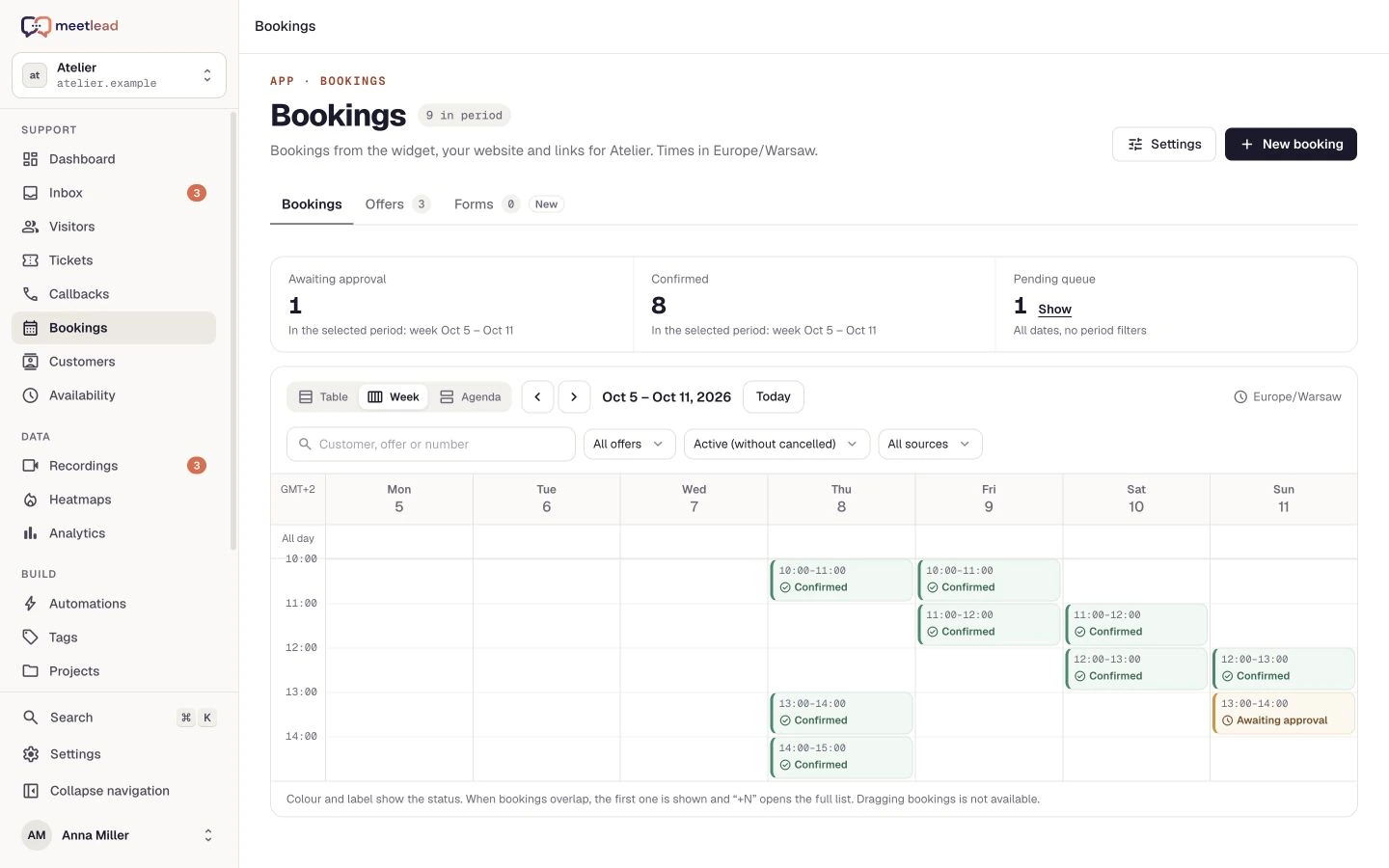
Let customers select an offering and an available time. Manage resources, schedules and booking acceptance.
Displayed prices are informational; bookings do not include online payments.
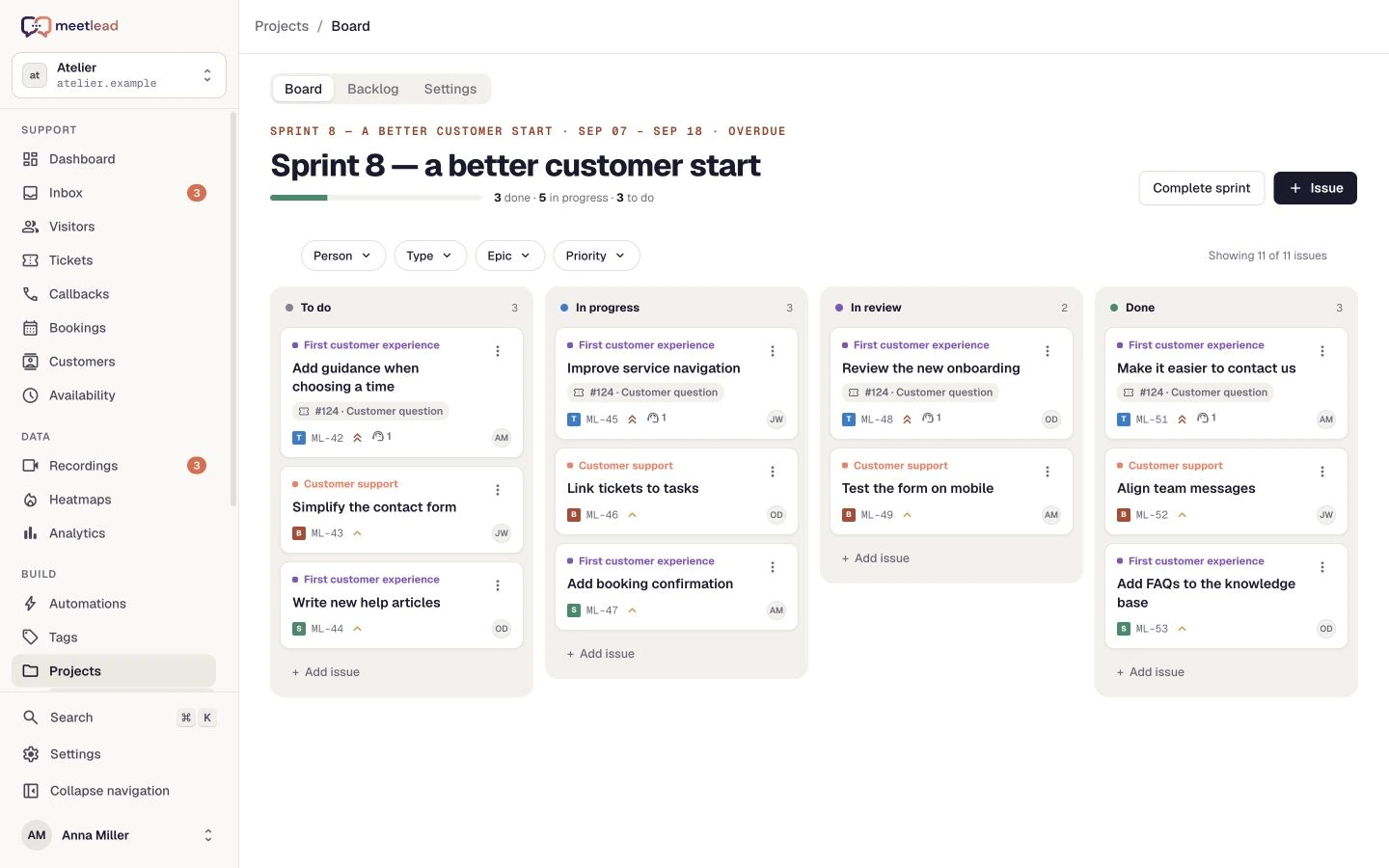
Explore all capabilitiesTurn issues from conversations and recordings into tasks your team can plan and complete.
Each website has one project and one active sprint.
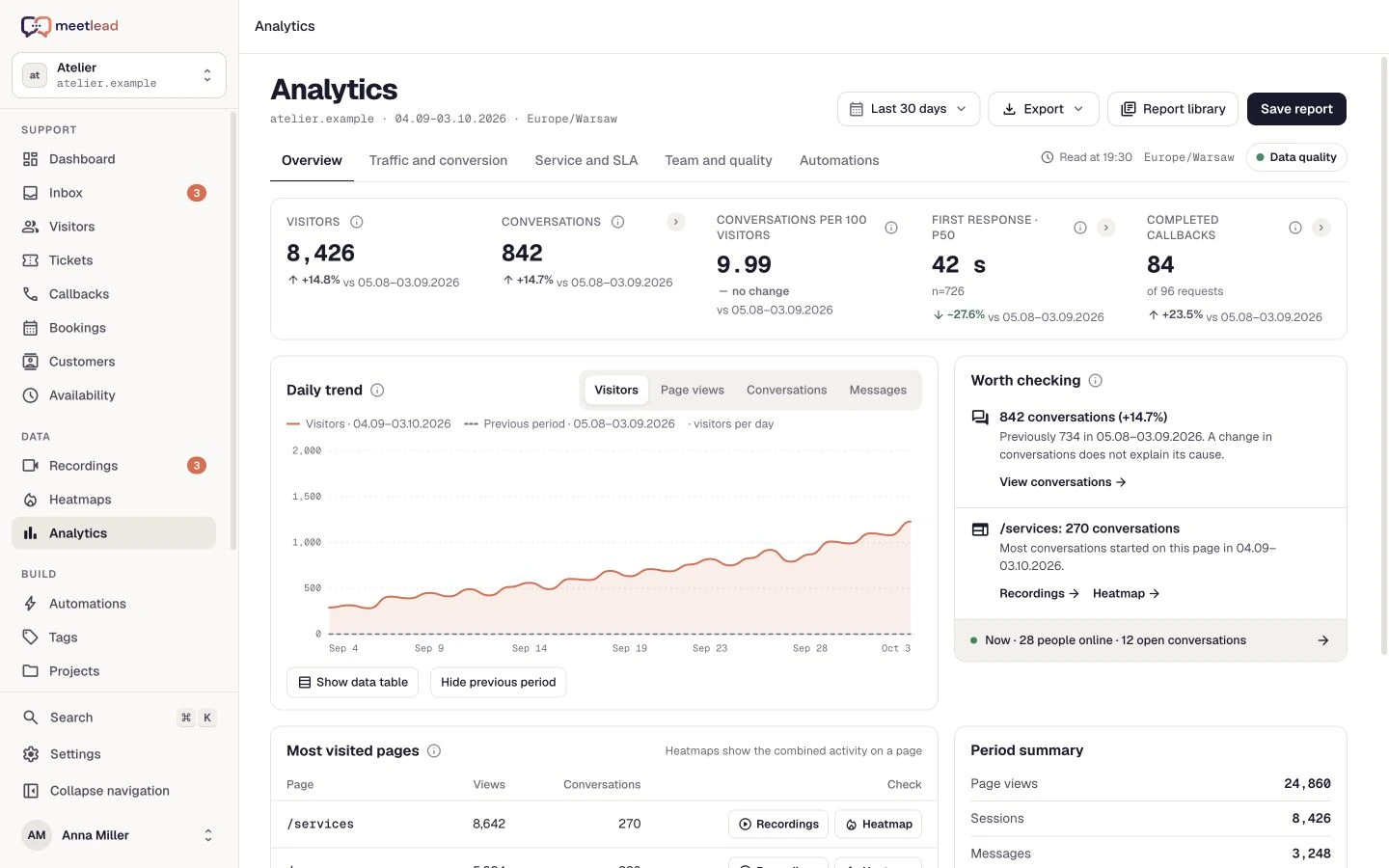
Explore all capabilitiesUnderstand the customer journey, find areas that need attention and track support outcomes and website changes.
One place to contact you on your website. Shared context for your team. Conversations available on your phone, too.
Adapt your contact experience to your brand and support workflow. Preview changes in Studio before publishing.
Widget capabilities depend on active Apps and website settings.
Explore all capabilitiesSupport customers away from your desk with Inbox, Callbacks and Tickets on iOS or Android.
The app is not in the stores yet. Contact us about access for your team.
Explore all capabilities Ask about app accessConnect contact history with customer information and the right website while retaining control over access.
Connect your website to Meetlead and make selected actions available to the tools you already use.
MCP does not send replies to customers. The documentation below covers widget integration.
Explore all capabilities Open widget documentationTen installable Apps extend your website in Meetlead. Availability and activation depend on your plan, permissions and configuration.
Rules that respond to events.
Offerings, availability and time slots.
Contact requests and callbacks.
Facebook conversations for your team.
Clicks and scroll depth.
Messages from Instagram.
Copilot and AI support in the widget.
Tasks, a board and sprints.
Calls in the browser.
Connect a website with a one-time code.
Small teams need a short path from feedback to improvement. Meetlead connects each step with the same customer context.
Collect a question or feedback through chat.
Review the visit context, recording and heatmap.
Link the issue to a task in your Project.
Make the change in your own product.
Monitor the chosen goal in Analytics.
Questions about downloading a CV, a session recording and a task for the team. Explore a workflow that connects customer service with measuring completed PDF exports.
Explore the ŁatweCV use caseCreate an account, add the widget to your website and start talking to customers. Add more capabilities as your team grows.Tell us about your team. We will show you the product and help you choose capabilities for the way you work.
Free Starter plan. No credit card required.Explore the product in a demo tailored to your business.