Help choosing a plan
Offer a conversation after a defined time on the pricing page. A URL condition keeps the scenario focused on the relevant page.
Automations
Respond to what happens on your website. Connect events, conditions and actions in a clear process that helps customers and keeps your team organised.
Free Starter plan. No credit card required.Explore the product in a demo tailored to your business.

Someone spends time on pricing, returns to your website or asks for a call. Decide when to help and what should happen next, while the moment still matters.
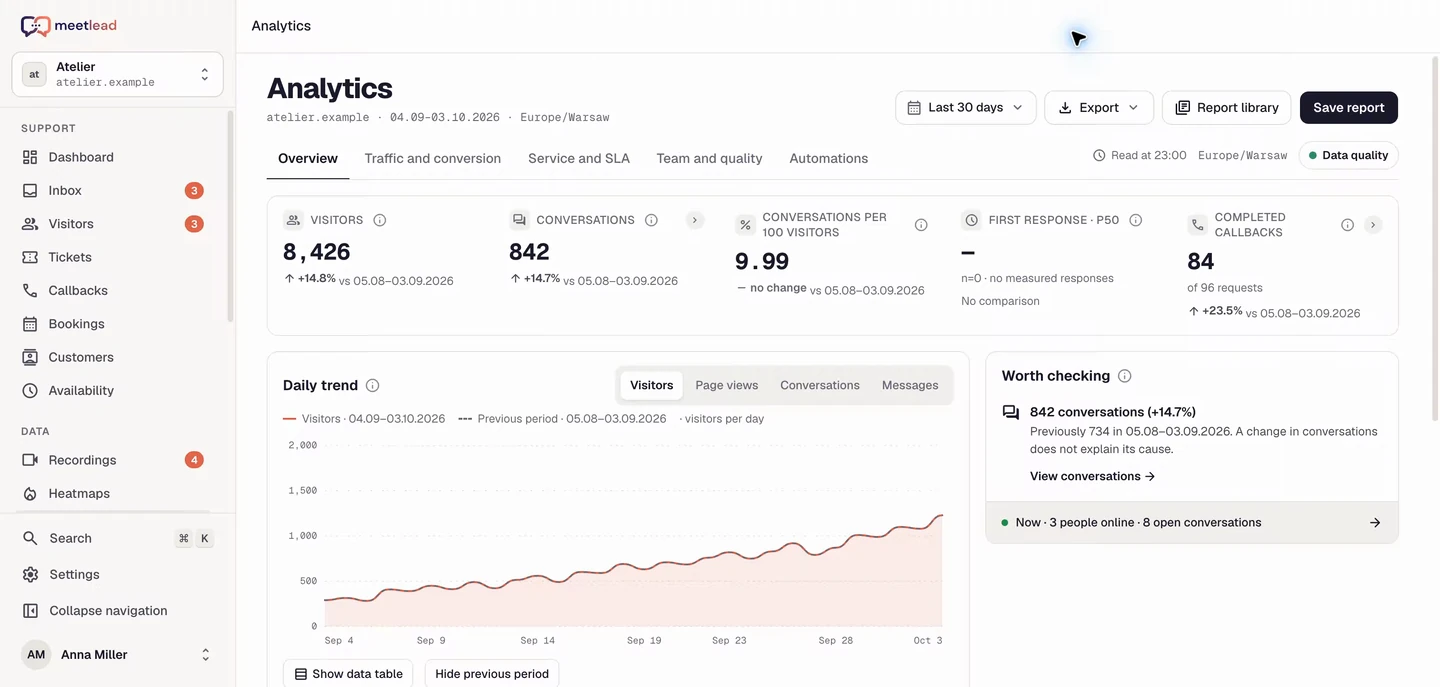
A page visit, elapsed time, click or chat opening can start a scenario. Conditions define which situations your response fits.
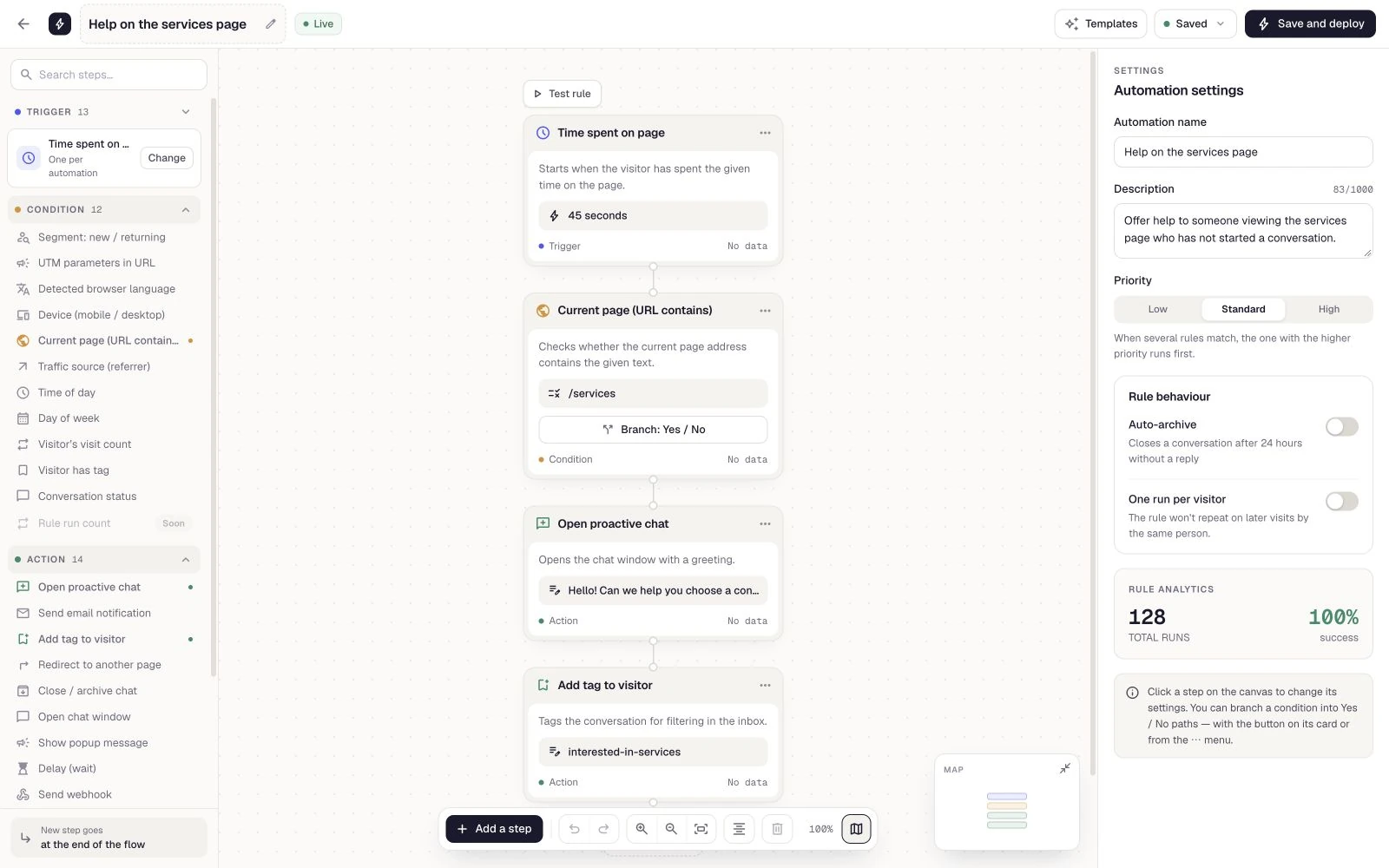
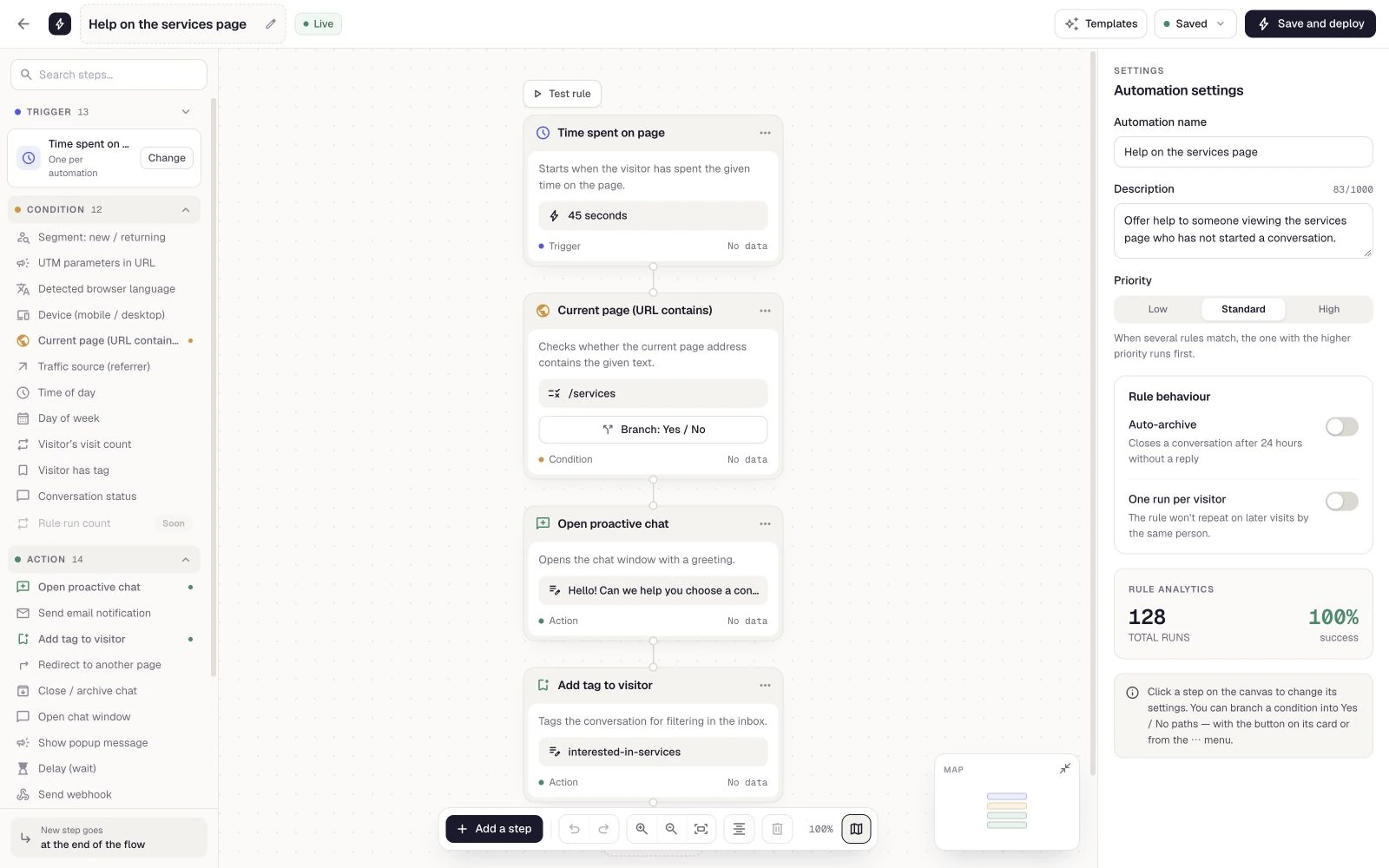
A visitor is comparing an offer for a while? Offer a short prompt to help them choose. Copy, conditions and chat behavior form one scenario you can refine before publishing.
After a message, add a tag, wait or pass information onward. Actions follow the defined order, giving every rule a clear sequence.
Not every scenario ends with a popup. Notify the right person about a relevant event or connect the flow to your own system through a webhook.
Save a draft, publish and review execution history. Compare the rule’s results with funnels and goals to assess whether visitors take the next step.
See how the product fits everyday work.
Offer a conversation after a defined time on the pricing page. A URL condition keeps the scenario focused on the relevant page.
Combine a return visit with an existing tag and show a message about that interest. Offer one clear next step.
After a relevant event, notify an active workspace member or send data to your system through a webhook supported by your plan.
Trigger rules from a page visit, click, time on site, scrolling, a message, a tag change or a callback request.
Use the page, referral source, UTM, language, device, time of day and visit history. A rule runs when all its conditions are met.
Show a message or popup, open chat, add a tag, wait or call a webhook. Email notifications can reach a member of your team.
Start from a template, save a draft, publish or pause a rule. Run history and results show what worked and where an error occurred.
Combine time on a pricing page with its URL and the visitor’s language. Offer help at a specific point in the journey instead of using the same message for every visit.
Choose an engagement, support, return-visit or internal-work template. Adjust its conditions and copy before publishing rather than after the first delivery.
Start with an event, such as an extended visit to your pricing page.
Limit the rule to the right page, visitors or working hours.
Choose actions, their order and any delay. Check message copy and notification recipients before the rule goes live.
Arrange your actions, publish the rule and review its run history.
Enable Automations as an App for your website. Active rule limits and webhook access depend on your plan. Compare the current options and choose what fits your workflow.
See pricingYes. Templates cover engagement, lead capture, support, returning customers and internal work. Adapt their conditions and actions to your website.
The email action notifies an active member of your workspace. It is not a tool for sending marketing campaigns to visitors.
An event starts the process, all configured conditions must be met, and actions execute in sequence. You can pause a rule and review its results.
Yes. Conditions include language, device, page URL, referrer and UTM parameters. The relevant data must be available in that visit; missing campaign identification is not proof of non-campaign traffic.
Yes. Pause the rule and review its execution history. Pausing does not undo messages or other actions that have already happened.
Yes, if webhooks are included in your plan. Prepare a public HTTP(S) endpoint and verify event handling. Your system’s integration and downstream logic require their own setup.
Connect your tools around the same visit, conversation and customer issue.
Create an account, add the widget to your website and start talking to customers. Add more capabilities as your team grows.Tell us about your team. We will show you the product and help you choose capabilities for the way you work.
Free Starter plan. No credit card required.Explore the product in a demo tailored to your business.