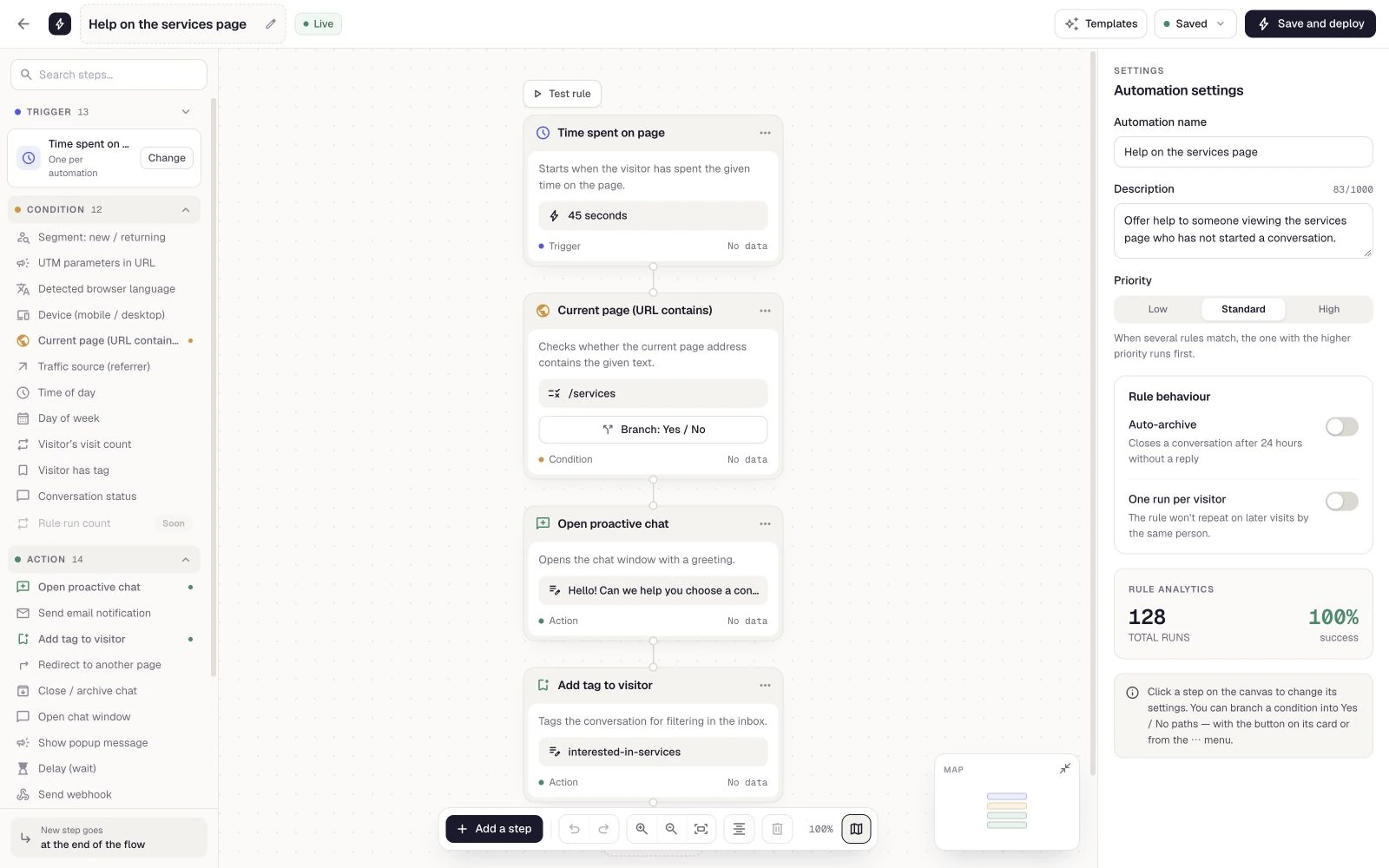
Recurring questions
The team repeatedly explains the same service rules. Copilot drafts the answer and an agent checks it before sending.
Meet AI
Support your team with private Copilot suggestions and offer customers an assistant in your widget. Built around your company knowledge and a clear handover to people.
Free Starter plan. No credit card required.Explore the product in a demo tailored to your business.

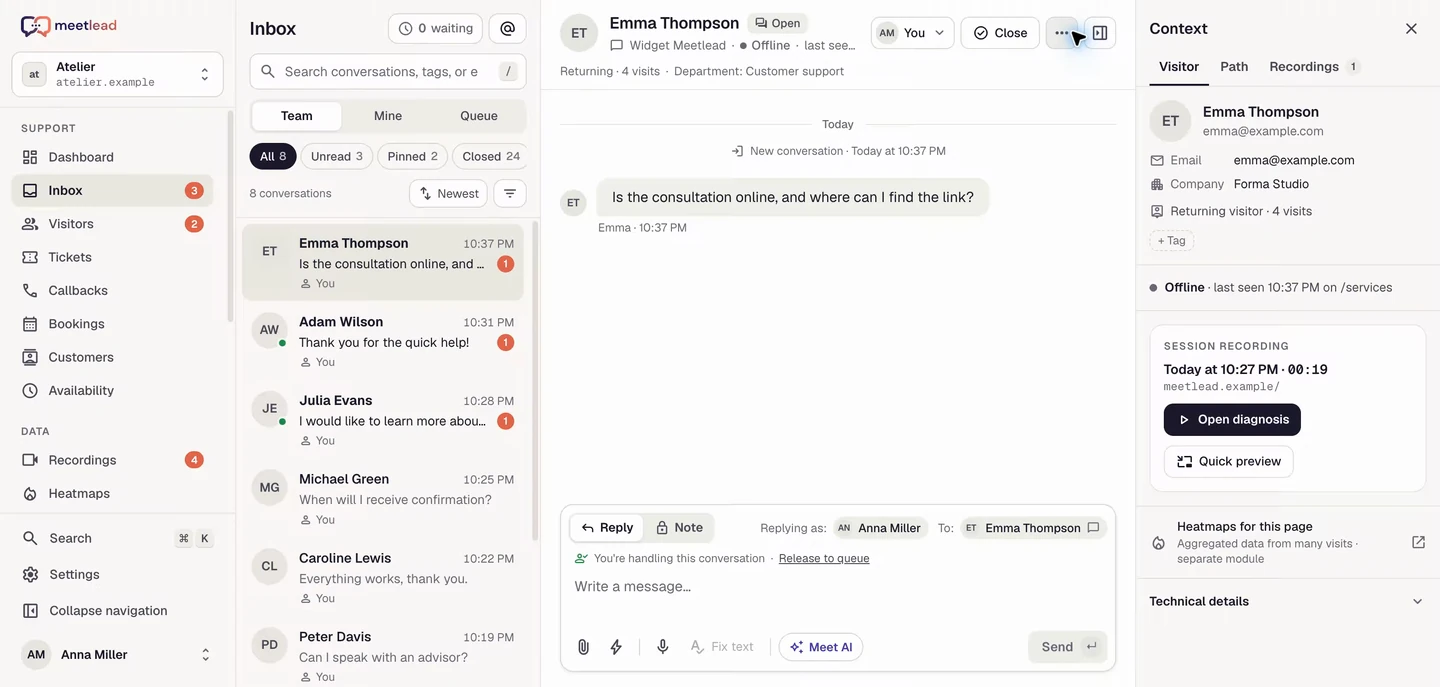
For your team, AI helps find an answer. For customers, it clearly identifies itself as AI. When reliable knowledge is missing, it hands the issue to your team.
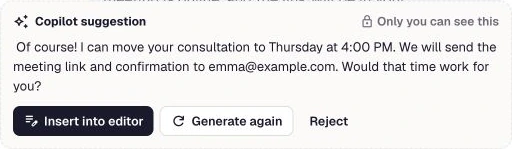
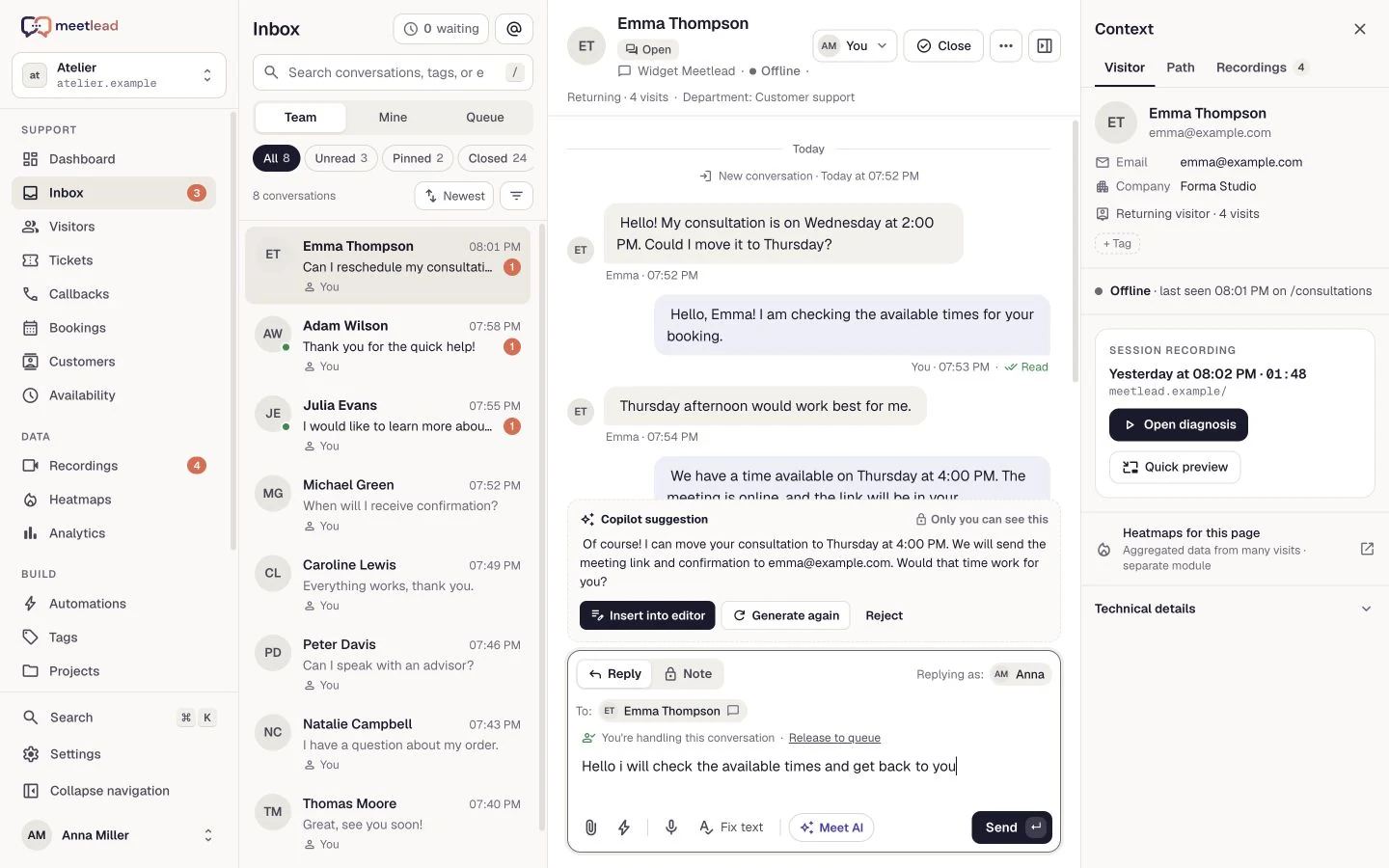
Copilot combines the conversation with active company knowledge. The suggestion is private: an agent reviews it and decides whether to use it.
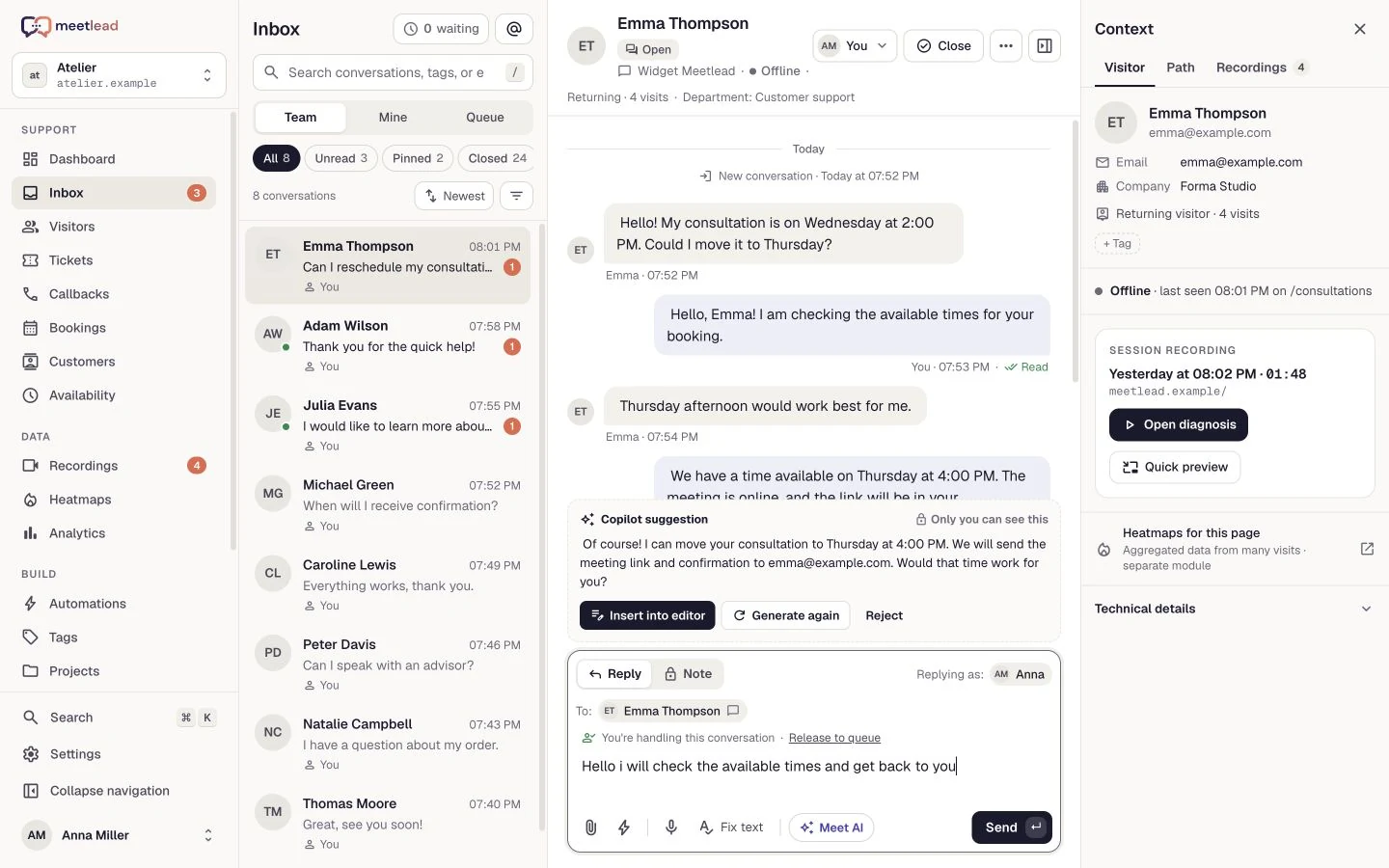
Add FAQs, articles, supported documents, a website or sitemap. Each website has its own knowledge base, keeping one product’s information separate from another’s.
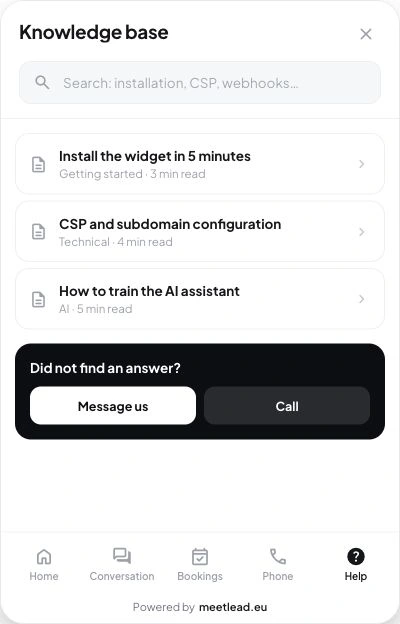
Enable the widget assistant when knowledge and handoff are ready. Customers choose Meet AI themselves and messages identify the sender.
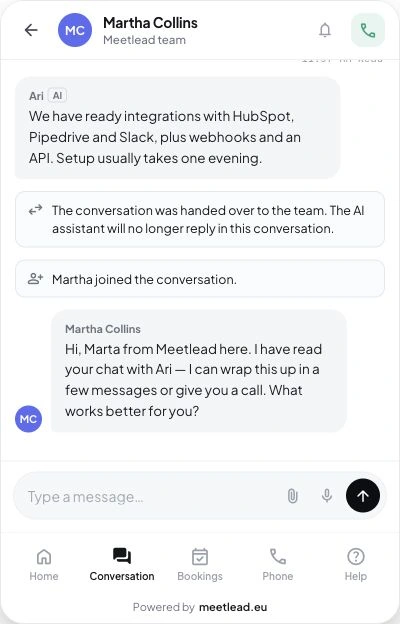
A booking change or an individual arrangement may need an agent. Handoff stops further AI replies and gives the team the history needed to continue helping.
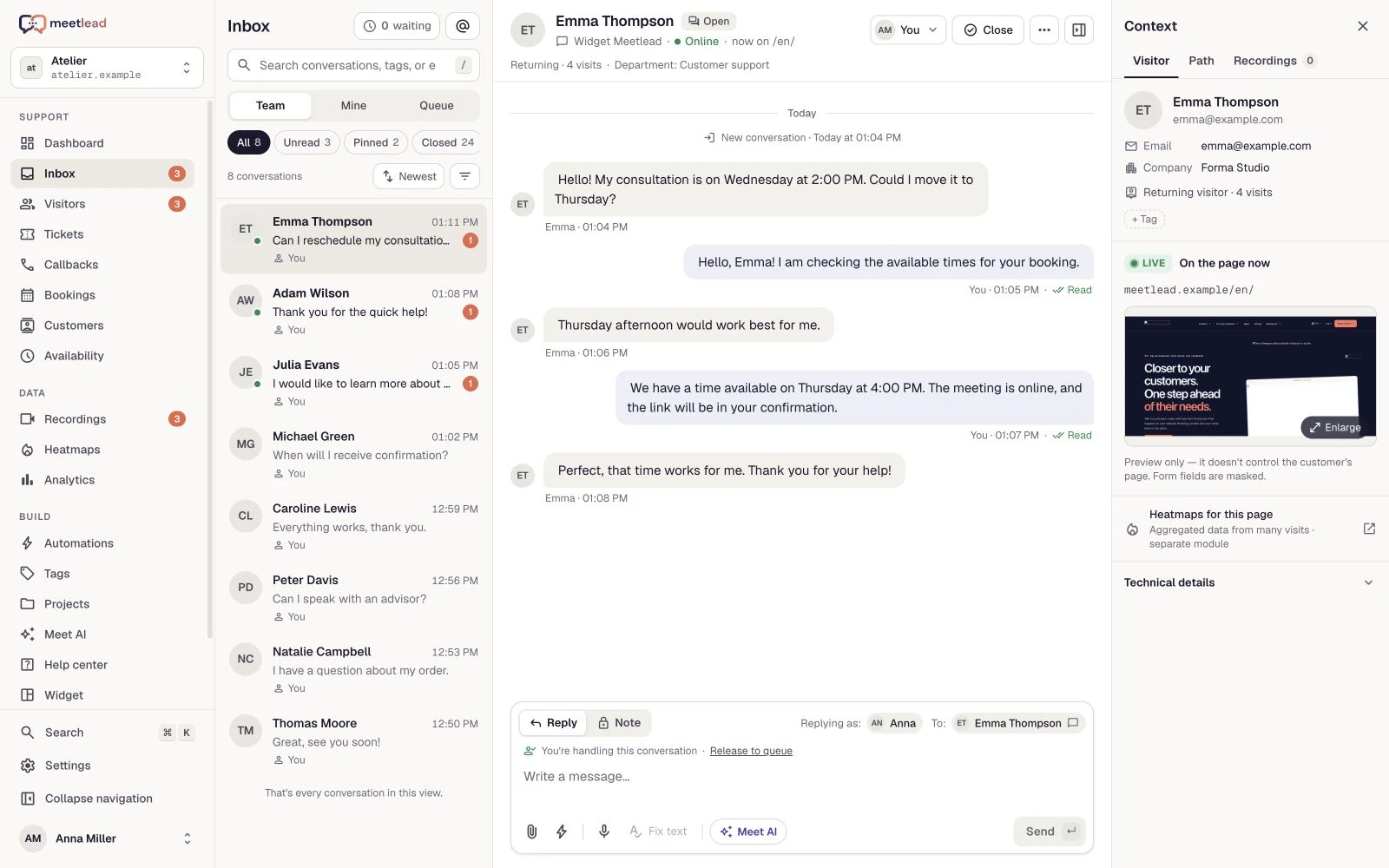
Start with agent suggestions, review questions and improve sources. Then decide about the widget assistant. Knowledge publication and the AI generation limit remain part of ongoing management.
See how the product fits everyday work.
The team repeatedly explains the same service rules. Copilot drafts the answer and an agent checks it before sending.
FAQs, guides and company pages become sources for one website’s knowledge base. After an offer changes, an administrator explicitly refreshes it.
The customer chooses AI in the widget. When a human decision is needed or a reliable answer is missing, the conversation passes to the team.
Generate private reply suggestions. Review, edit and send, or dismiss them. Nothing reaches the customer without operator approval.
Choose Autonomous handling or Hybrid mode. Customers choose to chat with the AI assistant in the widget — in Hybrid mode when nobody from your team is available. AI never takes over conversations handled by people, and customers can ask for your team.
Add articles, FAQs, documents, your website or sitemap. Knowledge belongs to a specific site, and you control the published version.
A human takeover stops AI replies. Your team receives the conversation and its history, so customers do not need to explain everything again.
A new knowledge version replaces the previous one only after a successful build. If a refresh fails, the working knowledge base remains available.
When knowledge is missing, the assistant offers to pass the question to your team. Suggestions and replies use the monthly AI generation limit shared by the whole workspace; the assistant does not perform operator actions such as rescheduling a booking.
Choose current company content and build your knowledge base. Start a refresh when that content changes.
Start with Copilot. Configure the widget assistant when your knowledge and handover process are ready.
Review common questions and cases that need a person. Evaluate Copilot suggestions before making the assistant available to visitors.
Operators approve suggestions. The assistant works within available knowledge and the AI generation limit, handing human issues back to the team.
Enable Meet AI for your website and add your company knowledge. Start with Copilot, then choose whether the assistant should answer customers in the widget. Check current pricing for the plans that include Meet AI and the monthly AI generation limit shared by the whole workspace.
See pricingNo. Suggestions are private to the operator. A message is sent only after explicit approval, with the option to edit it first.
The Meet AI assistant replies only in the website widget — in the Autonomous handling and Hybrid modes, when a customer chooses to chat with the assistant. Its replies are not automatically sent to Messenger or Instagram.
An administrator starts the refresh, available once every seven days per site. If processing fails, the previously active knowledge stays available.
Yes. Add current FAQs, articles, supported documents or website sources. Answers use the active knowledge version for that website; enabling AI does not replace preparing its sources.
Missing supporting material leads to clarification or a handoff to the team. AI does not replace an agent’s decision when access to a business process or an individual arrangement is needed.
It does not automatically switch them to the assistant. Customers explicitly start Meet AI in the widget; a human takeover stops further AI replies in that thread.
Connect your tools around the same visit, conversation and customer issue.
Create an account, add the widget to your website and start talking to customers. Add more capabilities as your team grows.Tell us about your team. We will show you the product and help you choose capabilities for the way you work.
Free Starter plan. No credit card required.Explore the product in a demo tailored to your business.