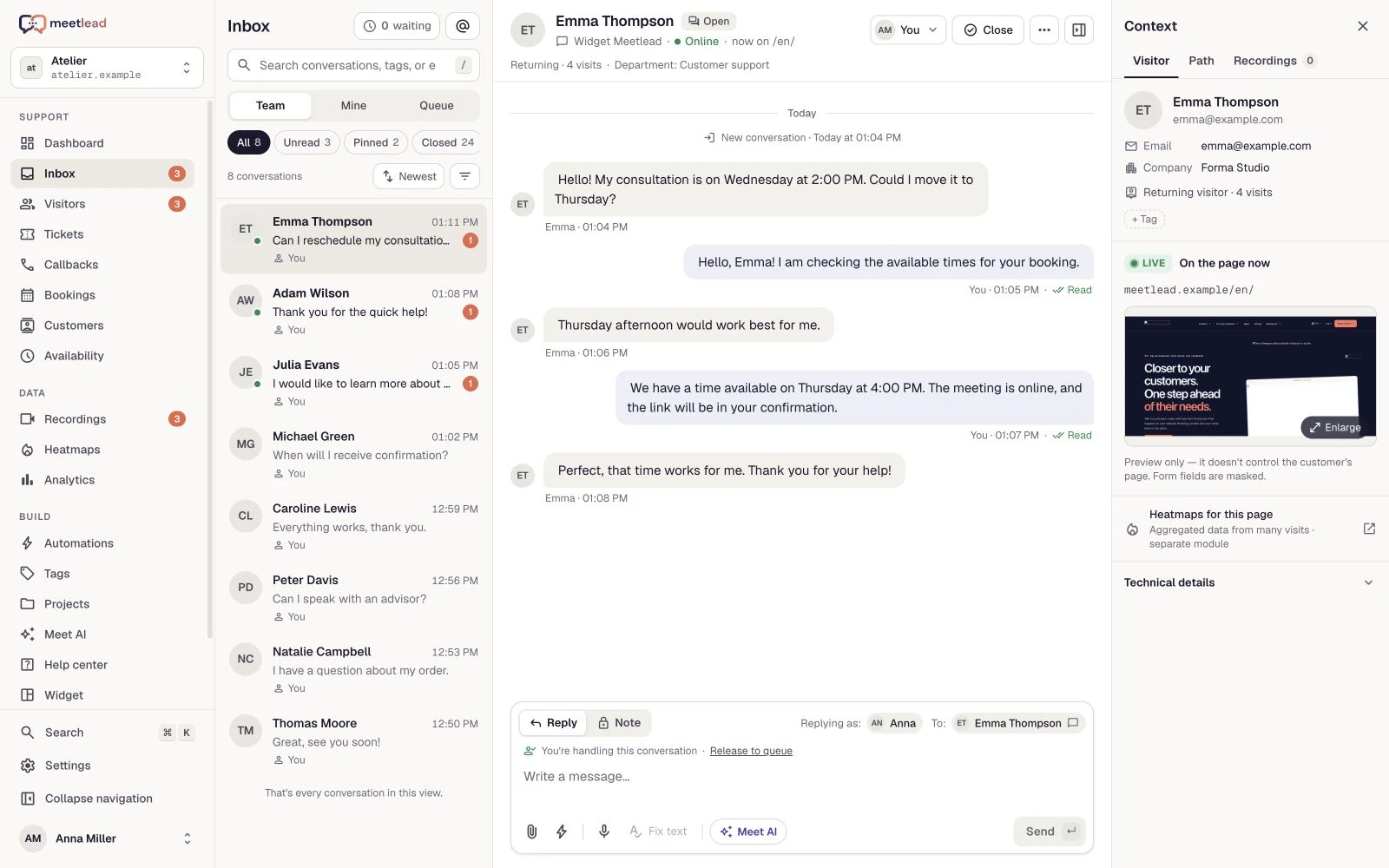
A fix reported by a customer
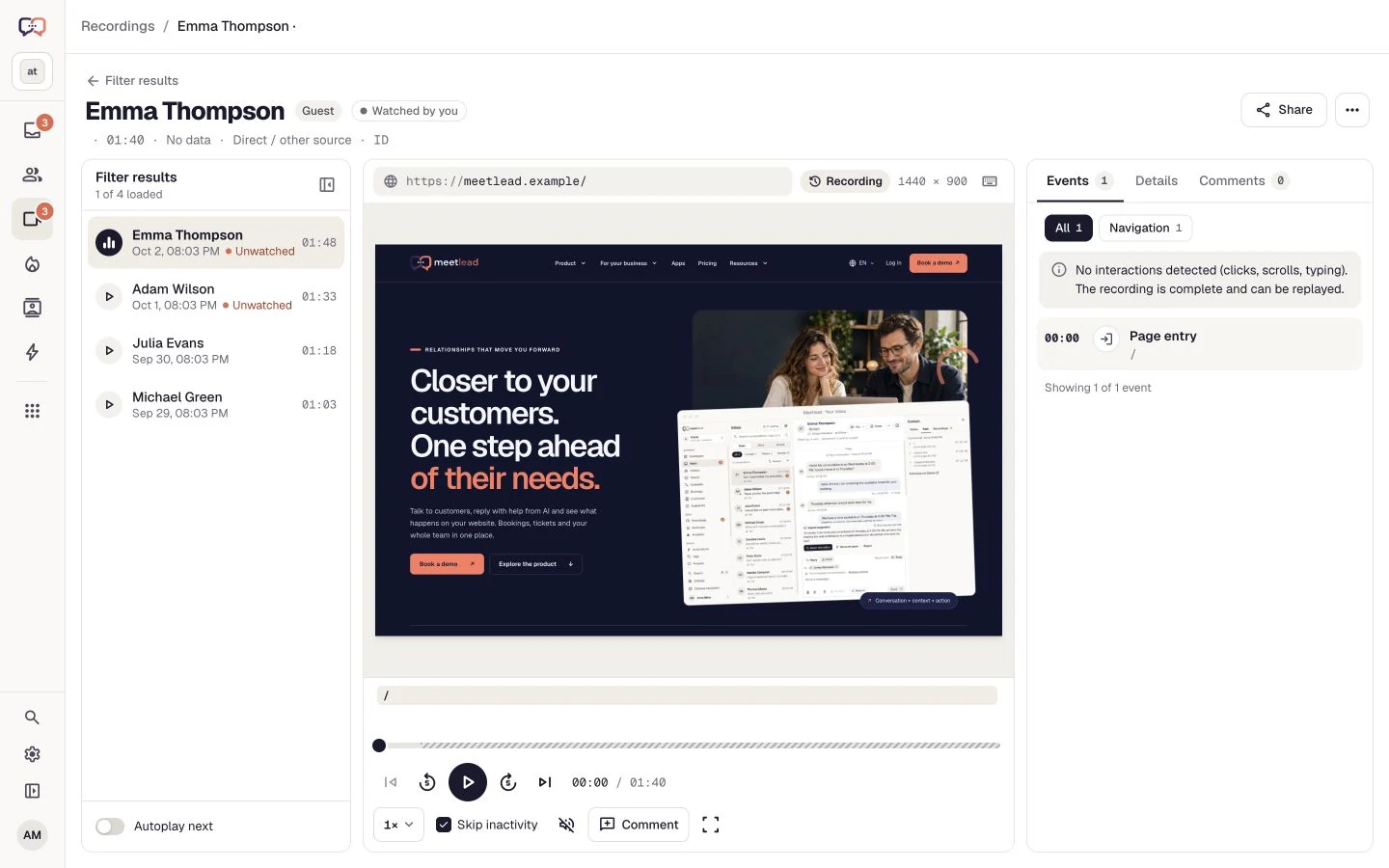
Link a bug to its ticket and recording. A developer can inspect what happened while support follows the work status.
Projects
Turn questions and observations into work with context. Connect your board, backlog and sprints to tickets and recordings in Meetlead.
Free Starter plan. No credit card required.Explore the product in a demo tailored to your business.

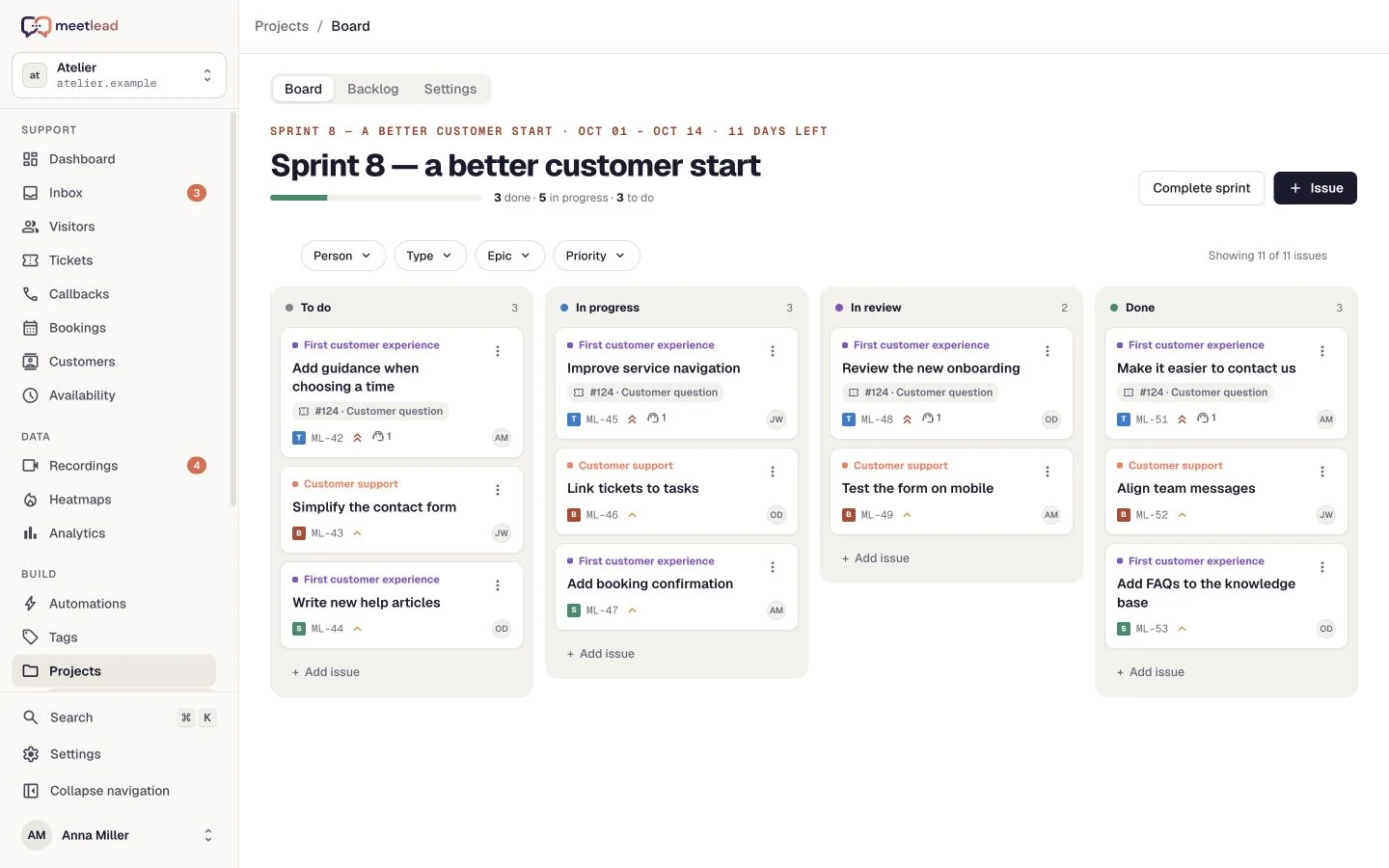
A useful improvement starts with understanding the problem. With a linked ticket or recording, your team sees both what to do and why it matters now.
A customer conversation explains why a change matters. Keep the description, priority, owner and ticket link on the task so the team knows where to start.
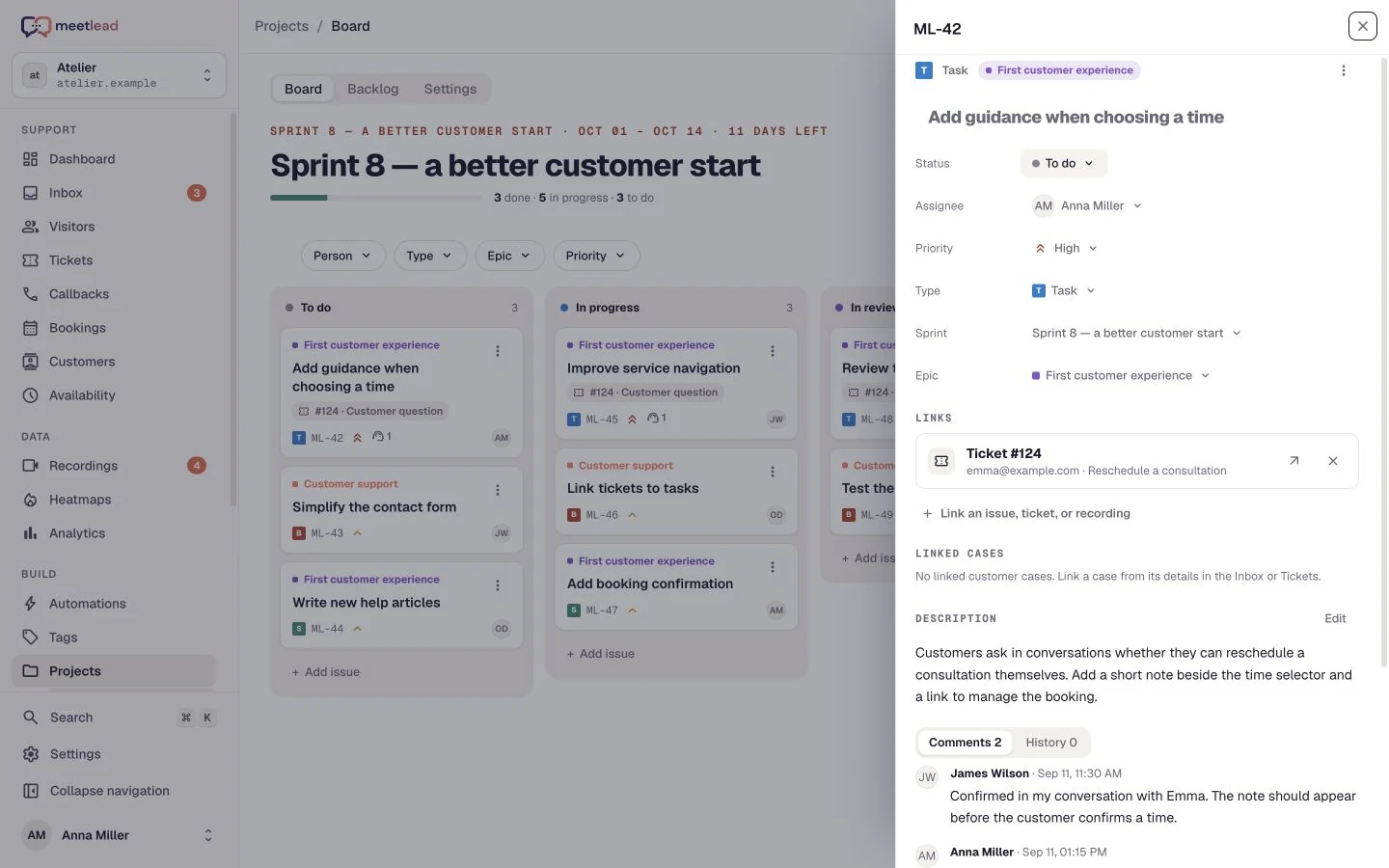
The board organizes work by status. Adapt columns to your process and filter the view to discuss an owner, issue type, priority or epic.
The backlog holds future work. A sprint sets a near-term scope and epics group work around larger goals. Every new idea does not need to become an immediate commitment.
A recording helps reproduce the difficulty and links describe how it relates to other work. A task can retain a ticket, recording and blocker or duplicate relationship.
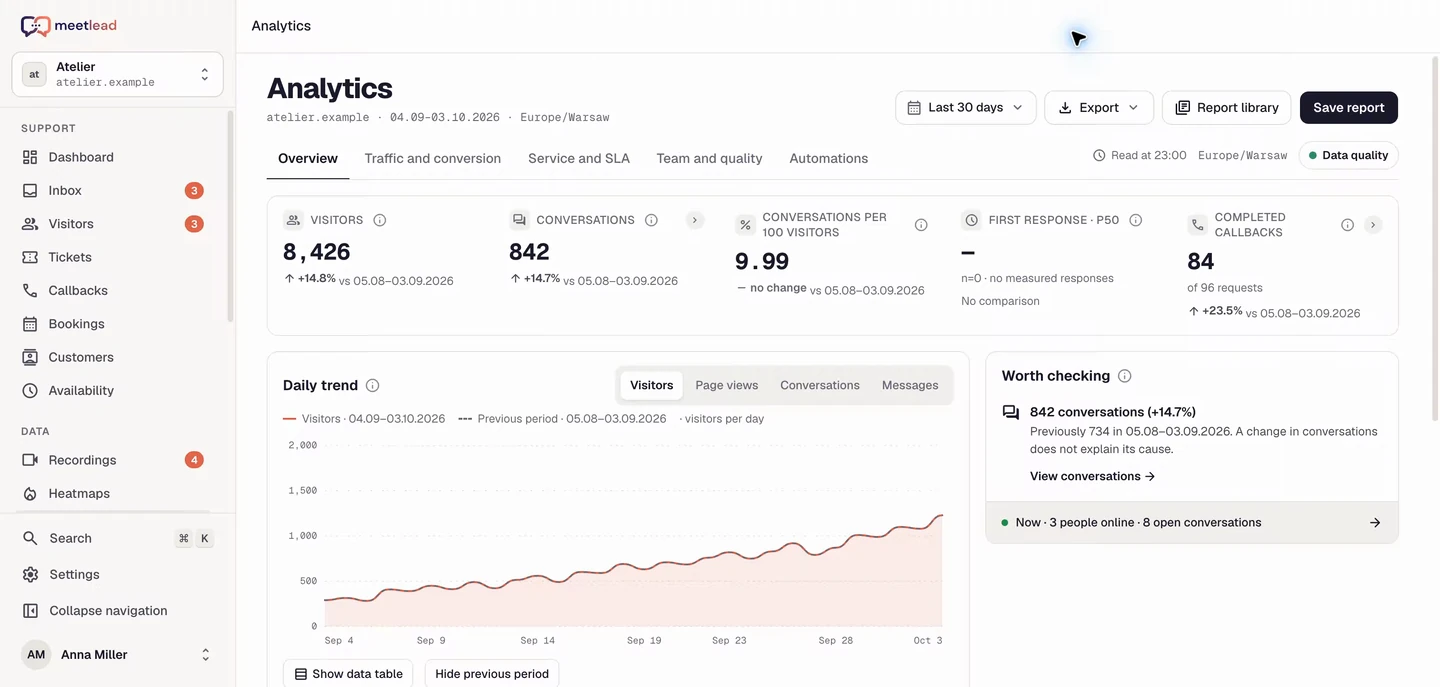
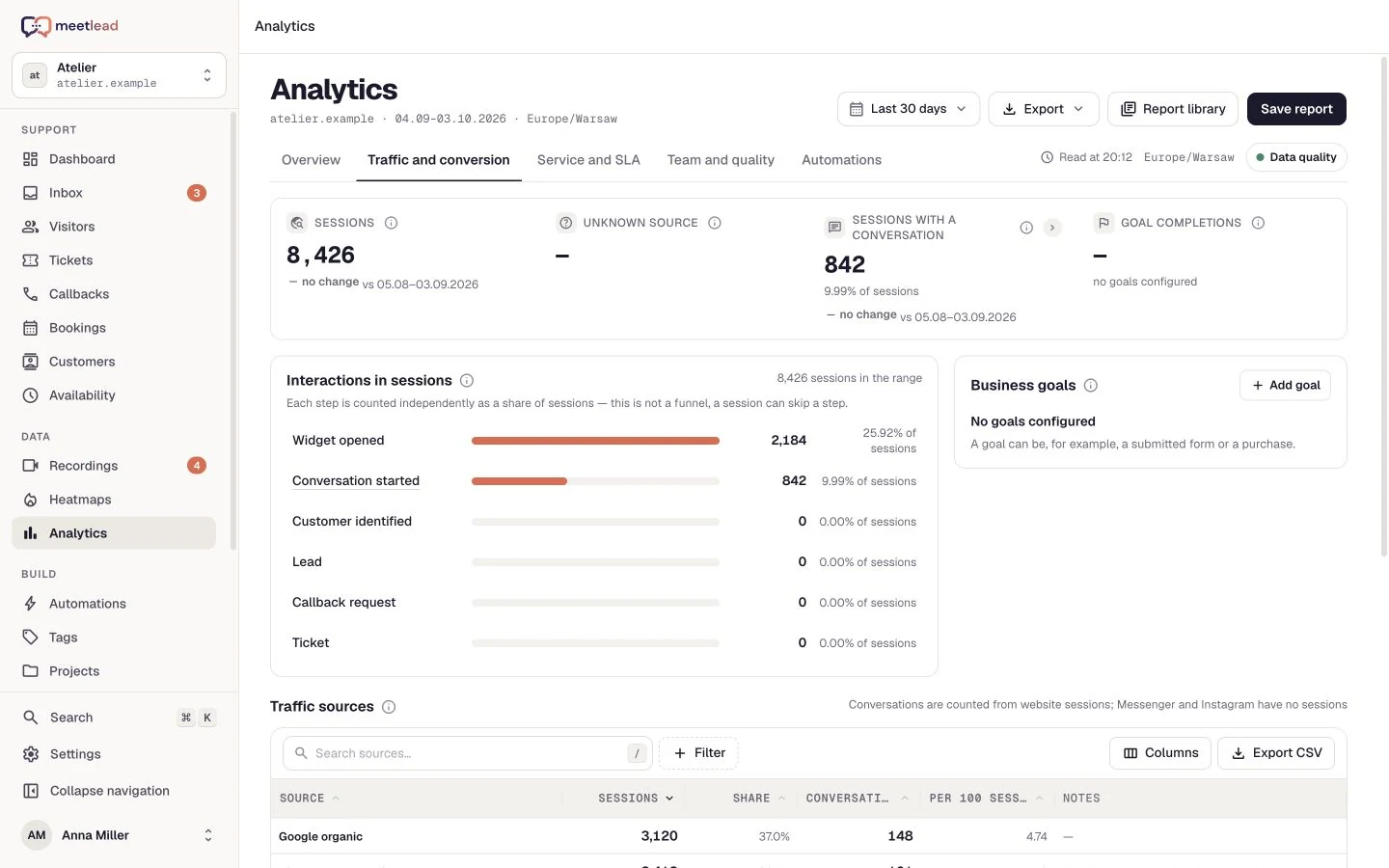
After release, return to the original question. Review a goal in Analytics and examine new visits. The next decision rests on behavior, not merely a Done status.
See how the product fits everyday work.
Link a bug to its ticket and recording. A developer can inspect what happened while support follows the work status.
Select priority work from the backlog and give the sprint a goal. The board shows progress and unfinished work is organized when the sprint ends.
Group similar difficulties in an epic, describe hypotheses and assign tasks. After shipping, review a relevant goal in Analytics.
Organise tasks, bugs and stories by status. Set a priority and assignee so every next step has an owner.
Collect ideas in the backlog, plan sprints and select work for the active sprint. Epics connect tasks around a larger goal.
Link tasks to tickets, recordings and other tasks. Mark dependencies, blockers and duplicates without leaving the issue behind.
Comments and change history retain team decisions. See who changed a status, priority or the scope of a task.
Filter work by assignee, type, priority or epic. Move from the whole board to the scope you need to discuss with the team.
Configure statuses and board columns. Keep planned, ongoing and completed work clear while adding the stages your team needs.
A customer asks how to download a PDF. The conversation and recording help describe the real obstacle.
Create a task, link its context and set a priority. Plan it in the backlog or a sprint.
Assign an owner, update status as work progresses and record decisions in comments. Links show whether another issue blocks completion.
Ship the change and monitor the relevant goal in Analytics. Use the evidence to choose your next step.
Projects is an installable App with access determined by your plan or workspace permissions. Each site has one project and can run one active sprint.
See pricingTasks, bugs and stories. Each has a status, priority, assignee and history, and can belong to an epic and a sprint.
Yes. Tasks can link to tickets, recordings and other tasks, keeping the original problem alongside the work.
The current model is one project per site. Its backlog, epics and sprints organise multiple initiatives within the same product.
Yes. The backlog holds planned work, organized by status, priority and owner. Start a sprint when you want a shared scope and goal for a period.
When completing a sprint, move unfinished issues to the backlog or a planned sprint. Each website can have one active sprint at a time.
Issue links distinguish blocks, is blocked by, related and duplicate relationships. They appear on both issues so the context remains clear from either card.
Connect your tools around the same visit, conversation and customer issue.
Create an account, add the widget to your website and start talking to customers. Add more capabilities as your team grows.Tell us about your team. We will show you the product and help you choose capabilities for the way you work.
Free Starter plan. No credit card required.Explore the product in a demo tailored to your business.