
Your team inbox
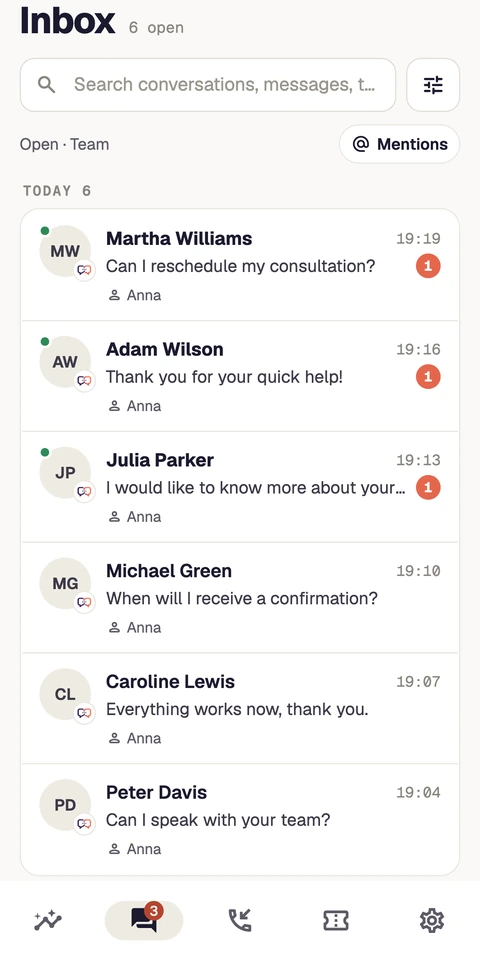
Search conversations, switch between Mine and Team, filter unread items and assign work. See who is waiting for a reply.
Mobile app
Reply to conversations, manage tickets and keep track of callbacks. Meetlead for iOS and Android, with the context you know from the desktop.
Use Meetlead on iOS and Android. Contact us to arrange access for your team.


Work does not always happen at a desk.
One inbox brings together widget, Messenger and Instagram conversations when the channels are connected. Filters and customer context help you pick up the right issue immediately.
Search conversations, switch between Mine and Team, filter unread items and assign work. See who is waiting for a reply.
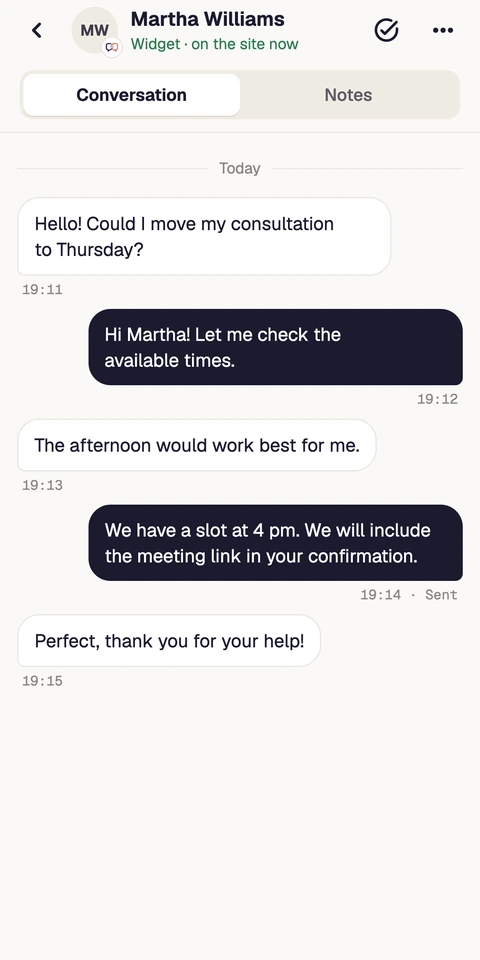
Quick replies, files and photos, internal notes and read receipts. History and customer details stay alongside the conversation.
Read a private Meet AI suggestion, edit it and send it after approval. You decide what the customer receives.
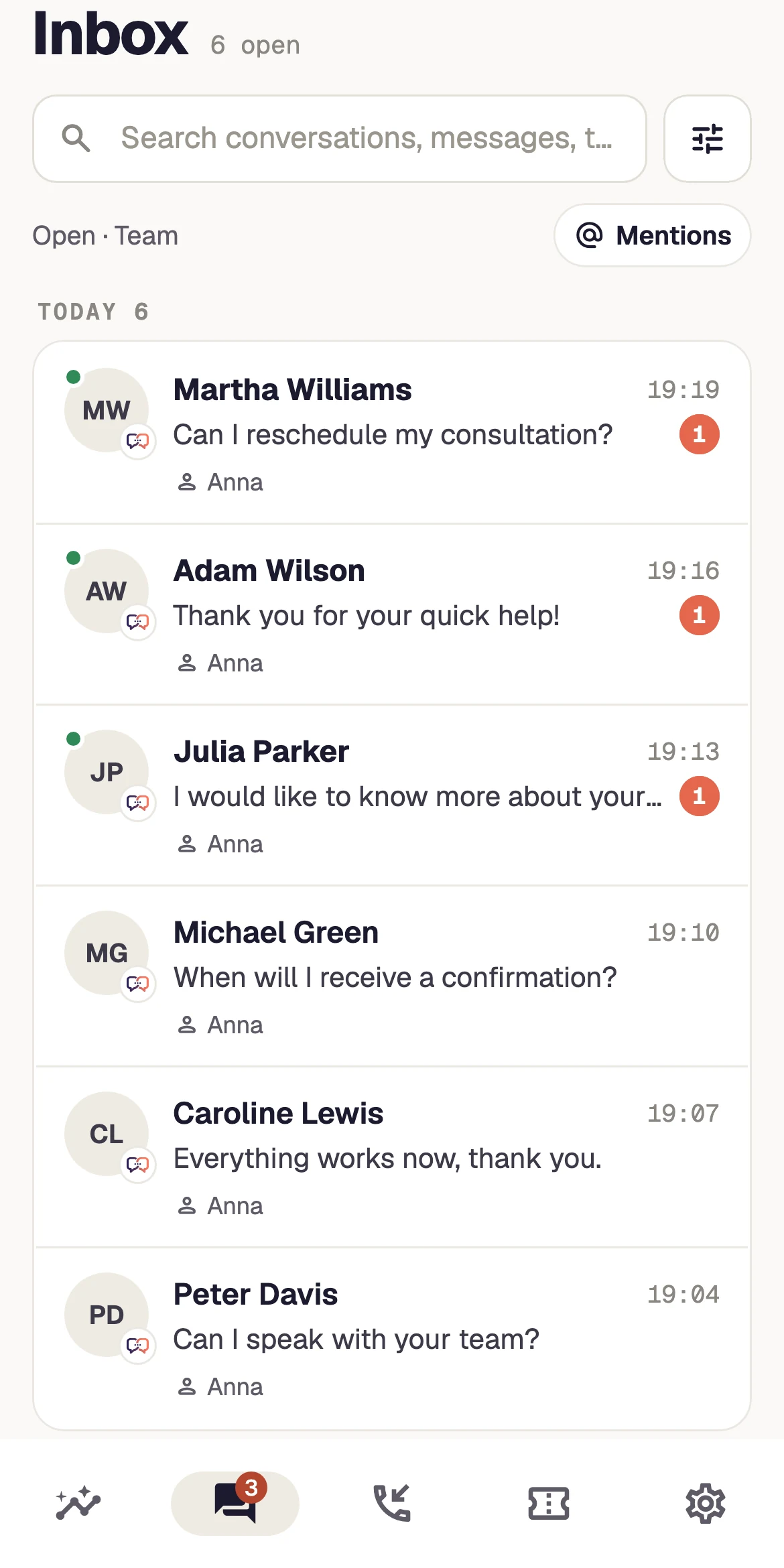
See new questions, the channel and the teammate handling each conversation.
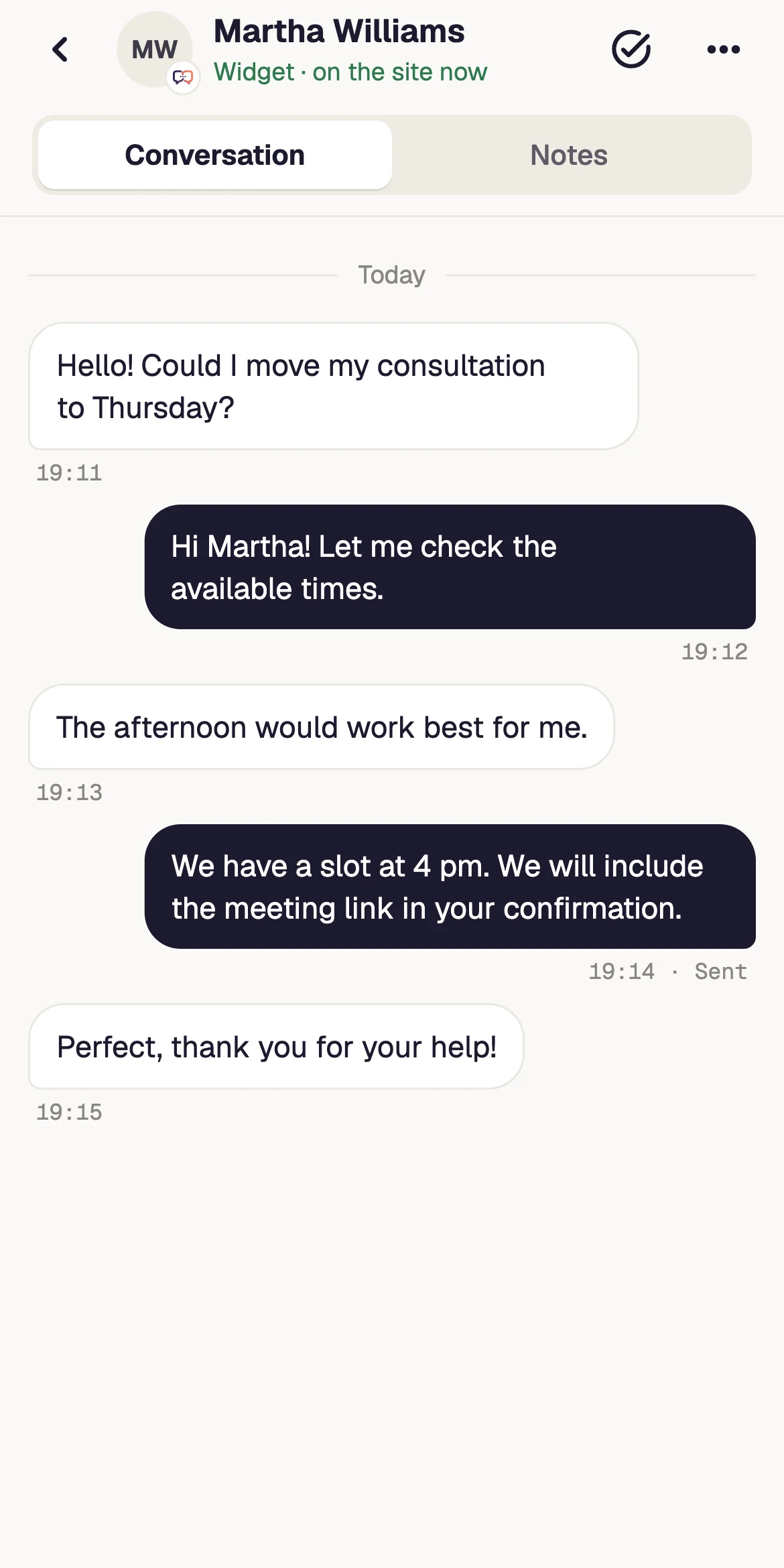
History, replies and attachments stay within reach.
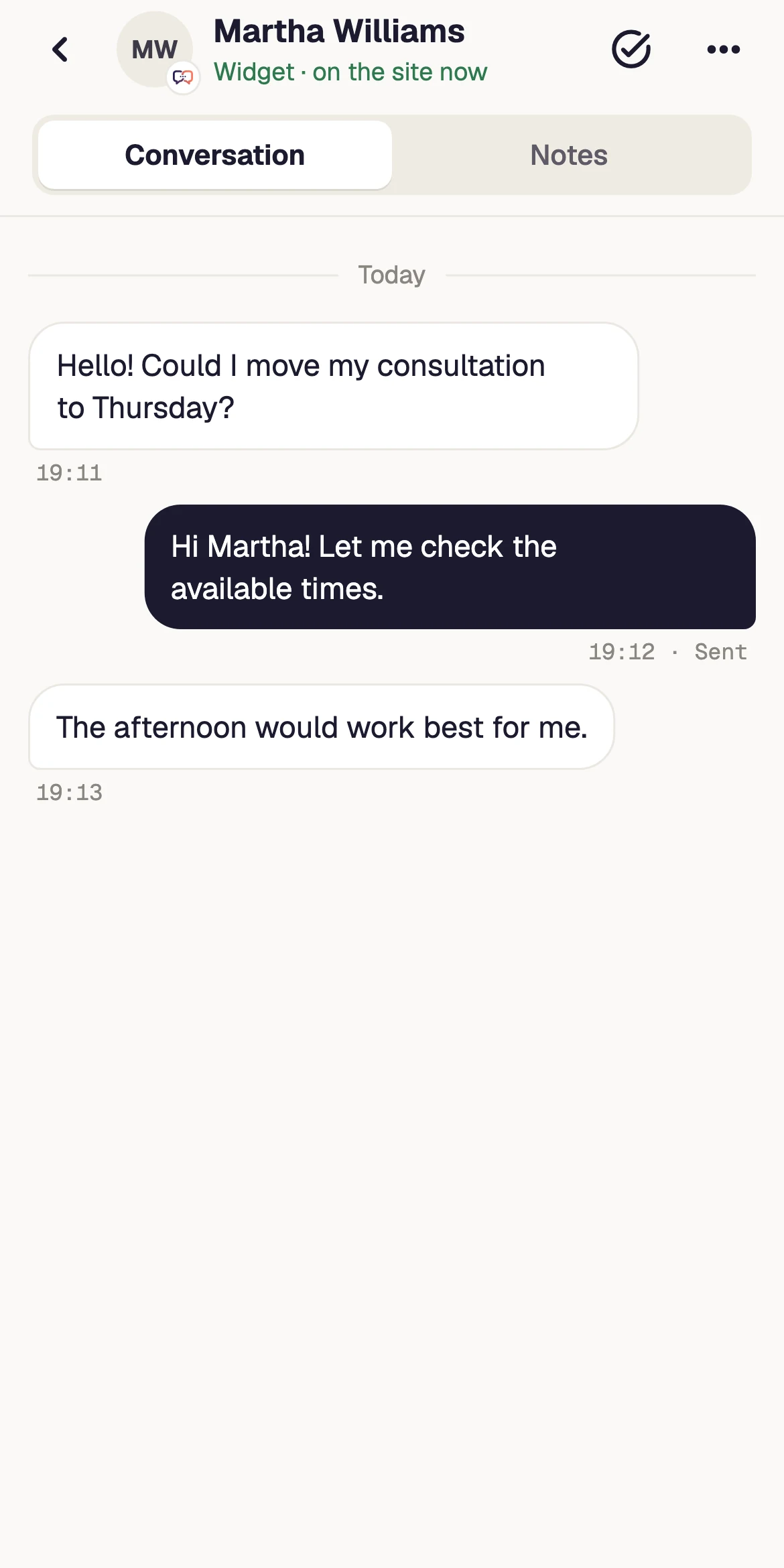
Review a suggestion, refine it and send it when you approve.
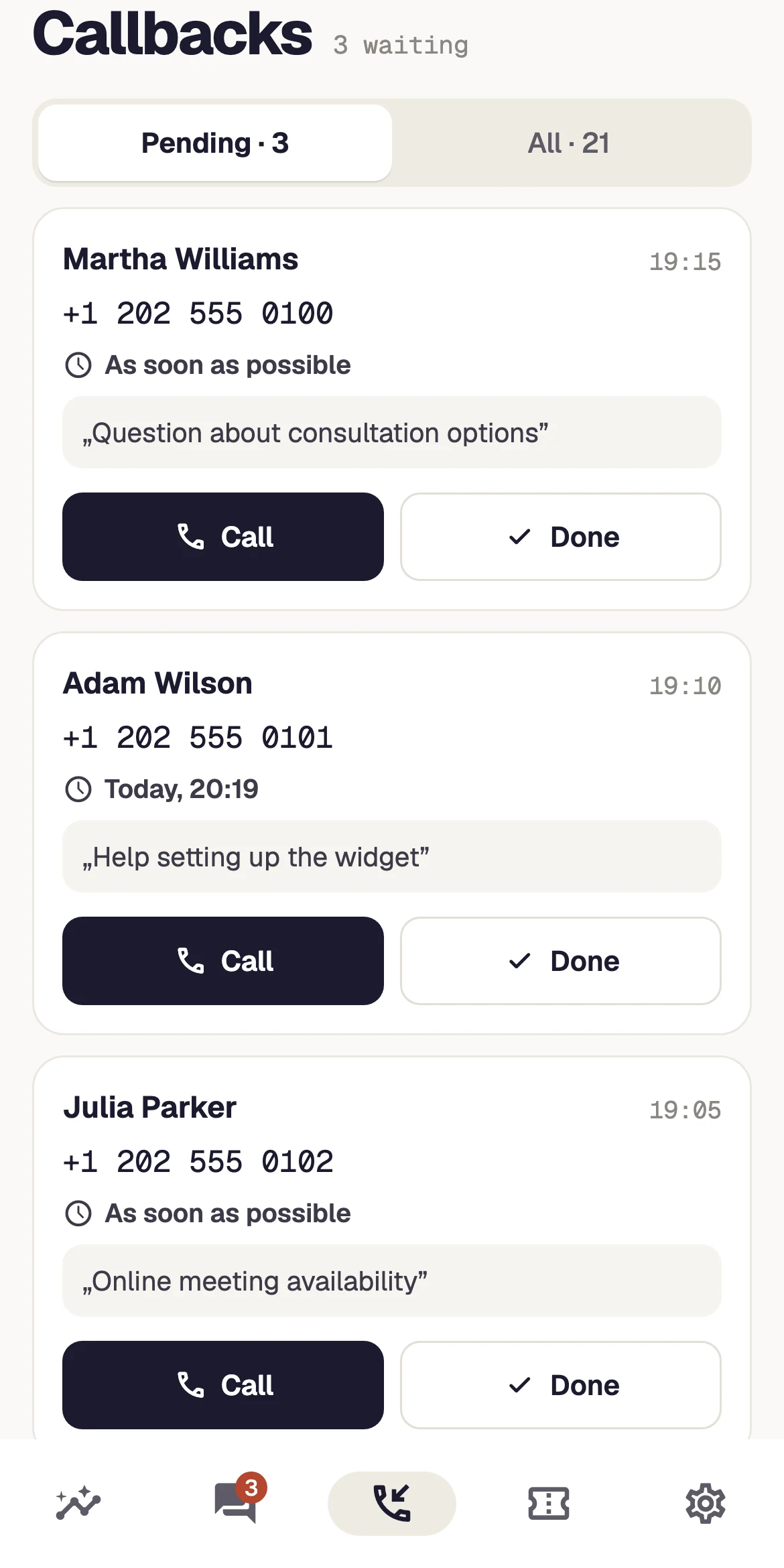
Topic, time and the next action in one clear list.
Your phone lets you take the next step even when resolution needs a teammate at a computer. Customer replies, internal notes and assignment each have a distinct purpose.
Open the conversation from its notification and check earlier decisions and customer details. Website switching preserves the correct context for the request.
Record what needs checking in an internal note and transfer the conversation to the appropriate person or department. A team note is separate from a customer reply.
Set ticket status and priority, update assignment and add a reply. Keep the issue moving after the current conversation closes.
Callbacks and tickets have dedicated views. A notification takes you to the right issue, while a reminder brings you back at the right time.
Pending requests, topic, time and SLA. Call opens the system dialer; set a reminder, complete or decline the request.
Filters, replies, notes, priorities, status and assignment. Keep the issue moving after the conversation ends.
Messages and callbacks, replies from notifications, unread badges, muted websites and quiet hours.
Unsent messages wait for retry when connectivity returns. Recent inbox and conversation content are cached locally.
Messages, contact requests and scheduled callbacks need different notification rules. Match device preferences to your shift and the websites you handle.
Set quiet hours and a time zone, mute specific websites and choose whether callbacks may interrupt. Preferences apply to that device.
Claim the request before opening the system dialer. The team sees who owns it, and alerts for the same request stop on other devices.
Set a reminder for a pending callback. Mark it completed after contact; new notifications require configured push delivery and system permission.
The mobile dashboard shows website activity, trends and team workload. Switch websites, language and appearance without changing how you work.
Live visitors and conversations, callbacks, conversions, response time, trends and top pages.
One account and website switching with the right permissions and separate histories.
Polish, English and German, light, dark or system appearance, plus biometric or device-code locking.
A notification opens the right website and conversation.
History, notes and a Copilot suggestion help you prepare a reply.
Reply, assign a ticket or set a reminder.
Book a demo or contact us. We will discuss access and setup for your team. The app is not yet publicly available on the App Store or Google Play.
No. Use your Meetlead account and websites. Signing in on your phone does not sign you out of the desktop panel.
The native app handles callback requests and opens the system dialer. Widget voice calls are handled in the browser panel.
You can revisit cached inbox and conversation content, and text messages remain queued to send. New attachments and other operations require connectivity.
No. Preferences belong to the device. Configure messages, contact requests, muted websites and quiet hours separately.
The server checks the claim. If someone already owns the request, the app shows that information instead of silently assigning it again.
Create an account, add the widget to your website and start talking to customers. Add more capabilities as your team grows.Tell us about your team. We will show you the product and help you choose capabilities for the way you work.
Free Starter plan. No credit card required.Explore the product in a demo tailored to your business.