
 iOS
iOS Android
Conversations and team
- Live chat and tickets
- Queues and assignments
- Macros and attachments
- Notes and @mentions
- Departments and availability
- Public operator profiles
Relationships that move you forward
Talk to customers, reply with help from AI and see what happens on your website. Bookings, tickets and your whole team in one place.
Free Starter plan. No credit card required.


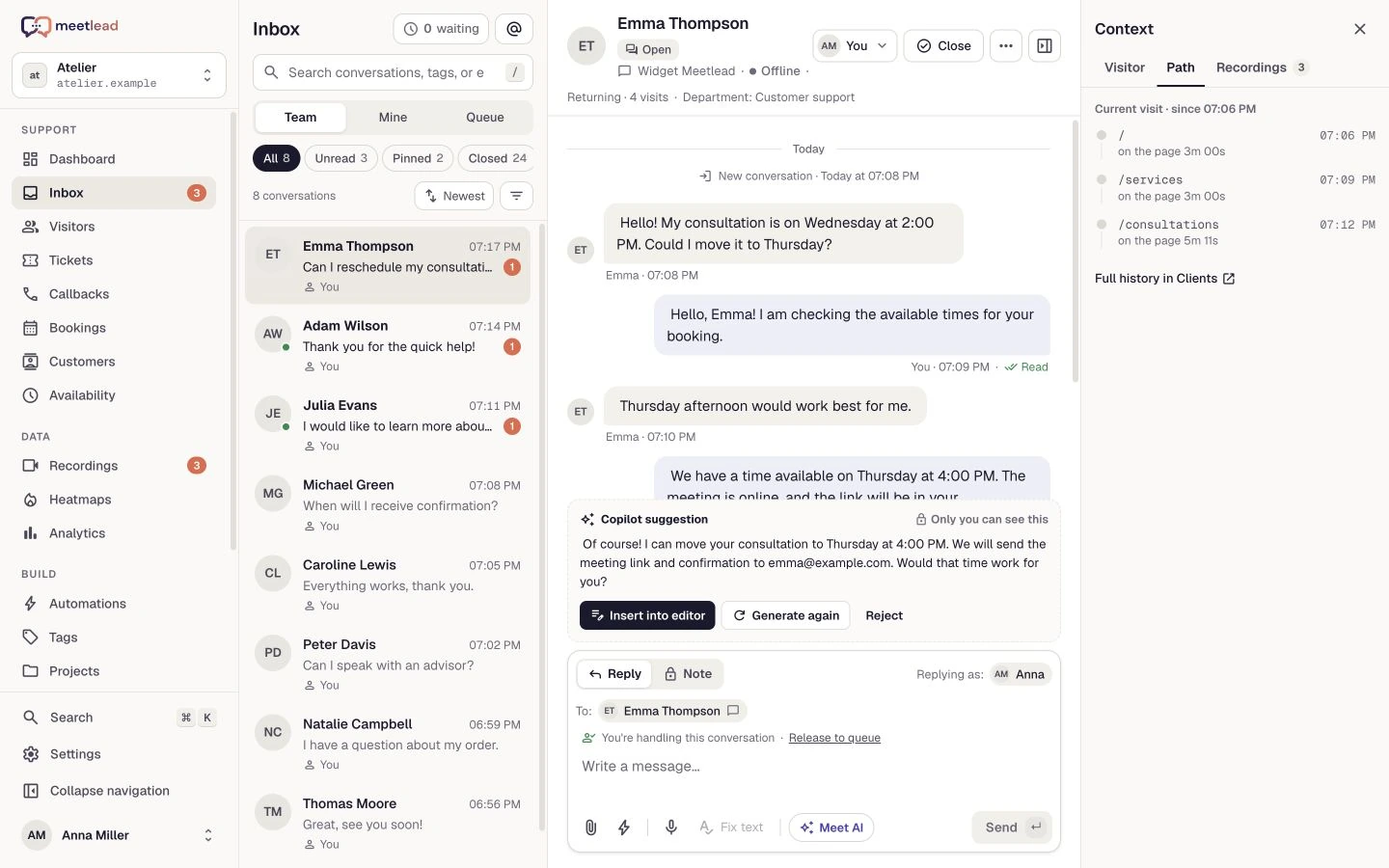
↗Conversation + context + action
Discover Meetlead
Help customers, understand their needs and follow each request through. Choose an area to explore.
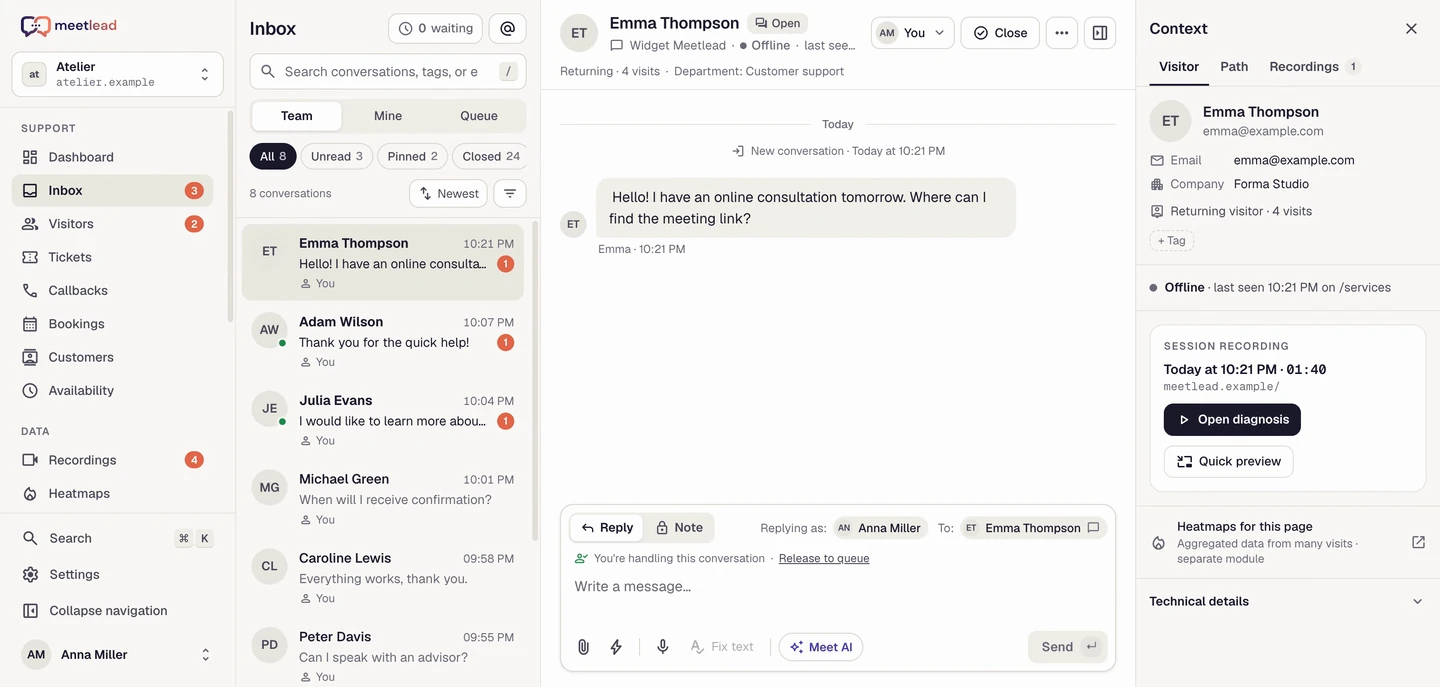
Messages, assignments and customer history within reach. Your team knows who is replying and what happens next.
Copilot helps your team using your business knowledge. You review the content and decide when to send it.
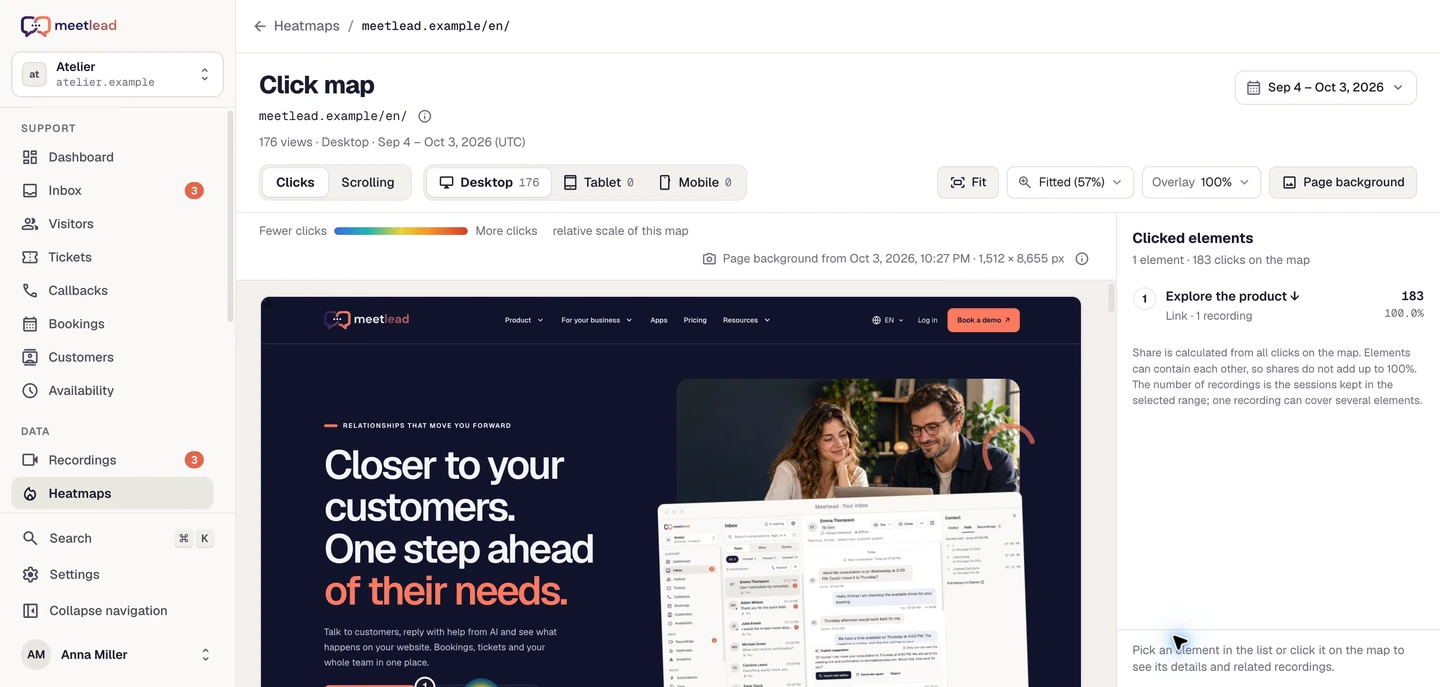
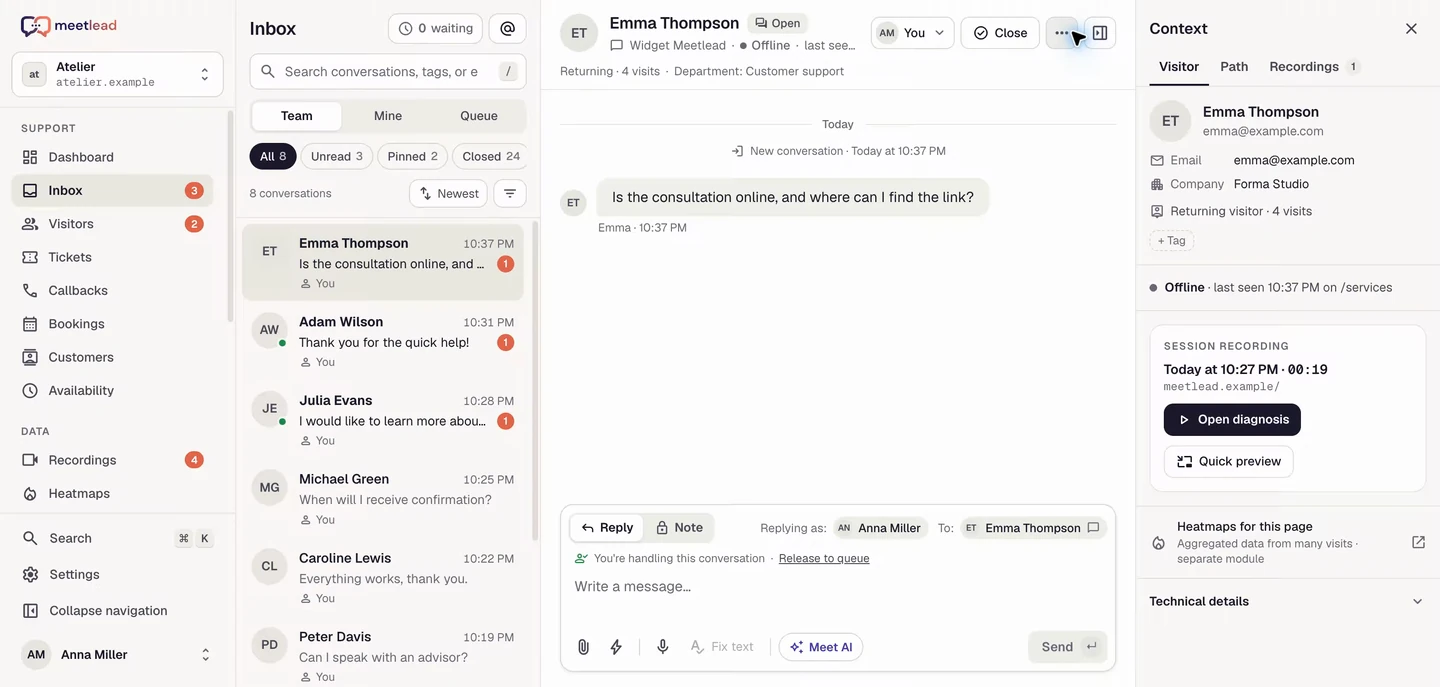
Replay a visit and see where customers click and how far they scroll. Connect website behavior with the conversation.
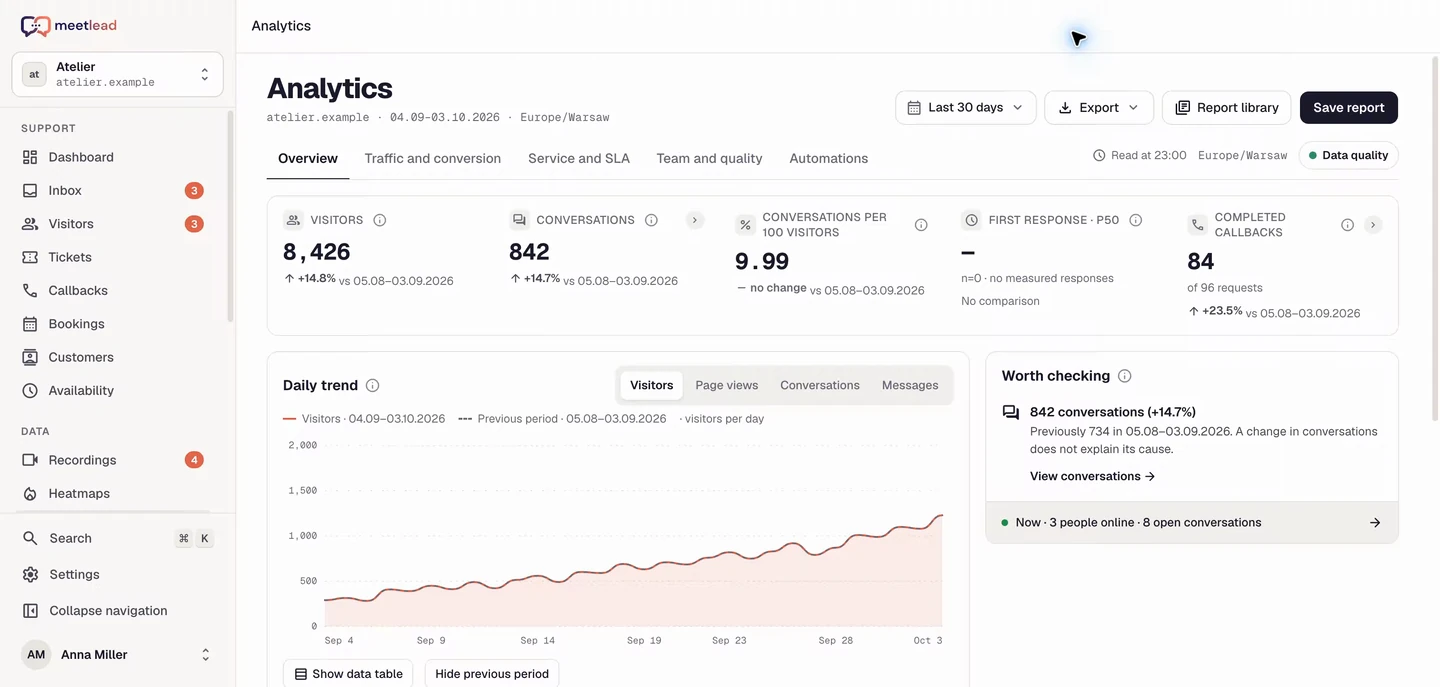
Track website traffic, conversion and team activity. Switch reports to move from an overview to specific data.
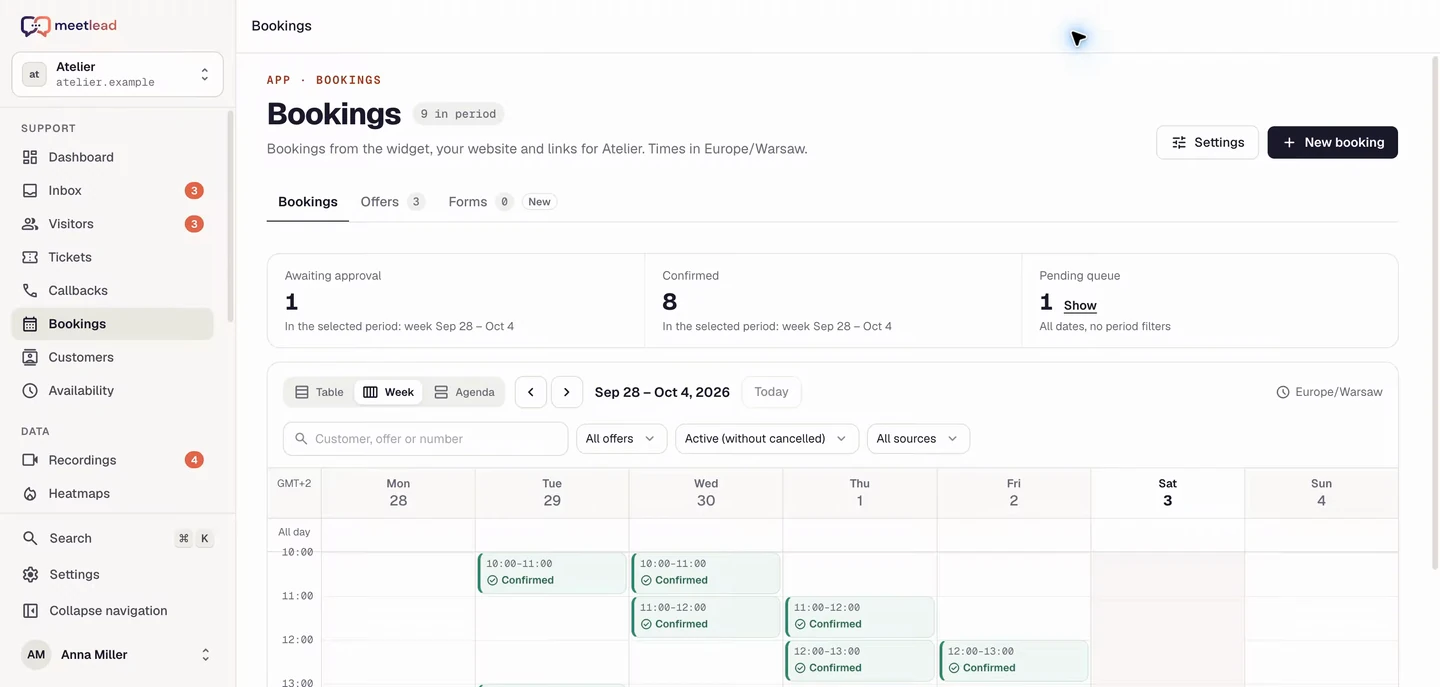
One flow in the widget, on your website and through a shareable link. Resources and spaces matched to availability.
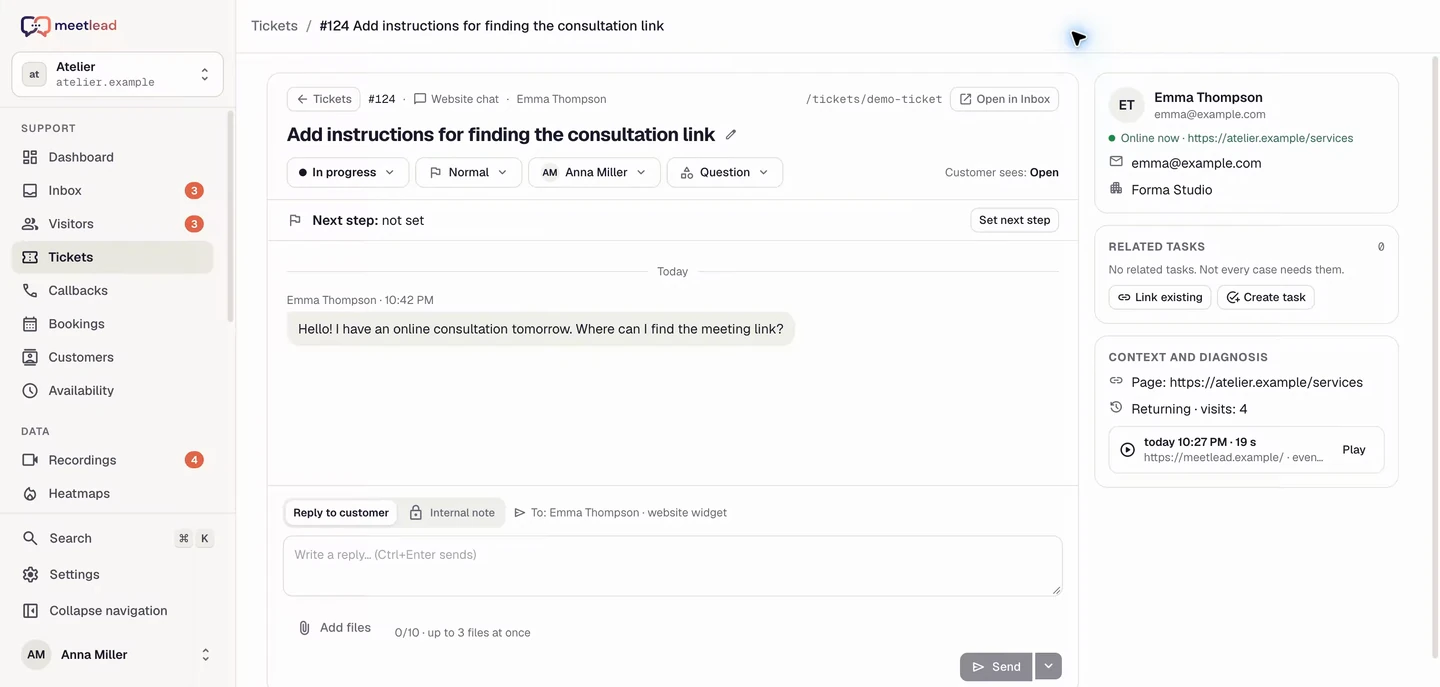
Keep the conversation context and turn decisions into teamwork. Every request has an owner.
Where better support begins
A message tells part of the story. Connect it with the visitor journey, a recording and customer details. Use that context to move the conversation forward.
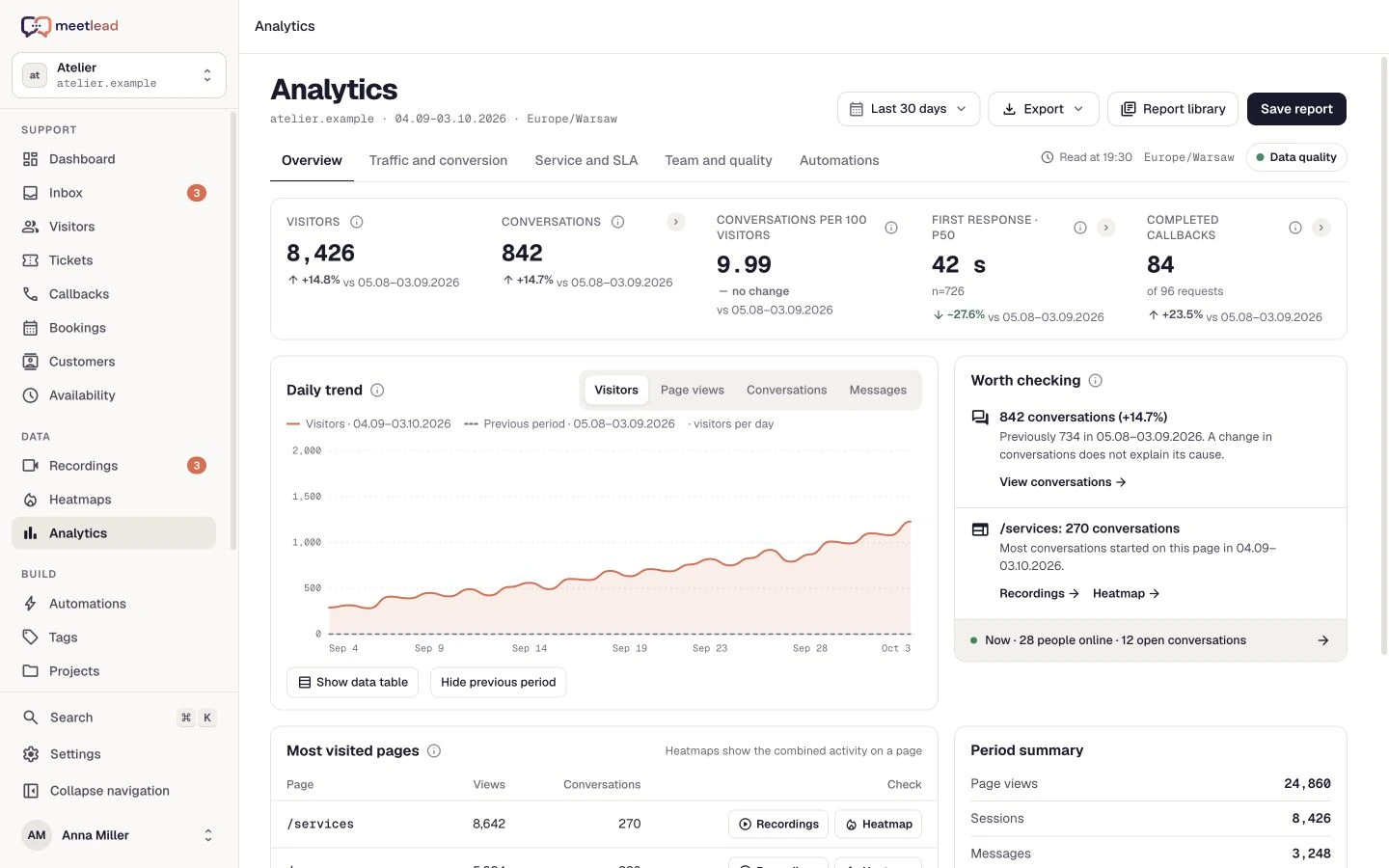
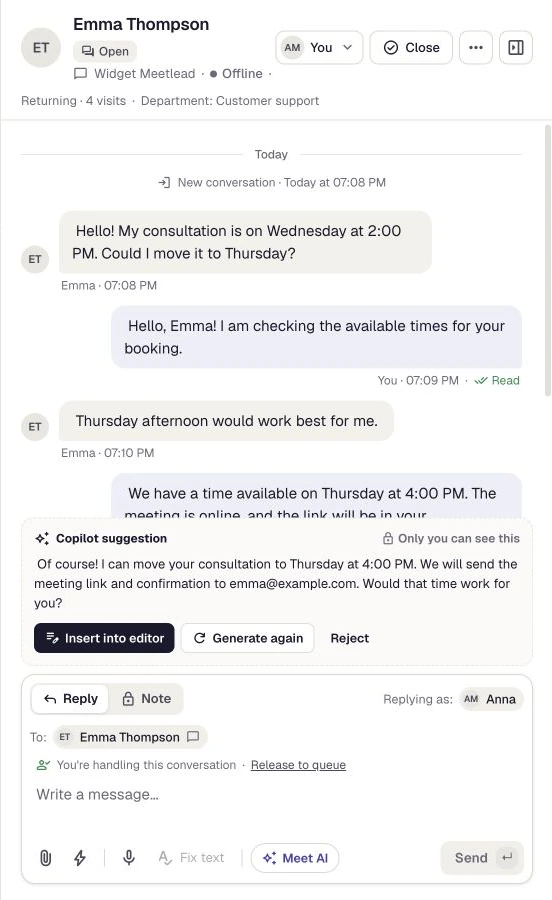
↗Visit → conversation → action

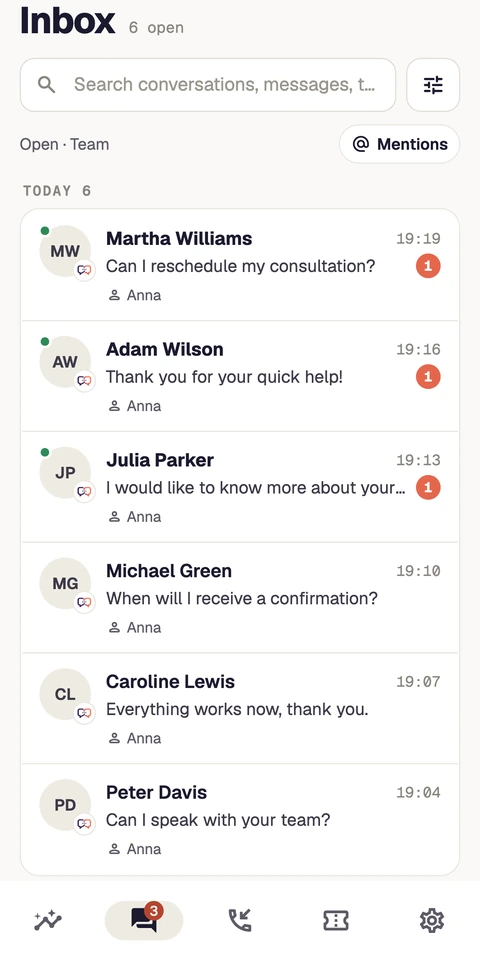
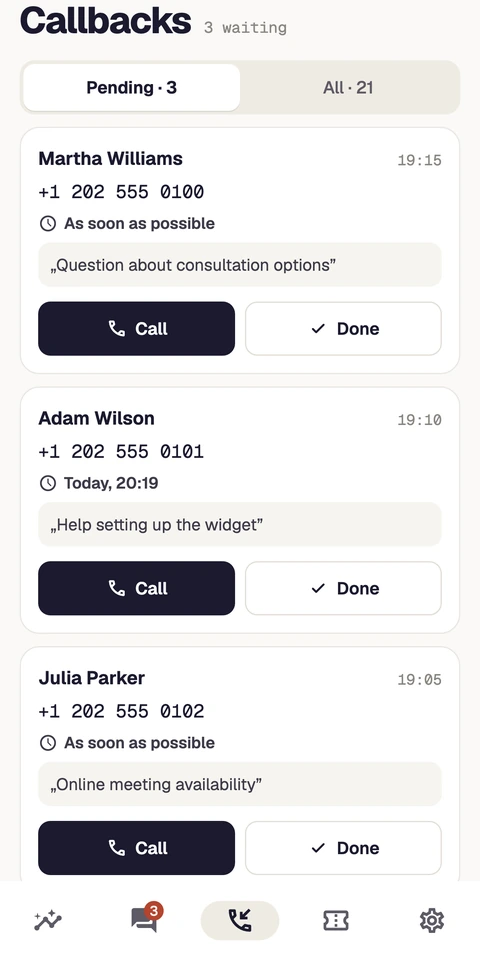
Meetlead on iOS and Android
Reply to messages, use Meet AI and pick up callback requests from your phone. Your team and conversation context stay within reach.
The Android robot is reproduced or modified from work created and shared by Google and used according to terms described in the Creative Commons 3.0 Attribution License. Android is a trademark of Google LLC.
Bookings
Services, spaces and resources. Customers choose an offer and a time, while your team manages availability and confirmations in Meetlead.
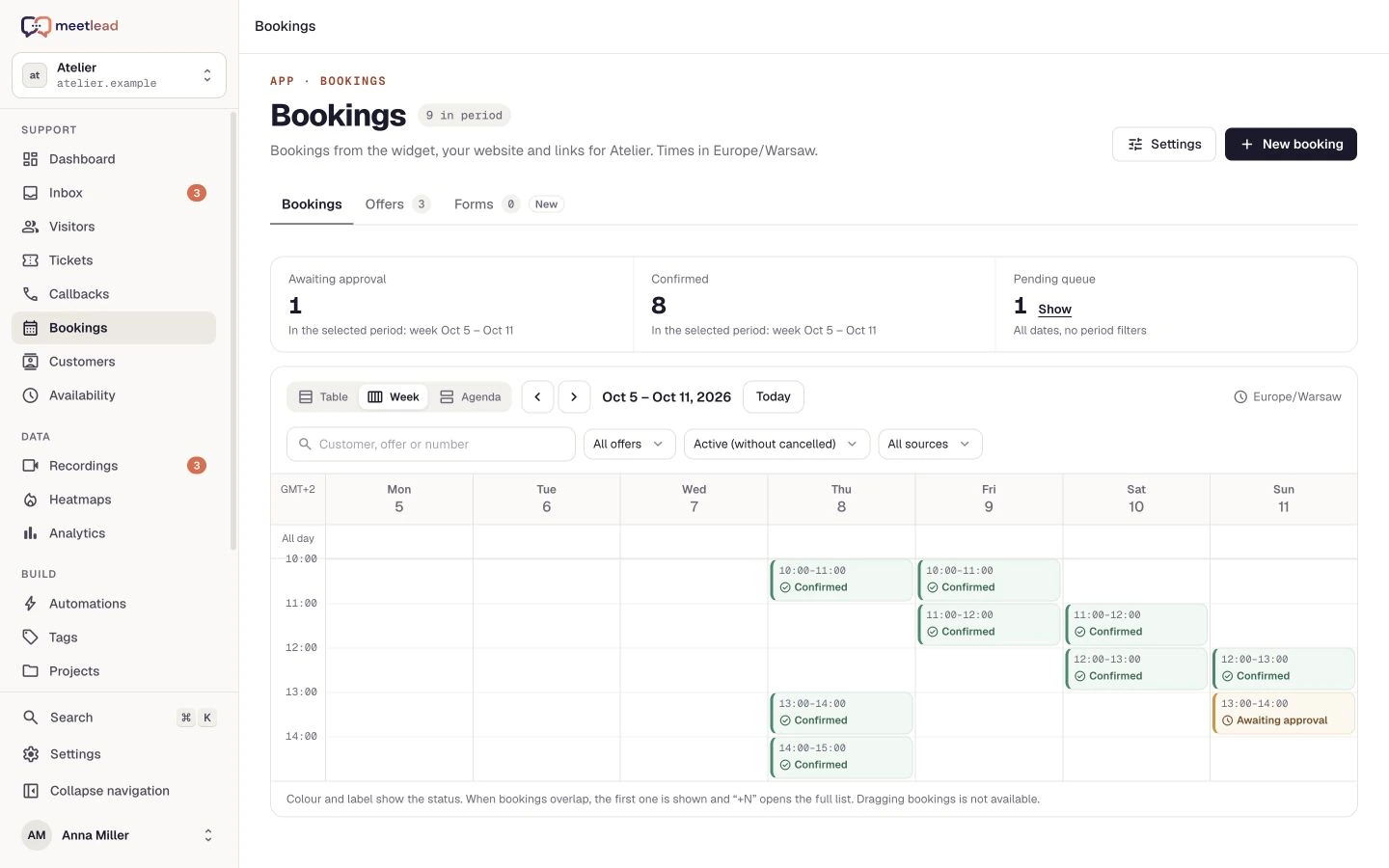

@Shared context. A clear next step.
Teamwork that keeps things moving
Assign a request to the right person, add a private note and link the ticket to a task. Keep decisions connected to the work that follows.
Everything within reach
Choose the features and Apps your team needs. Check availability and limits in your selected plan.
Your first step
We talk through your website and set up your account on the free Starter plan.
Start with the free Starter plan and choose your website.
Install the script or use the WordPress integration. Match the widget to your brand.
Choose a plan, invite your team and enable the Apps you need.
Starter · Growth · Scale
From your first conversations to a larger team. Compare plans, available Apps and limits that fit your business.
Good to know
Yes. The Starter plan is free and does not require a credit card. We set up your account after a short conversation about your website. You can find the full details and current limits on the pricing page.
Yes. The Starter plan is free and does not require a credit card. You can find the full details and current limits on the pricing page.
No. Choose a plan and enable the Apps your business needs. You can start with conversations and expand as your team grows.
Yes. Published articles can contribute to Meet AI knowledge alongside website content, files and FAQ answers. The private Copilot helps operators. You can enable automated replies in the settings.
Yes. Embed a form directly on your website, open it in a modal or share a link. The same booking flow also works in the widget.
Meetlead on iOS and Android lets you use the inbox, reply to customers and pick up callback requests. Configure notifications for your device.
Tracking depends on your website configuration and the required consent. Form fields are masked. Your plan and settings determine recording and history retention.
Your customers. Your next step.
Get closer to your customers and discover more possibilities for your business.

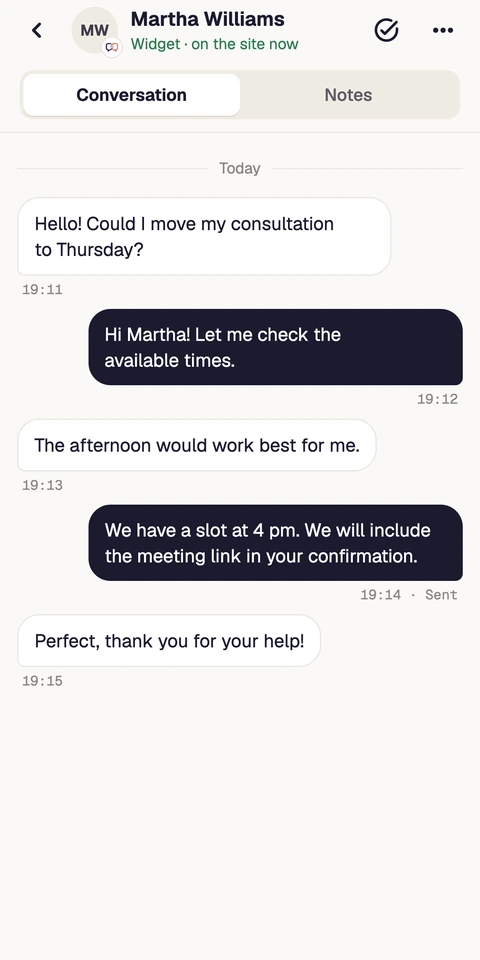
↗Closer to customers. Wherever you are.
 WordPress
  Messenger
  Instagram