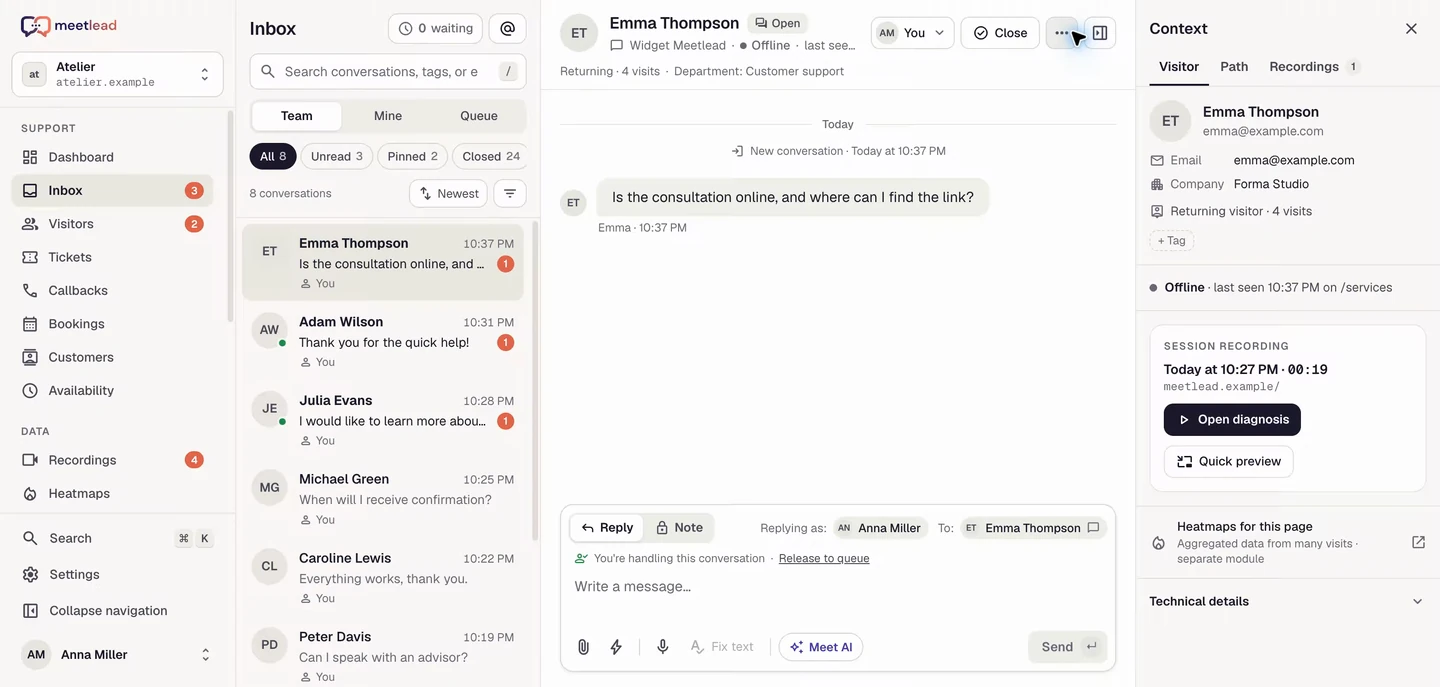
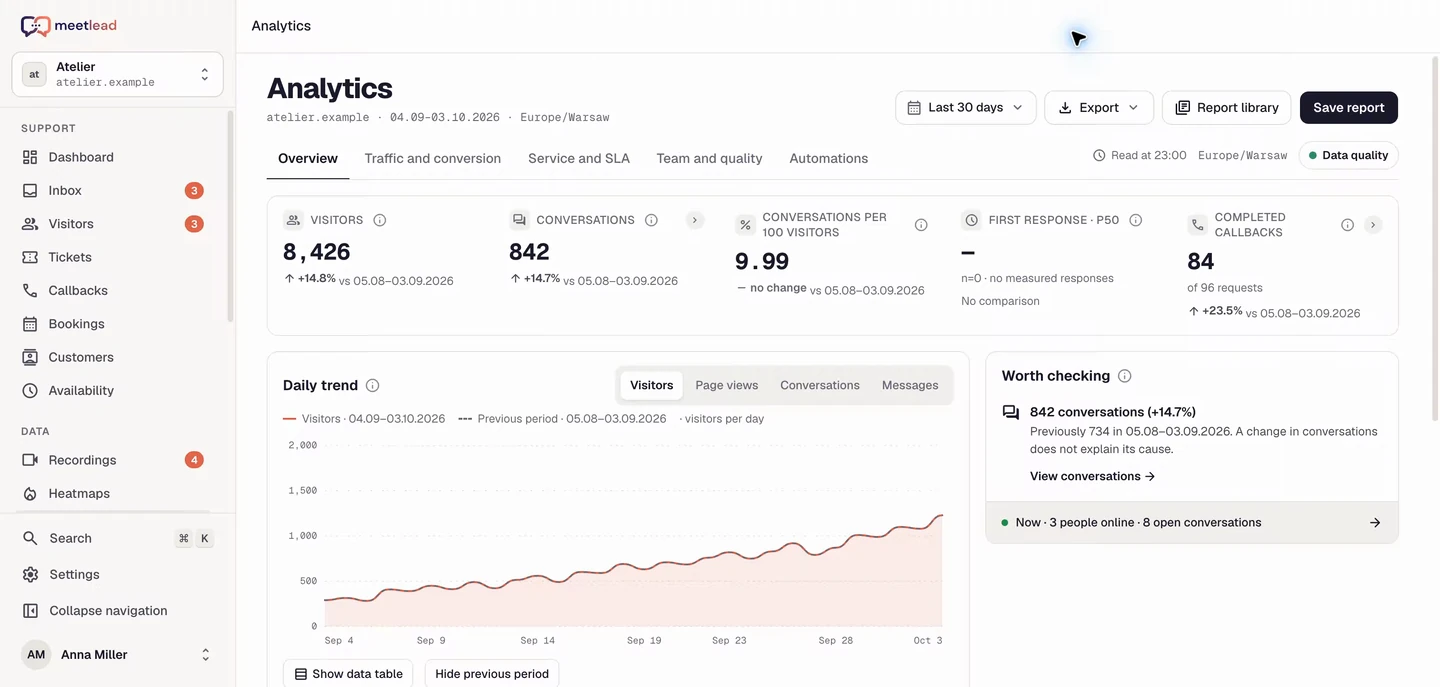
A startup serving its first customers
A founder answers a plan question, sees the customer’s pricing page and records a recurring difficulty as a task. One conversation informs both customer support and product work.
Customer support
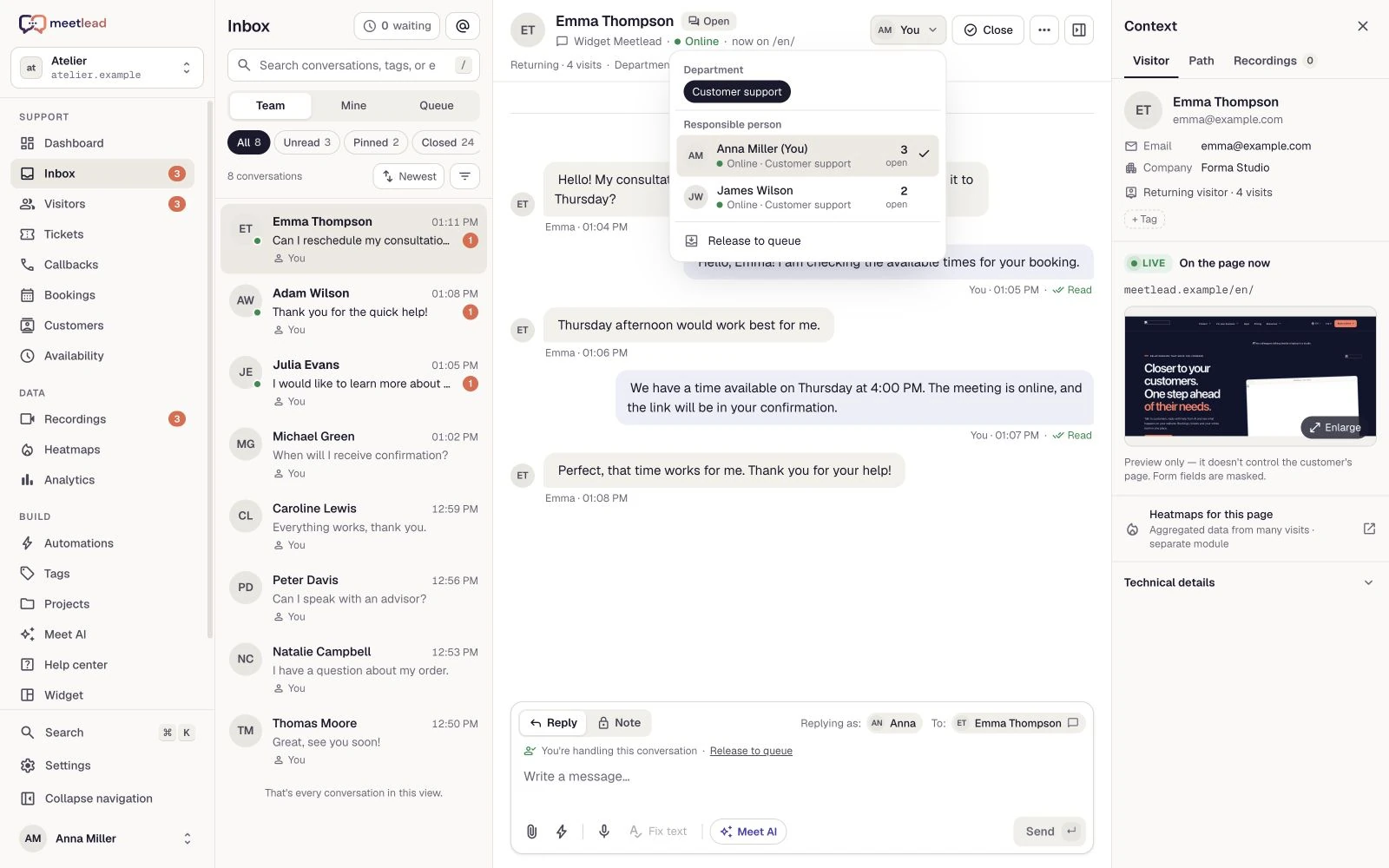
The conversation and the customer’s live page in one window. See where they need help and reply with visit history and previous tickets at hand.
Free Starter plan. No credit card required.Explore the product in a demo tailored to your business.

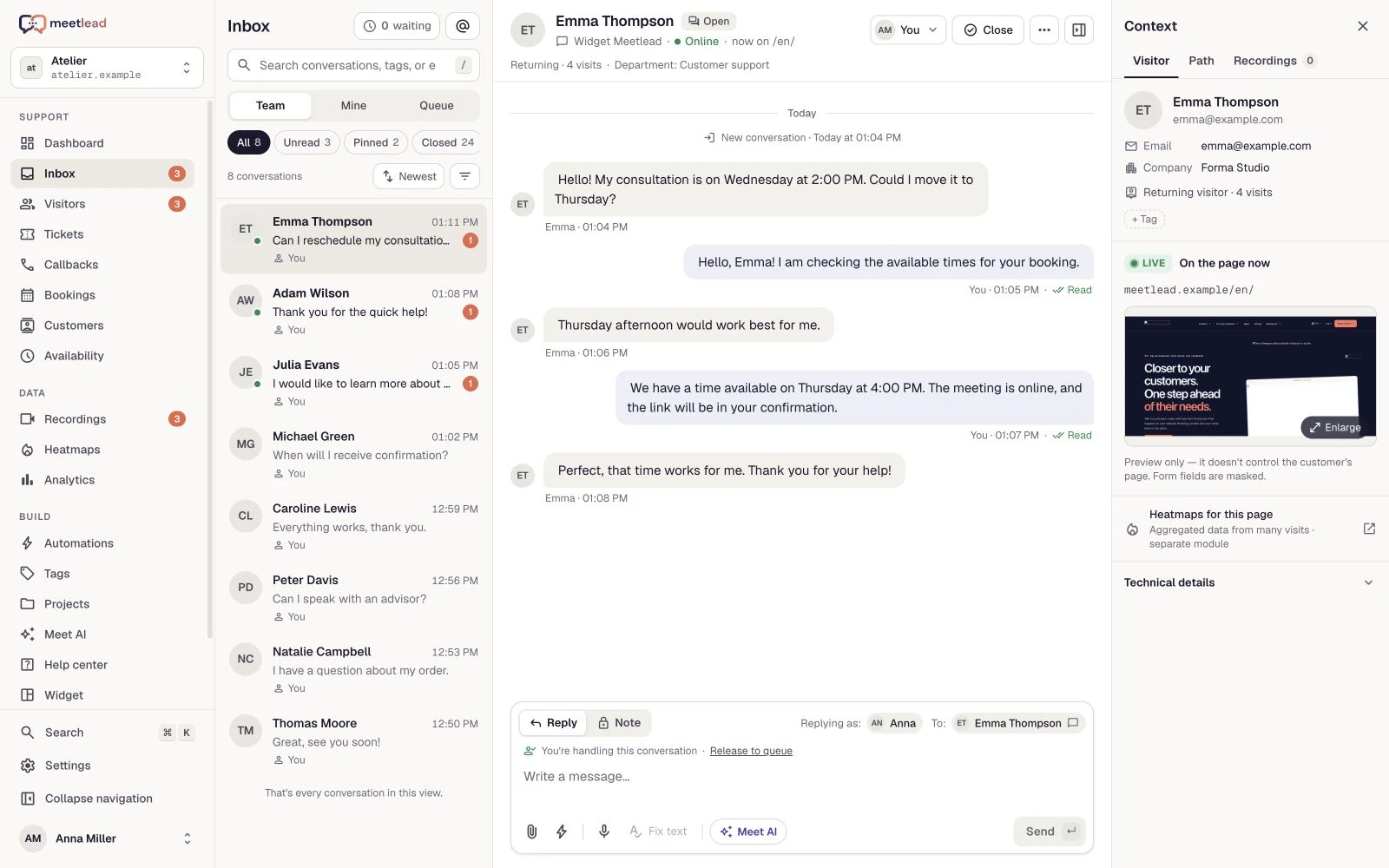
Customers see one company. Your team should see the whole issue: where the message came from, what happened before and who owns the next step.
Bring website conversations and connected social channels into one view. Each conversation has a status and owner, and the team can see what needs attention.
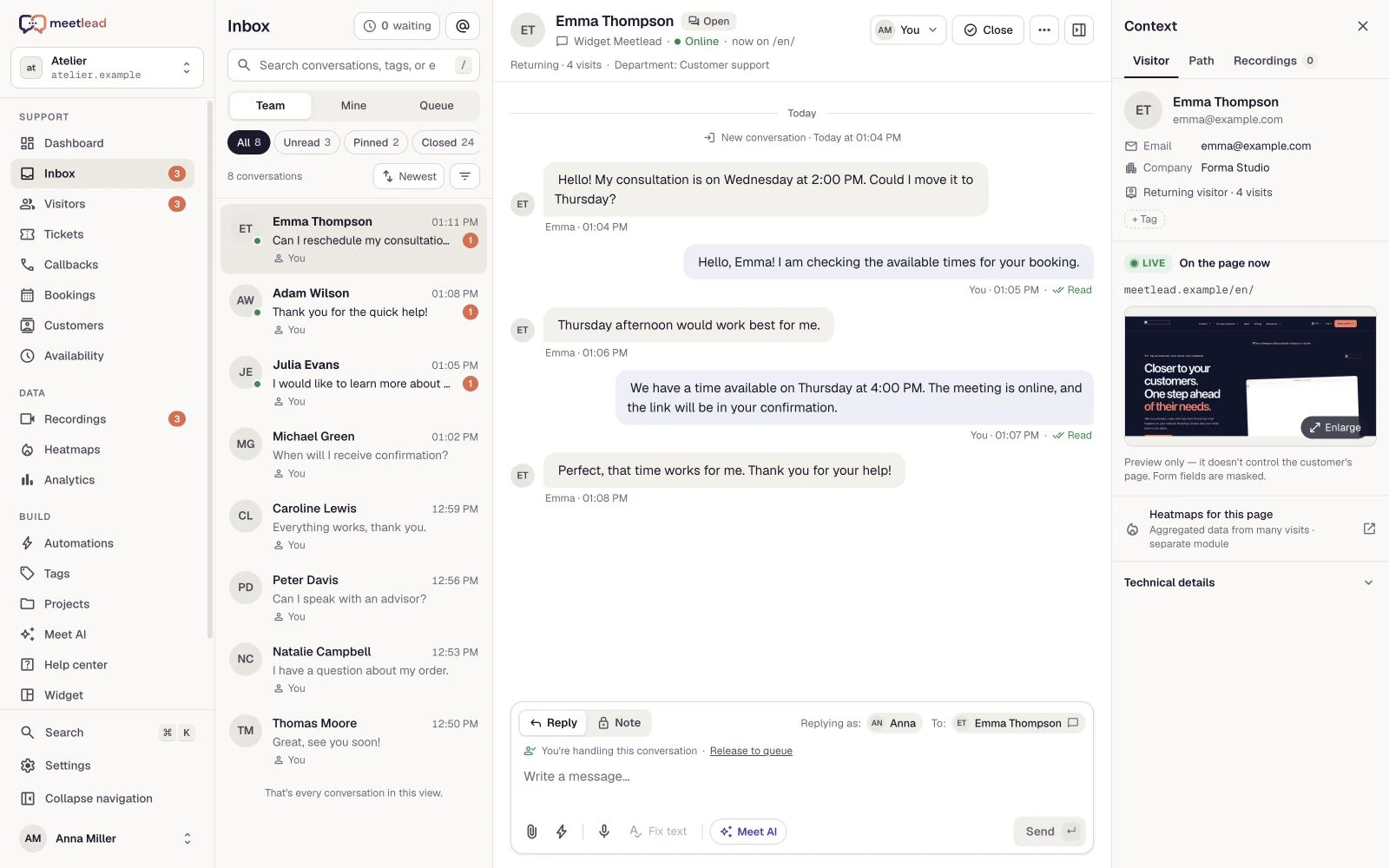
A question like “where should I click?” is easier to answer when the customer’s page sits beside the messages. Combine live preview with the session’s visited URLs.
Customers should not have to repeat a conversation every time the owner changes. Departments, assignment and notes clarify who is handling the issue and what remains to resolve it.
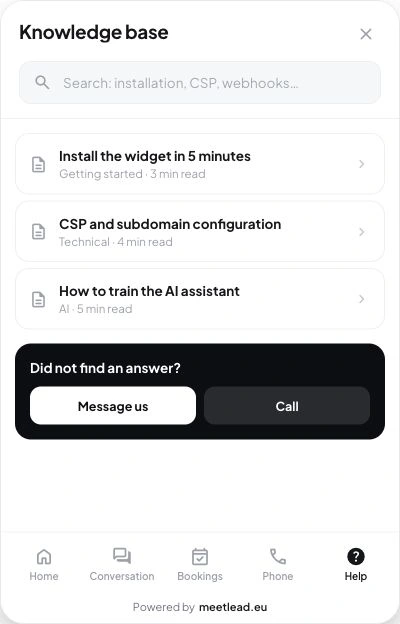
Put clear instructions where questions arise. The widget lets customers search an article and contact your team if the explanation is not enough.
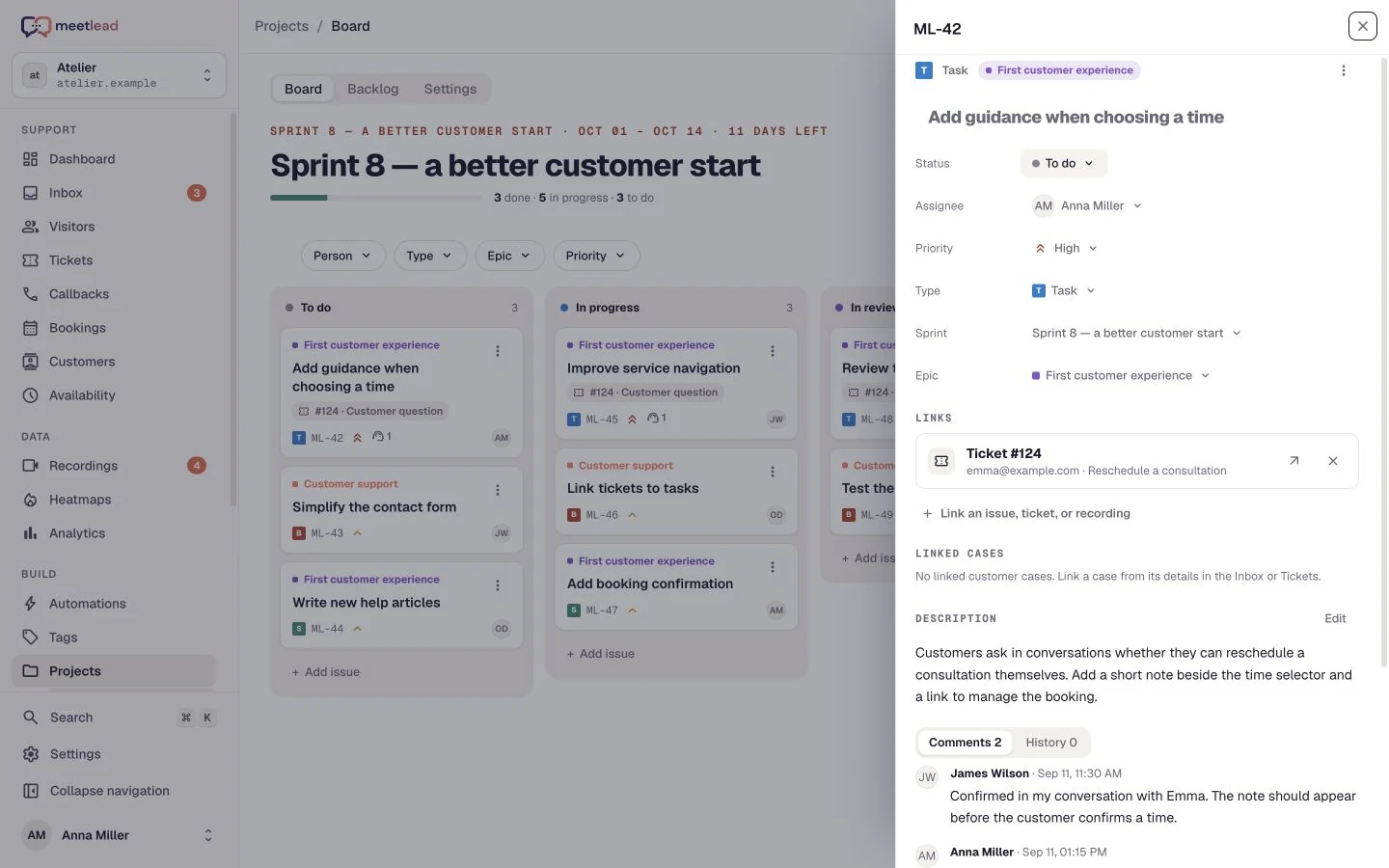
When an issue needs a product change, the chat reply is only the beginning. Link a Projects task to the ticket, keep the reason and agree on the next step.
See how the product fits everyday work.
A founder answers a plan question, sees the customer’s pricing page and records a recurring difficulty as a task. One conversation informs both customer support and product work.
One teammate gathers information and a specialist takes over the ticket. Ownership, an internal note and past decisions reduce repeated questions to the customer.
A customer asks about an offer before choosing a time. The team explains requirements in chat and the customer moves to bookings in the same widget.
Reply to website chat, Facebook Messenger and Instagram Direct. Filter conversations, pin important issues and hand them to the right person.
Tickets keep a reference number, priority, owner and timeline. Internal notes help your team collaborate without bringing customers into internal discussions.
Send files and quick replies, or share help articles. Enable browser voice calls or let customers request a callback.
Departments and automatic routing distribute conversations in turn or by workload. History, tags and statuses make it easy to pick up where a colleague left off.
A live preview and visited URLs help locate the step where a customer needs help. Visibility depends on an active session and your website’s collection settings.
Publish widget articles with categories and language versions. Customers can search for instructions and start a conversation when they need more help.
A customer starts a conversation in the widget or a connected channel. Their message arrives in the shared inbox.
Check the history, visited page and previous agreements. Help directly or bring in the right teammate.
Assign the conversation or ticket, add an internal note and set priority. The next person sees the history instead of a separate summary in another messenger.
Set a priority, add a note and resolve the ticket. Review support quality in your reports.
Chat and the inbox are part of the platform. Additional channels, voice and advanced capabilities depend on your plan and active Apps. Instagram Direct requires individual access for your workspace.
See pricingWebsite chat and connected Facebook Messenger and Instagram Direct accounts. Meta channels require the corresponding App, configuration and permissions.
A callback collects a contact request and a preferred time. A voice call connects the customer and operator over the internet in their browsers. They are separate contact options.
Yes. The widget shows their issues, messages and statuses. The team retains the ticket context, assignment and event timeline.
Yes, for an active visit with live preview available. The inbox shows the page beside messages and the visited URLs. Visibility follows website collection, masking and consent settings; this is not remote control of the customer’s computer.
Configure team hours and the offline view. Customers can leave a message and, when configured, request a callback. The offline experience should reflect your team’s actual availability.
No. Messages, recordings and other modules have their own retention rules. Review your plan and retention settings before treating the system as a permanent archive.
Connect your tools around the same visit, conversation and customer issue.
Create an account, add the widget to your website and start talking to customers. Add more capabilities as your team grows.Tell us about your team. We will show you the product and help you choose capabilities for the way you work.
Free Starter plan. No credit card required.Explore the product in a demo tailored to your business.