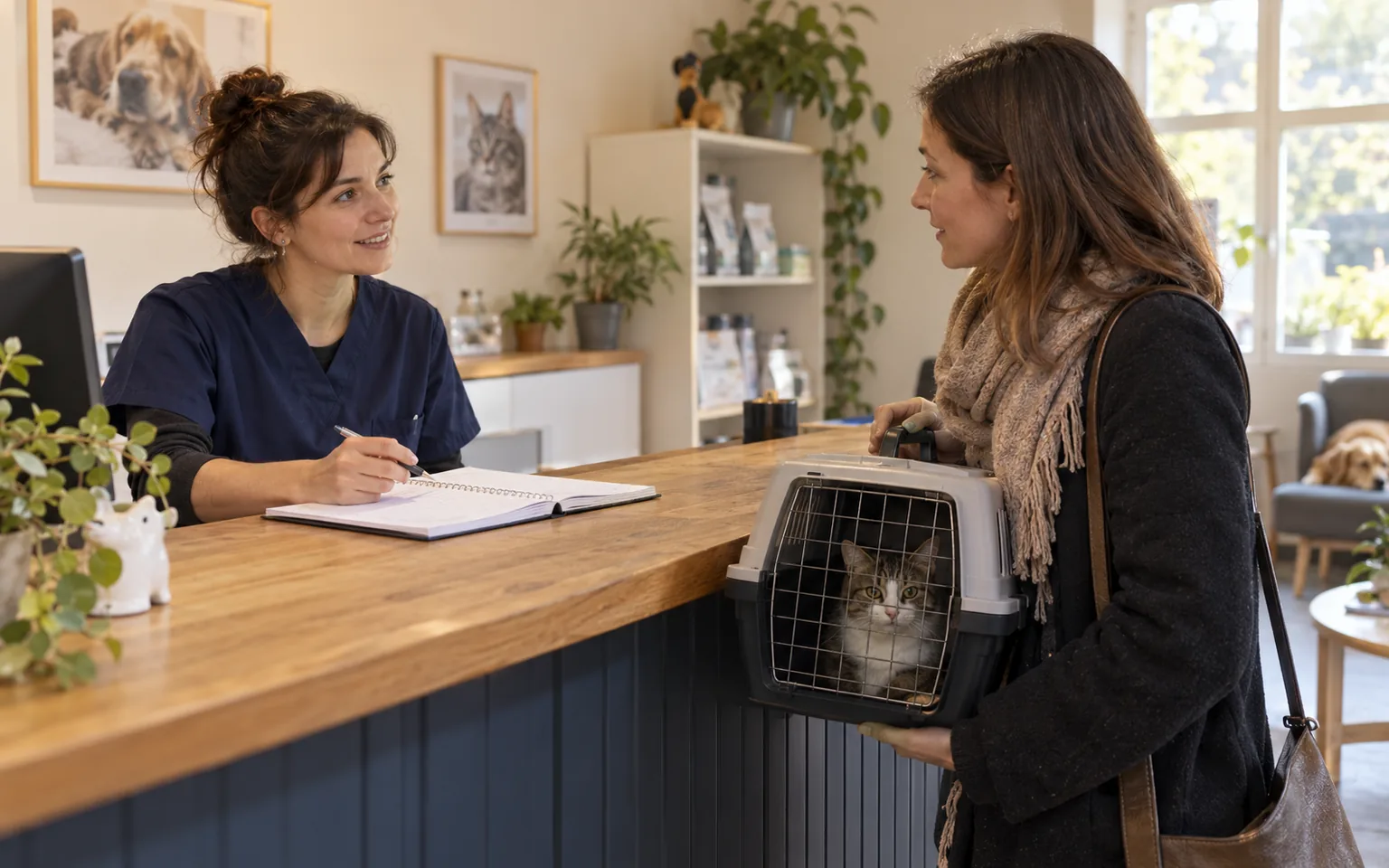
Vet practice online enquiries only work when the first screen says what the chat does not handle. An owner whose dog has just swallowed something dangerous should not wait for a reply someone will read after surgery. A week later, the same owner will happily order repeat medication by chat or ask for a vaccination slot rather than call while reception is busy. This guide sorts enquiries by urgency and gives each one a channel and a reply promise you can keep.
There is no medical advice or symptom list here: a vet decides what counts as an emergency, not a form. The guide covers how contact is organised: notices, form fields, callbacks and the case queue. The booking calendar itself is covered in the guide to online booking for clinics.
Which channel for which enquiry
Start with two weeks of enquiries: reception notes, missed calls and form messages. The line is not drawn by topic but by whether a few hours' delay could harm the animal. If it could, the enquiry belongs on the phone or with the out-of-hours clinic. If not, take it in writing and reply within a set window.
Scroll the table sideways to see all columns.
| Enquiry | Channel | Promise to the owner |
|---|---|---|
| Emergency or suspected poisoning | Phone during opening hours, out-of-hours clinic otherwise | No promise in chat, only a number and address |
| Vaccination, worming, check-up | Online booking or chat | A slot straight away or confirmation the same day |
| Repeat medication or prescription food | Chat or form, logged as a case | Collection details by a stated time |
| Question for a vet that can wait | Callback request with a topic | A call in the chosen window |
| Opening hours, directions, prices | Help cards and chat | An immediate answer |
Agree this table with the vets before changing the widget. Reception has to say on the phone what the website shows. If the vets want a group handled differently, discuss it now; later, every change means rewriting notices, the form and the schedule.
A fixed notice about emergencies
The emergency notice should be visible before anyone starts typing. In Meetlead, use the widget start screen title and description, plus the offline mode texts for hours when nobody is on duty. Put the same message in both: the chat is not for urgent cases, then the practice number and the name, address and number of the out-of-hours clinic you refer owners to. Without a number and address, the notice is a disclaimer, not directions.
Urgent? Do not type, call us. During opening hours: [practice number]. Outside them: [out-of-hours clinic name], [address], [number]. This chat is for things that can wait for a reply during opening hours: appointments, vaccinations, repeat medication and practical questions.
Check this text whenever the out-of-hours rota changes. An outdated clinic number is worse than no notice, because the owner loses time on a call nobody answers. Add a review date to the team calendar and compare the details with your contact page and search engine business profile.
The RCVS guidance requires UK vets to take steps to provide 24-hour emergency first aid and pain relief, possibly through another service, and to publish full details of that cover, such as numbers, location and hours on the practice website. It applies to the UK, not to practices in Poland or Germany; this article is not legal advice.
A pre-chat form with a topic choice
A form before the first message sorts enquiries before they reach the team. In Meetlead the selection field lists public departments, so topics could read: "Appointment or vaccination", "Medication and food", "Question for a vet", "Something else". Each conversation then reaches the people who will handle it, without reception forwarding it by hand. General field rules are in the guide to pre-chat form questions.
Do not create an "Emergencies" department: the name suggests that an urgent case can be reported in writing and that someone is waiting for it. Ask for the pet's name in your first reply, but not for symptoms or treatment history. If an owner pastes them in anyway, follow the procedure in the guide to sensitive data in chat.
A "we will call you back" you can keep between surgeries
A callback promise is safe only when it comes from the schedule, not from goodwill. At the fictional Linden Vets, the vets operate in the morning, so questions for a vet are handled in one fixed window from 13:00 to 15:00. Only those hours go into the callback schedule, and the owner picks a half-hour slot in the callback form, whose topics repeat the pre-chat departments.
- Add the window to the schedule.Keep only hours when someone can really make calls; if a procedure overruns, reception takes over the calls from that window.
- Limit "call me now".The as-soon-as-possible option appears only while someone is available, so do not leave the panel open at an empty reception desk.
- Decide who takes the request.Whoever claims the request in the mobile app owns the call and the status change.
- Close the case after the call.Mark it completed after a real conversation, not after one unanswered attempt.
Callback requests reach team phones as mobile app notifications, and quiet hours can be set with an exception for callbacks. A vet between procedures sees that someone is waiting for a call without following the chat. Form fields and queue handling are covered in the guide to website callbacks.
Repeat medication and routine visits without lost requests
A request for another pack of medication usually arrives in the evening, for collection a few days later. It suits a written channel as long as it does not get lost. With tickets enabled, a chat or offline form message creates a case in Meetlead with a reference number and status, so each morning you see which requests await a vet's decision and which are ready to collect. Do not confirm the medication in your first reply: accepting the request and the vet's decision are separate stages.
We have your request, case number: [number]. The vet in charge will review it by [day, time]. We will reply here when it is ready to collect or if a check-up is needed first.
Vaccinations, worming and fixed-length check-ups are best moved to online booking, with a separate offer for a new patient's first visit and manual approval where a vet wants to check something first. Case statuses and working order are explained in the guide to a customer support ticketing system.
Replies outside opening hours
When nobody is available according to the schedule, the widget switches to offline mode and shows a message form instead of the chat. That is when the emergency notice matters most, because the owner writes just when nobody will answer the phone. Repeat the out-of-hours clinic's number and address in the offline text, and count the reply promise from the next opening time. Templates are in the guide to after-hours website enquiries.
If you are considering an AI assistant on the website, limit it to practical knowledge base information: opening hours, directions and documents to bring. It should not assess symptoms or decide whether something can wait. That decision stays with the phone and the vet on duty.
Checklist before going live
Before switching the widget on, go through these points with the team. Do it on a phone, the way an owner will see the page in the waiting room or the car.
- The emergency notice shows on the start screen and in offline mode
- The out-of-hours clinic details are current and match the contact page
- The form's department list has no "Emergencies" topic
- Callback windows fall in hours without procedures
- Every medication request gets a case number and a named owner
- The team has ready replies for medication requests and urgent cases sent in writing
You can configure the notices, pre-chat form, callback requests and case queue in Meetlead customer support and save ready replies as team macros.
Questions about chat at a vet practice
What if someone describes an urgent case in the chat despite the notice? Do not assess symptoms in a message. Reply at once with the practice or out-of-hours clinic number and ask them to call. Keep that reply as a macro so nobody has to compose it in a hurry, and afterwards check whether the start screen notice was visible enough.
Should you switch the chat off during surgery? You do not have to. The widget shows availability only when a team member has the panel open within their scheduled hours; otherwise it switches to offline mode. What matters is that the offline promise matches when reception actually returns to messages.