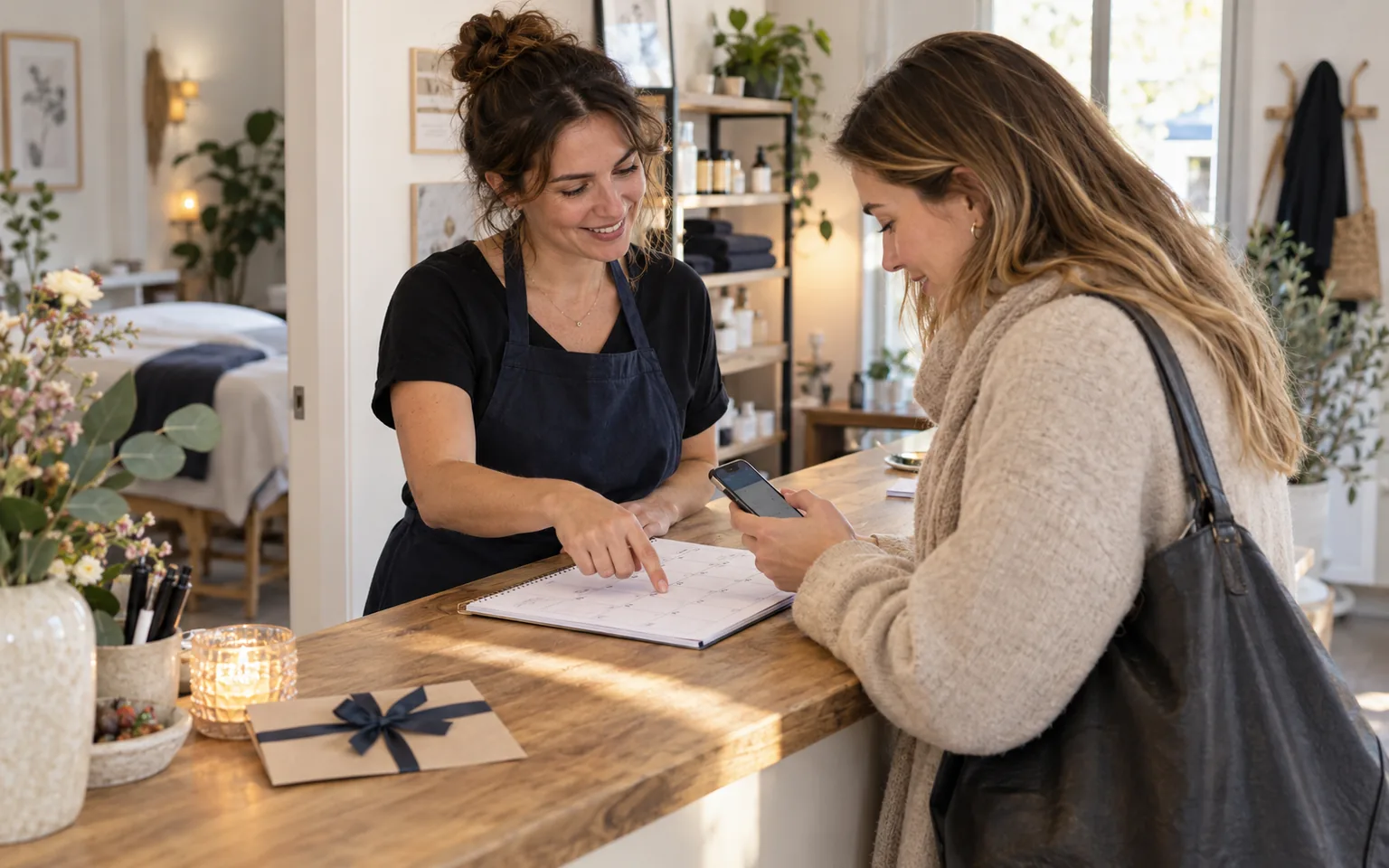
New customers often pick a slot in the form straight away, while regulars keep phoning as they have for years. If you want to get customers to book online, start with this group: they know you, trust a conversation and see no reason to change a habit. Orders or switching off the phone will not help. What works is a message repeated at every contact and a calendar that tells the truth.
This guide assumes online booking is already running. Choosing and setting up the tool is covered in our guide to what an online booking system must do. Here we lay out a six-week transition: what to say on the phone, what to add to your emails and at the till, who should stay on the phone and how to check that the change is working.
Why regulars call even though the form exists
A regular calls because it has worked for years and nobody has offered anything else. Often they do not know the form exists, or they assume it is meant for new customers. Some want to ask a small question while they are at it, or simply enjoy the chat. Others do not trust that a slot chosen online is really reserved.
That points to a short answer. Customers change the habit when they hear about online booking from you, in passing, several times, and when their first attempt succeeds. So the plan relies on messages in places regulars already use: the phone, email and the visit itself. The phone stays available throughout; only what customers hear during the call changes.
Before you tell your customers
The key condition: the calendar must be the only source of free slots. If reception writes phone appointments in a notebook, the form will show times that are already taken, and the first customer who hits a clash will return to the phone for good. Enter every phone booking by hand in the same calendar, following the rules in our guide to phone bookings in the calendar.
- Every booking from the phone or the counter goes into one calendar, with no paper on the side.
- Service names in the form match the words your regulars use.
- Someone outside the team booked a slot on a smartphone without help.
- The confirmation message says clearly whether the slot is confirmed or awaiting approval.
- The team knows how a customer changes or cancels a visit and what to tell them.
The last point matters for trust. If rescheduling still requires contacting you, say so plainly instead of implying full self-service. A customer who hears "you book it yourself, and if anything changes, just give us a call" knows what to expect.
A six-week transition plan
The plan spreads the change over stages, so the team can learn the new lines and customers hear the message more than once. You can shorten it to four weeks if you have few regulars or they visit often.
- Week 1: baseline.Count bookings from the last two weeks by source: phone, counter, form. Enter every phone booking into the calendar during the call itself.
- Week 2: phone and email.Add a line about online booking at the end of phone calls, to your email signature and to your voicemail greeting if you use one.
- Week 3: at the till.When customers pay, ask about their next visit and show a card with the address or a QR code leading to booking. Suggest, do not push.
- Weeks 4–5: first booking with help.With hesitant customers, book the next visit together on their own phone while they are with you. One successful attempt does more than another flyer.
- Week 6: review.Compare the online share with your baseline, collect the reasons customers still call, and fix the form or the message.
The card at the till should lead to the same offer as the link on your website. Where else to place it and how to check its destination is covered in our guide to sharing your booking link.
Message templates for phone, email and the till
A message works when it is short, names a benefit for the customer and does not sound like a refusal. Always take the booking the customer asks for first, and only then mention the form. Replying to a booking request with "please book online" feels like being turned away at the door.
"You're booked for Thursday at 10. Next time you can also pick a slot yourself on our website, any time of day, and see the free times right away. The phone still works too, of course."
Check free slots any time on our website under Bookings. Need to change or cancel? Call or message us and we will gladly help.
The confirmation message is the other half of the story. A first self-made booking should end with a clear summary showing the service, date, time and booking number. For the reminder before the visit, you can start from our appointment reminder templates.
Who should stay on the phone
The goal is not a hundred per cent online share. Some matters are better handled in a conversation, and some customers will not use a form whatever you do. Agree with the team whom you stop nudging, so nobody hears the pitch for the fifth time.
Scroll the table sideways to see all columns.
| Group | Why the phone | What the team does |
|---|---|---|
| People who do not use the internet | The form is a barrier for them | Takes the booking and drops the nudge |
| Complex or unusual requests | Scope must be agreed before the slot | Clarifies details and enters the slot |
| Changes and cancellations | They require contacting the business | Updates the calendar entry during the call |
| Customers who said no | They chose the conversation deliberately | Notes the preference and respects it |
According to Eurostat, in 2020 61% of EU residents aged 65 to 74 had used the internet in the previous three months, compared with 98% of those aged 16 to 24. The data covers the whole EU and says nothing about how your own regulars book.
Age alone does not decide the channel, so do not assume in advance who will struggle with the form. Ask and note the answer. Customers who would rather type than call can use the chat on your website, and you can tidy up scattered private messages with our guide on what to do when customers text your private number.
How to measure your online booking share
Track one number every week: the share of online bookings among all new bookings. Count by the date a booking was created, not the visit date, or you will see changes late. Also log the number of phone calls about appointments, even with a simple tally sheet by the phone. If the online share grows but calls do not drop, customers are probably calling for another reason, such as questions.
In Meetlead Bookings every booking records its source: widget, website, link or panel. Phone and counter bookings are added by staff in the panel, so the source filter in the bookings table separates them from customers' own bookings straight away. Callback requests from the widget land in a separate list; calls to your ordinary number are not counted by the system, so log that part yourself.
A fictional example: before the change, a hair salon had 12 online bookings out of 60 per week, or 20%. Six weeks later it was 27 out of 62, about 44%, and the phone was still used for rescheduling and unusual requests. That result is a success, even though the phone has not gone quiet.
Questions about moving regulars online
Can I stop answering the phone for bookings? You can, but you risk losing customers who cannot or will not use a form. It is safer to limit the hours when you pick up and mention online booking in your greeting. The phone should remain the channel for changes, complex matters and people who prefer it.
What if a customer went back to phoning after their first try? Ask what went wrong and note the answer. Often it is a missing message after submitting the form, an unclear service name or a slot they knew from calls that is not offered online. Fix that specific obstacle and suggest another try at their next visit.