
A website conversion audit is a structured search for barriers between a user's arrival and an action that matters to the business: submitting a form, starting a conversation, requesting a callback or making a purchase. It is not a contest to find the most faults. It should determine which problems are likely, what evidence supports them and what is worth investigating first.
1. Start with the scope and a single decision
An unrestricted audit of an entire website quickly becomes a catalog of disconnected observations. Choose one journey, for example: ad → landing page → pricing → form. Then name the outcome you want to improve. “More conversions” is too vague; “more qualified inquiries from companies that have read the implementation terms” points to a specific journey.
Before you begin the analysis, record four details: the main audience, traffic source, device and final action. If mobile and desktop traffic behave very differently, treat them as two separate experiences. Do not average away a problem that occurs only on a small screen.
Journey: where does the user come from? Promise: what do they expect? Decision: what do they need to understand? Action: what should they do next?
If customers do not even reach the stage you are investigating, the problem may lie earlier—in the menu structure and section names. We explain how to check this in our article about website navigation.
If you want a faster starting point than a full audit, begin by reviewing the places where inquiries most often disappear. We have collected them in our article on where you lose customer inquiries.
2. Gather three layers of evidence
A single data source is rarely enough. Statistics reveal where losses occur, but not what causes them. A recording shows one specific journey, but not how often it occurs. A conversation reveals a customer's question, but not every visitor will ask it.
- OutcomeTraffic, movement between steps, and actions started and completed. This layer locates the problem area.
- BehaviorClick and scroll maps, plus session recordings. This layer helps you form a hypothesis about what happened during the visit.
- Voice of the customerQuestions from live chat, callback requests and sales calls. This layer identifies the missing information in the customer's own words.
- Business contextLead quality, the stage of the offering and operational constraints. An easier conversion is not always a better conversion.
We cover how to combine these sources in more detail in our guide to user behavior analysis. During an audit, start by selecting a quantitative signal, then investigate the pattern, and only then formulate an explanation.
A fourth, often overlooked layer is the history of the same person's earlier visits. It shows how many attempts preceded the inquiry and which content started the journey—we explain how to read it in our guide to the customer journey on your website.
Putting the data, recording and customer question side by side can shorten an audit from weeks to days. Schedule implementation—we will help you set up the first review.
3. Follow the journey as a new user
Open the website in a clean session on both a phone and a computer. Do not read it like the author who already knows the offering. Check whether the first screen answers the basic questions: what is this, who is it for, what problem does it solve, and what happens after the user clicks the CTA? Then follow the entire journey without skipping the form, validation errors or confirmation.
Scroll the table sideways to see all columns.
| Area | Review question | Example evidence |
|---|---|---|
| First screen | Is it clear what the company offers and who it is for? | Conversation questions that repeatedly ask about the basic scope of the service |
| Offering | Are the differences and terms easy to compare? | Movement between pricing, the FAQ and the implementation description |
| Trust | Are claims supported by concrete evidence? | A lack of examples, process information or author details |
| CTA and form | Does the user know the next step and the cost of the decision? | Forms opened but not submitted, errors, and questions about what happens next |
| Mobile | Do important content and controls remain legible? | Horizontal scrolling, clipping or failure to reach the section |
Record observations without evaluating them. “At a width of 320 px, the CTA text wraps onto three lines” is an observation. “The CTA scares users away” is a hypothesis that requires further investigation. You can test such a hypothesis about a single button in three steps (reach, appearance and a clear promise) described in our guide for when nobody clicks your call-to-action button.
If the drop-off affects only campaign traffic, narrow the analysis to that traffic before changing the website for everyone. We describe the process in our article about why paid traffic does not convert.
For appointment flows, distinguish choosing a date from submitting the form and receiving confirmation. The booking page drop-off analysis shows how to identify where the customer’s intention is lost.
4. Verify your observations with heatmaps and recordings
A heatmap can show whether an important section is seen and which elements attract clicks. Do not, however, treat color as proof. Compare devices, traffic sources and page versions separately. Our guide to reading click and scroll maps will help you avoid jumping to conclusions.
Select recordings deliberately: sessions that entered through a key URL, reached the form, returned to pricing or exited at an important stage. Watch several sessions from the same segment before you call something a pattern. The method described in our article on analyzing session recordings helps separate fact from interpretation.
- OBSERVATION
Users return from the form to the implementation section
- HYPOTHESIS
The next step is not explained clearly enough before submission
- VERIFICATION
Chat questions concern the implementation timeline and scope
- TEST
Add a process description below the form and compare the result
Before planning a controlled test, check whether the website has enough traffic for the result to mean anything. We explain how to estimate this—and what to do when the answer is “no”—in our article about A/B testing on a website.
5. Set priorities instead of adding up comments
Not every ambiguity requires an immediate redesign. Assess each hypothesis in three dimensions: impact on an important stage, strength of evidence and cost of testing. A form problem visible in the data, recordings and conversations usually deserves a higher priority than a single comment about a section that few people visit. To turn these three dimensions into a simple score with evidence levels and a one-sprint plan, see our guide to prioritising website fixes with ICE scores.
- High impact, strong evidence.Schedule the change or test first.
- High impact, weak evidence.Gather additional sessions, questions or quantitative data first.
- Low impact, easy fix.Make the change only if it does not distract the team from a more important barrier.
- Low impact, high cost.Set it aside and return only after the problem has been confirmed.
If the solution is meant to be a message triggered by behavior, also read about live chat automation. Automation should not, however, mask a problem that clearer content or a simpler form could solve.
Some barriers are not about usability but credibility—the customer understands the offering and still hesitates. We have collected the signals that influence this in our article about building trust on your website.
Scroll the preview sideways or enlarge it to see the details.
6. The report should lead to action
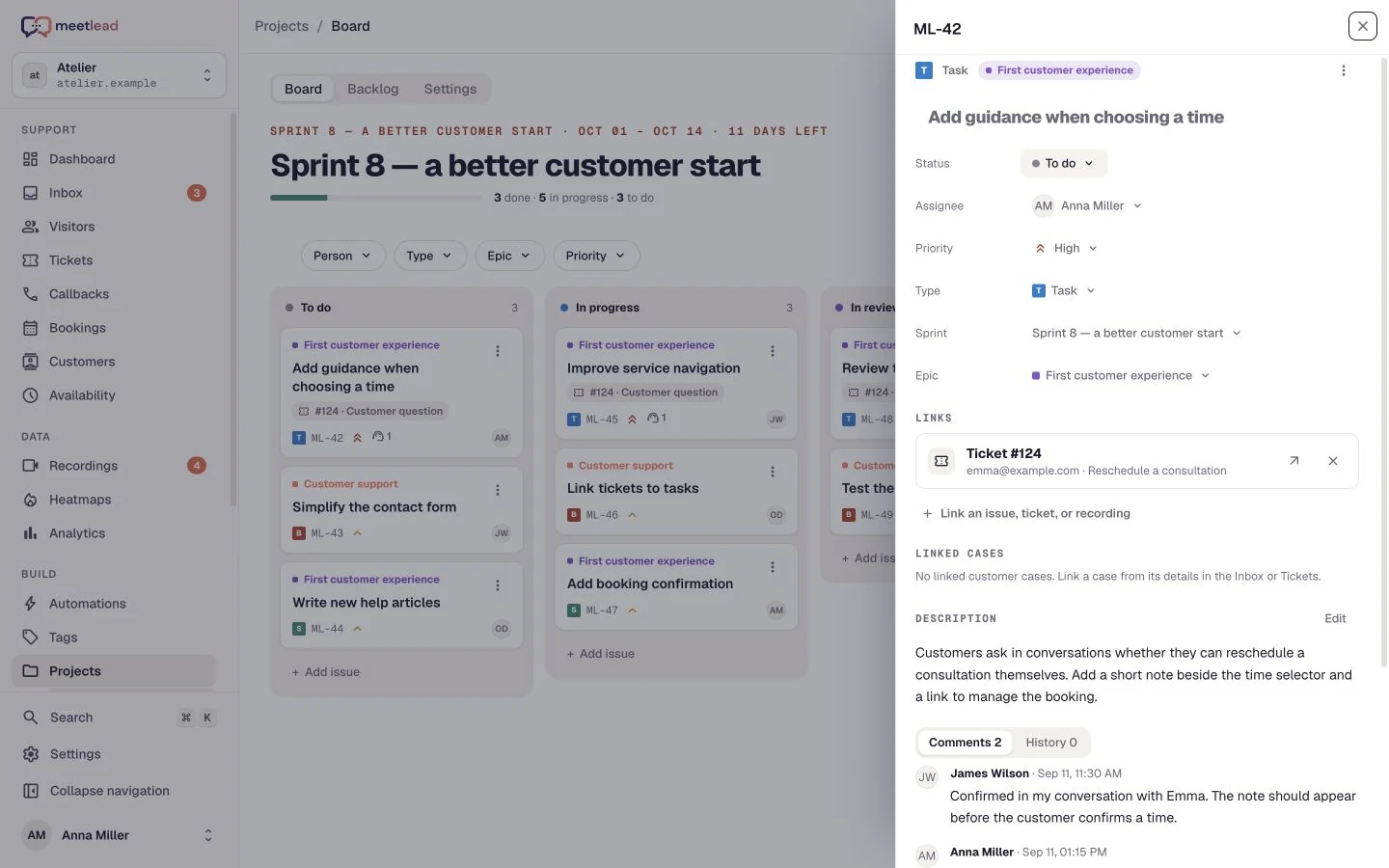
The final document does not need a hundred slides. For each item, you need only the location, observation, hypothesis, evidence, proposed change, success measure and priority. Add a screenshot or link to a recording only when it genuinely supports the conclusion.
Show the three most important barriers at the beginning of the report and the full backlog later. A decision-maker should understand within minutes where the problem occurs, why it matters and what the next step is. If the team cannot make every change, the report should still make it possible to choose the single most important hypothesis.
It is worth adding the satisfaction rating customers give after contact to your success measures. It reveals the effects of a change faster than the conversion rate and catches regressions that traffic numbers miss—we explain the method in our article about measuring customer satisfaction.
- The audit scope and business goal appear on the first page.
- Every hypothesis has at least one stated piece of evidence.
- Facts are separated from interpretations.
- Mobile and desktop findings have not been averaged together.
- The proposed change addresses the problem rather than merely changing the appearance.
- Every test has a success measure and a reassessment date.
- The backlog has an order, an owner and a next step.
Not “the website needs improvement”, but: these are the three most likely barriers, the evidence that supports them and the order in which to test them.
A conversion audit is the beginning of a cycle, not a one-off verdict. Make one meaningful change, observe the result and return to the data. This allows the website to evolve in response to real customer problems instead of another round of opinions around a table.